Ever since I first started using AI video generators, Runway has always been an industry-leader that I couldn’t ignore. No matter the topic, Runway always made the list or the conversation.
But having used it extensively, I can say that it isn’t perfect. More often than not, I have faced numerous inconsistencies with its outputs that forced me to make multiple regenerations.
And it’s not just me. Even the wider Runway community has testified to these frustrations, which is why I took it upon myself to test and break down the 10 best Runway alternatives out here.
So, just sit back as I list out the AI video generators that left the biggest impression on me!
- HIX AI Video Generator - Best Runway Alternative Overall
- Kling AI - Best Runway Alternative For Immersive Cinematics
- Sora - Best Runway Alternative For Motion Realism
- Wan AI - Best Runway Alternative For Native Audio Generation
- Veo - Best Runway Alternative For Prompt Responsiveness
- Hailuo AI - Best Runway Alternative For Realistic Character Expressions
- PixVerse AI - Best Runway Alternative For Diverse Visual Styles
- Seedance AI - Best Runway Alternative For Multi-Shot Generation
- Vidu AI - Best Runway Alternative For Rapid Video Generation
- Midjourney - Best Runway Alternative For Seamless Looping Videos
HIX AI Video Generator - Best Runway Alternative Overall
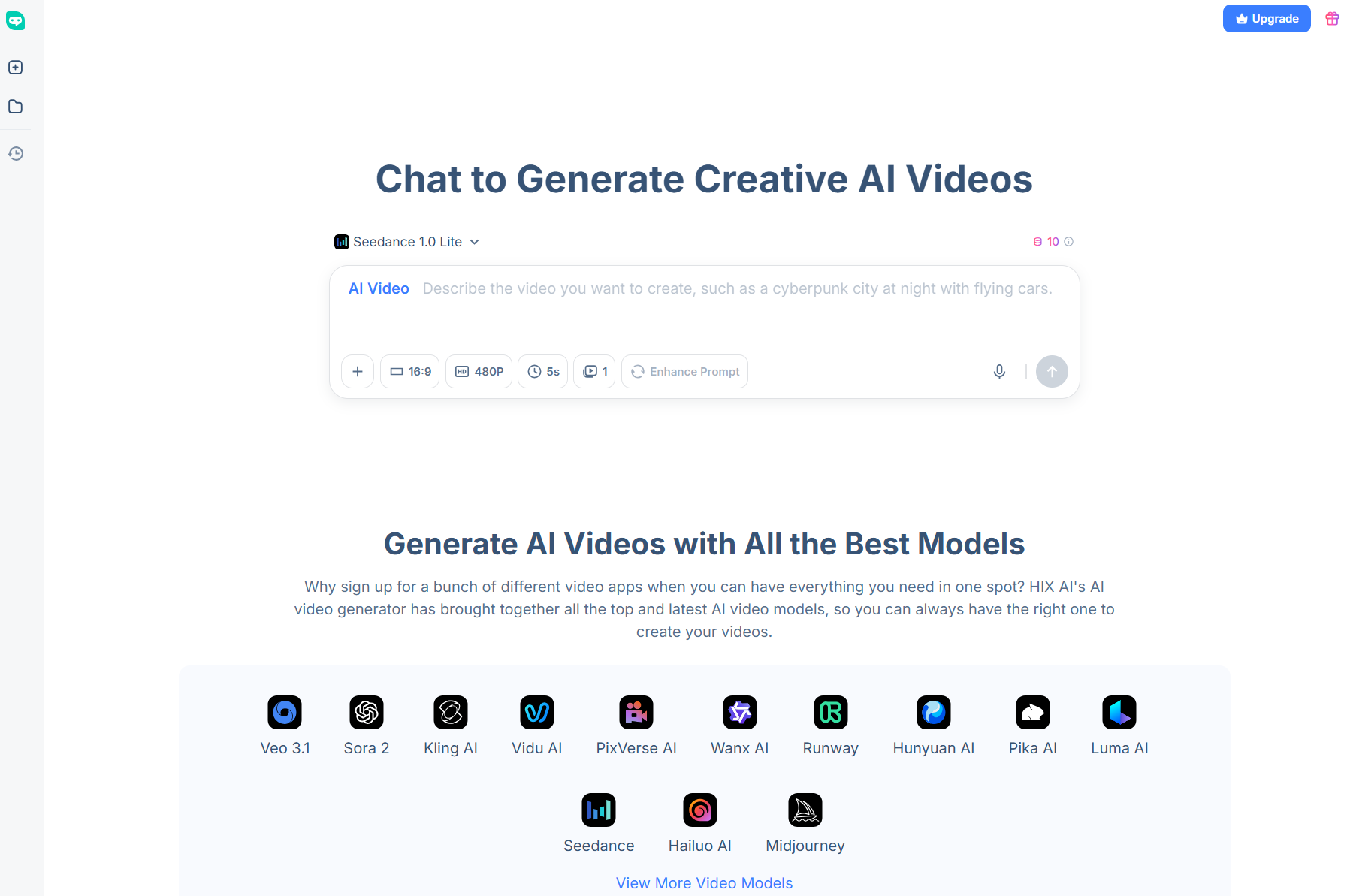
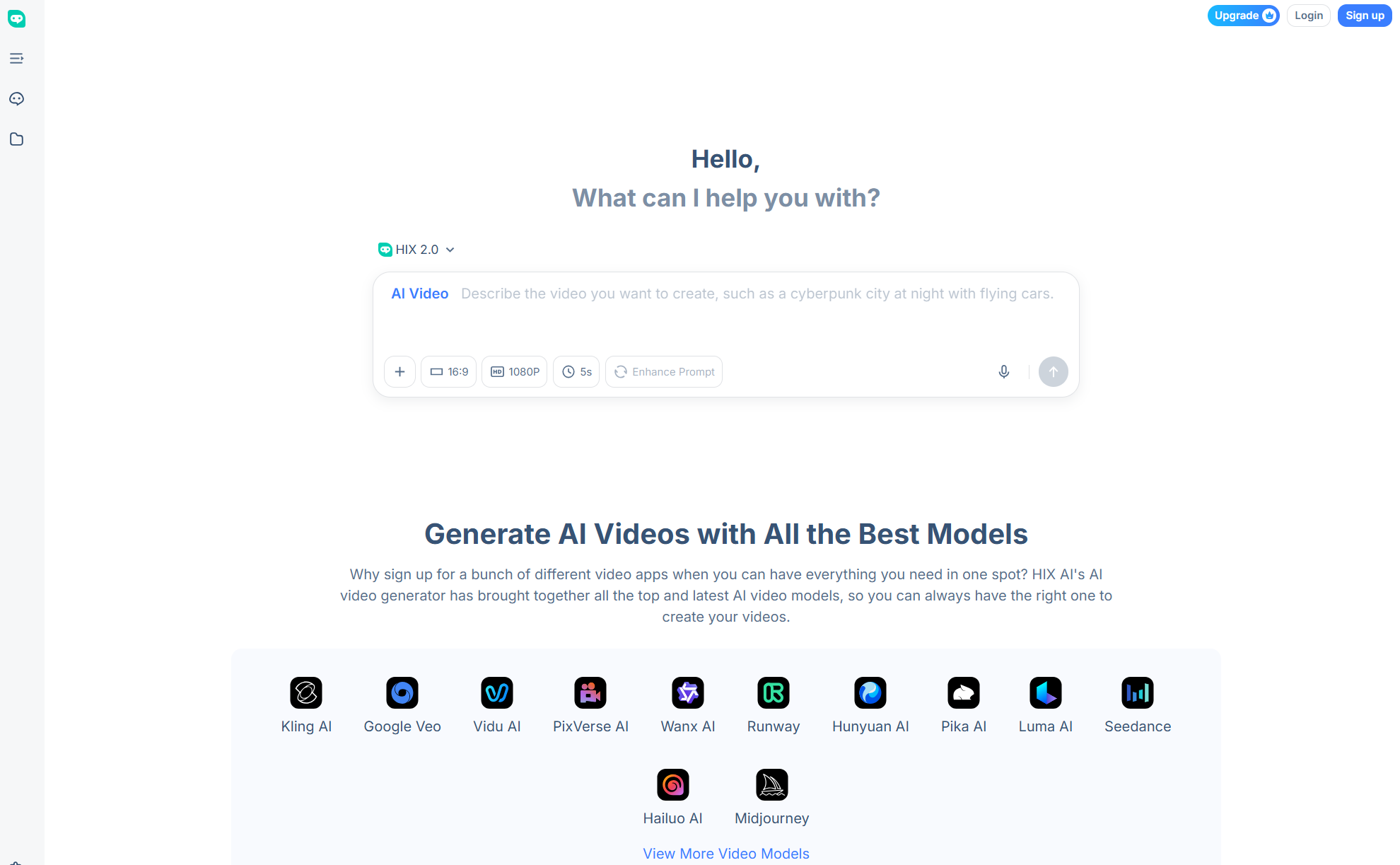
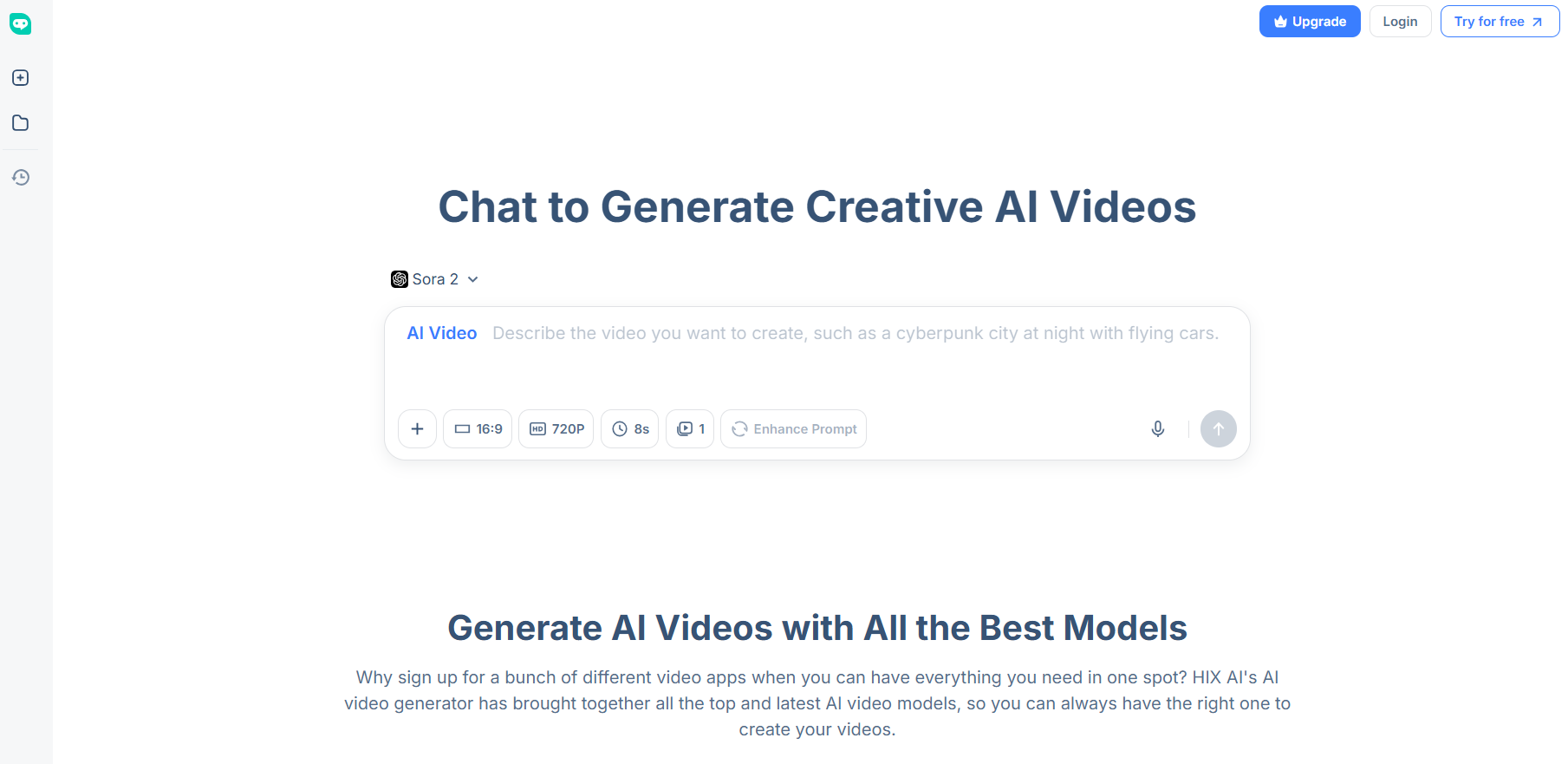
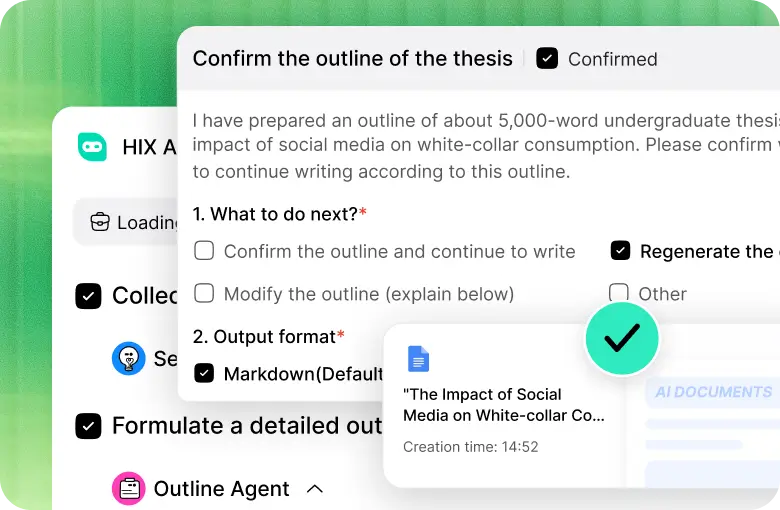
At the top of my list for the best Runway alternative is HIX AI. And this is because it solved my biggest frustration of juggling through multiple platforms to create the best visual outputs.
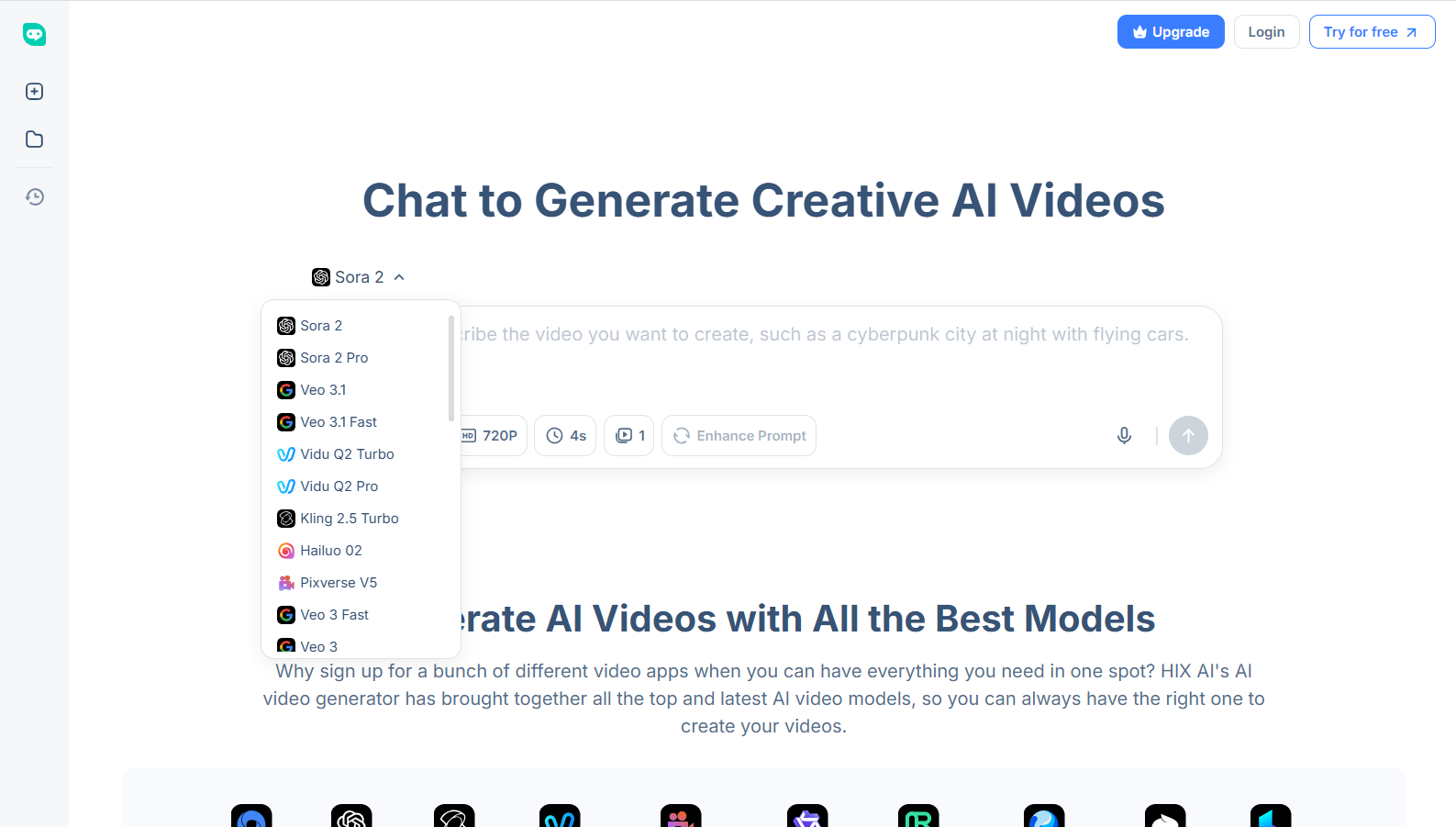
This all-in-one AI video generator is integrated with all the latest, industry-leading AI video models, including Pika AI, Luma AI, Hunyuan, Wan AI, etc.
Ever since I started using HIX AI, the outputs have been phenomenal. Not only can it produce detailed, high-res visuals, but experimenting with all these AI models has been seamless.
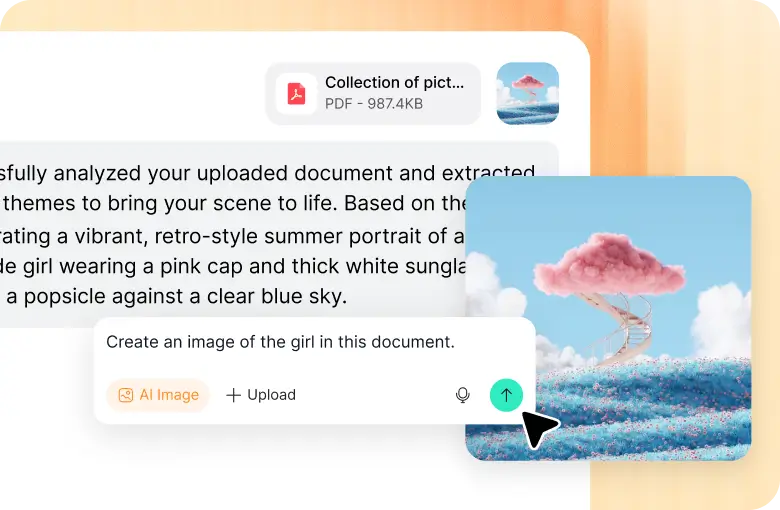
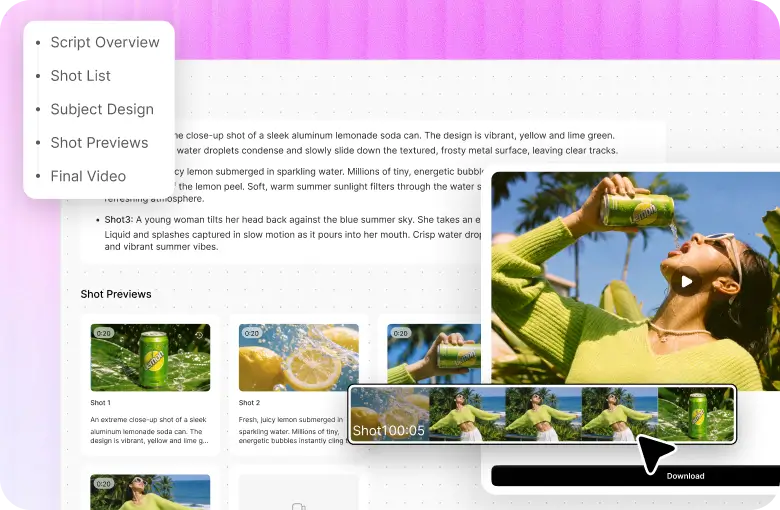
And since it supports conversational chat, I can just speak to access text to video AI, image to video AI, or video to video AI, and create/refine footage in any visual style.
It even caters to one-click video creation with its vast library of 200+ AI video effects! Some of my favorites are the AI kissing video generator, AI twerk video generator, and earth zoom in.
For these reasons, I think HIX AI is an extremely versatile platform that can cater to both personal and professional projects, be it for artists, content creators, filmmakers, etc.
Pros:
- Multiple AI models available
- High-fidelity visual outputs
- User-friendly chat interface
- Vast library of AI video effects
Cons:
- Limited credits on free plan
Kling AI - Best Runway Alternative For Immersive Cinematics
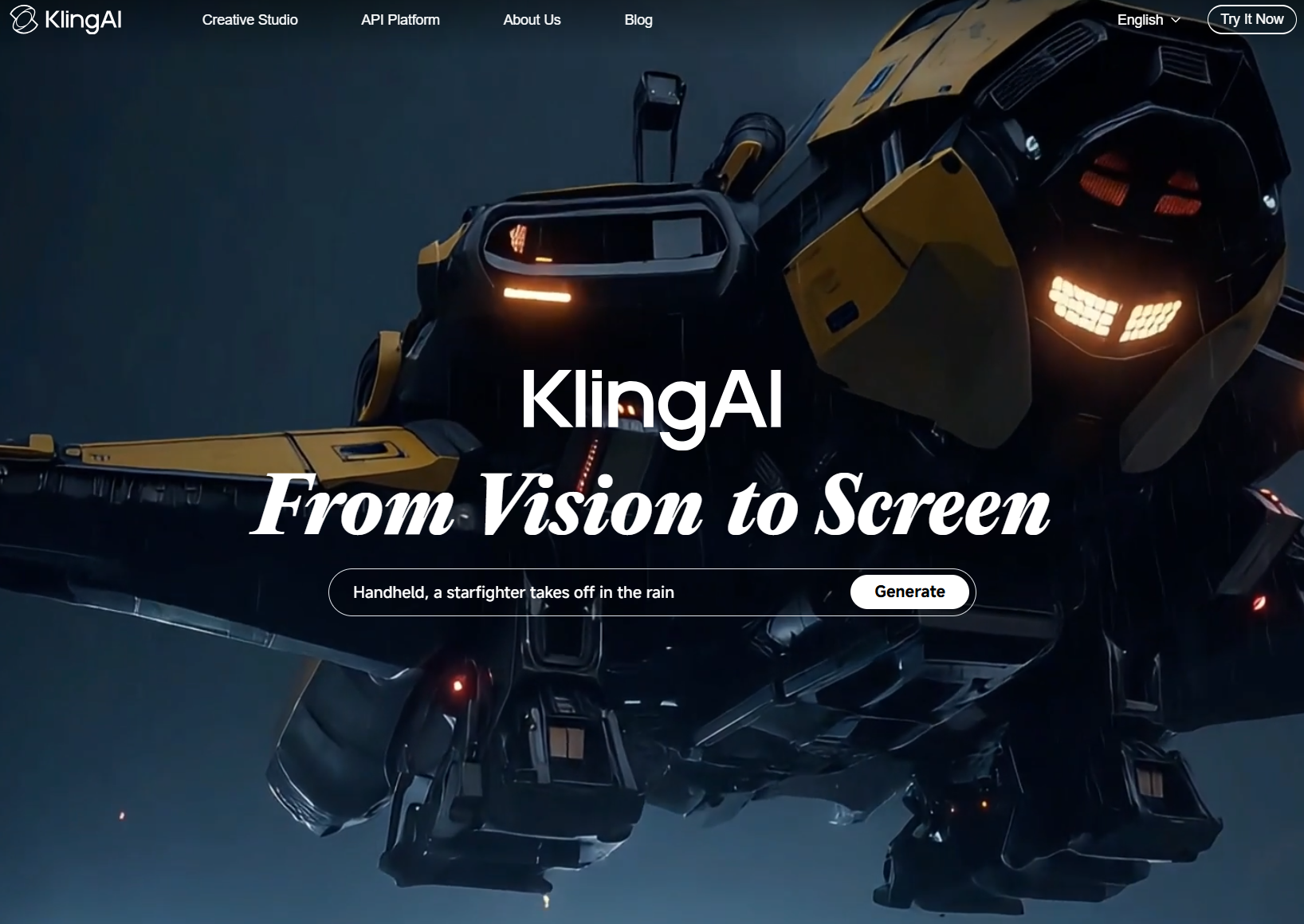
Kling AI has always been a top contender in the AI video market. And its new Kling 2.5 Turbo model took me by surprise, particularly with how it redefines cinematic AI video generation.
Compared to most other Runway alternatives, Kling AI has always excelled at generating highly complex scenes with realistic lighting, dynamic camera movements, and smooth transitions.
But what always impresses me is its visual fidelity. Kling AI often produces scene compositions that genuinely feel and look like they were shot by a real person rather than stitched together.
And given how it maintains frame-to-frame stability, I often favor it for creating realistic action-heavy or multi-character scenes with few visual inconsistencies.
In this respect, I would recommend it to artists and filmmakers who may be looking to create films, documentaries, photorealistic animations, etc.
However, the main issue I have with Kling AI is that it isn’t the most beginner-friendly AI video generator to work with.
Pros:
- Professional, cinematic video quality
- Few visual artifacts and inconsistencies
- Good prompt adherence
Cons:
- Has a slight learning curve
Sora - Best Runway Alternative For Motion Realism
When it comes to rendering visual scenes with realistic motion, I would recommend Sora. To be specific, its latest AI video model, Sora 2, brings even newer advancements in this area.
Compared to other Runway alternatives, Sora 2 can simulate real-world motion with character movements, object collisions, and even buoyancy with impeccable precision.
This lets me generate videos where falling objects abide by gravity, people interact with their environments believably, and even the scene lighting across surfaces reacts realistically.
So, if I needed to visually render complex action sequences, dance scenes or even athletic movements, Sora 2 can ensure every turn, flip, and jump abides by the laws of motion.
And it doesn’t matter which visual style was used, either. Whether it’s realistic footage or an animation, this AI video generator maintains lifelike movements and interactions.
It even offers native audio generation, which I find very handy. But the downside with Sora is that its visual consistency is not always stable across longer scenes.
Pros:
- Unmatched motion physics
- Intuitive prompt responsiveness
- Generates audio natively
Cons:
- Visual fidelity may degrade in longer videos
- Slow video generation times
Wan AI - Best Runway Alternative For Native Audio Generation
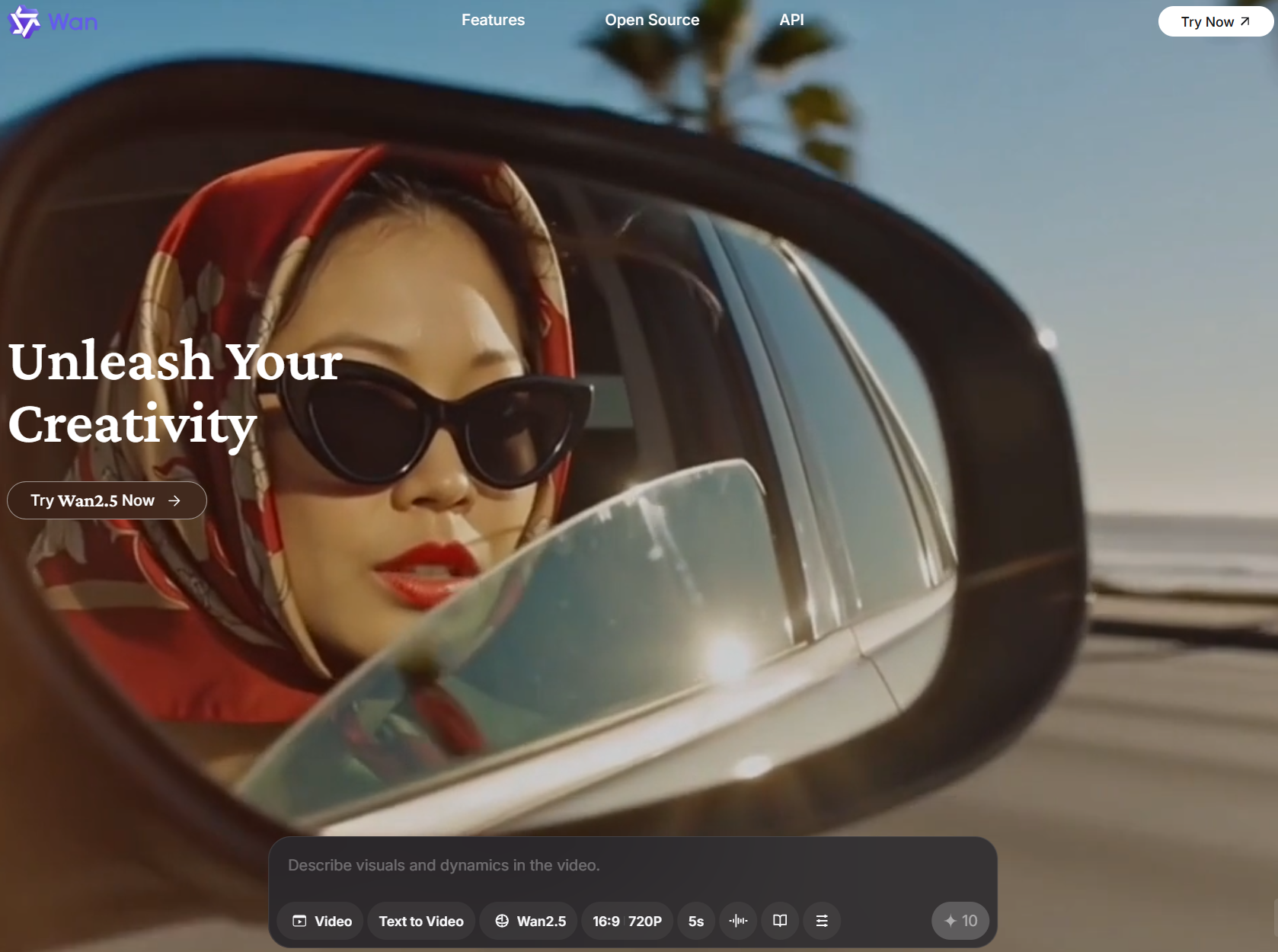
Generating videos with ready dialogue, sound effects, or background music? I would try using Wan AI, specifically, its latest Wan 2.5 model that offers strong native audio generation.
I can use this Runway alternative to produce entire footage from scratch, featuring characters that speak, background noises that fit the scene, sound effects that give ambience, ASMRs, etc.
And all it takes is a simple prompt. I don’t need to tweak settings or controls to get the full result. This AI video generator is intuitive enough to render the sounds based on my descriptions.
This makes it very user-friendly, opening new avenues for anyone looking to produce immersive footage that not only looks real but also sounds authentic.
Beyond the sound, I also like that Wan AI’s capacity for camera language is quite accurate. So, creating scenes with pans, zooms, and similar techniques often yields higher-quality direction.
However, I found that Wan AI has inconsistencies with its lip syncing. So, the character’s speech may not always match their mouth movements accurately.
Pros:
- Visual consistency across scenes
- Quality audio generations
- Strong camera control
Cons:
- Inaccurate lip syncing
- Prone to high rendering times
Veo - Best Runway Alternative For Prompt Responsiveness
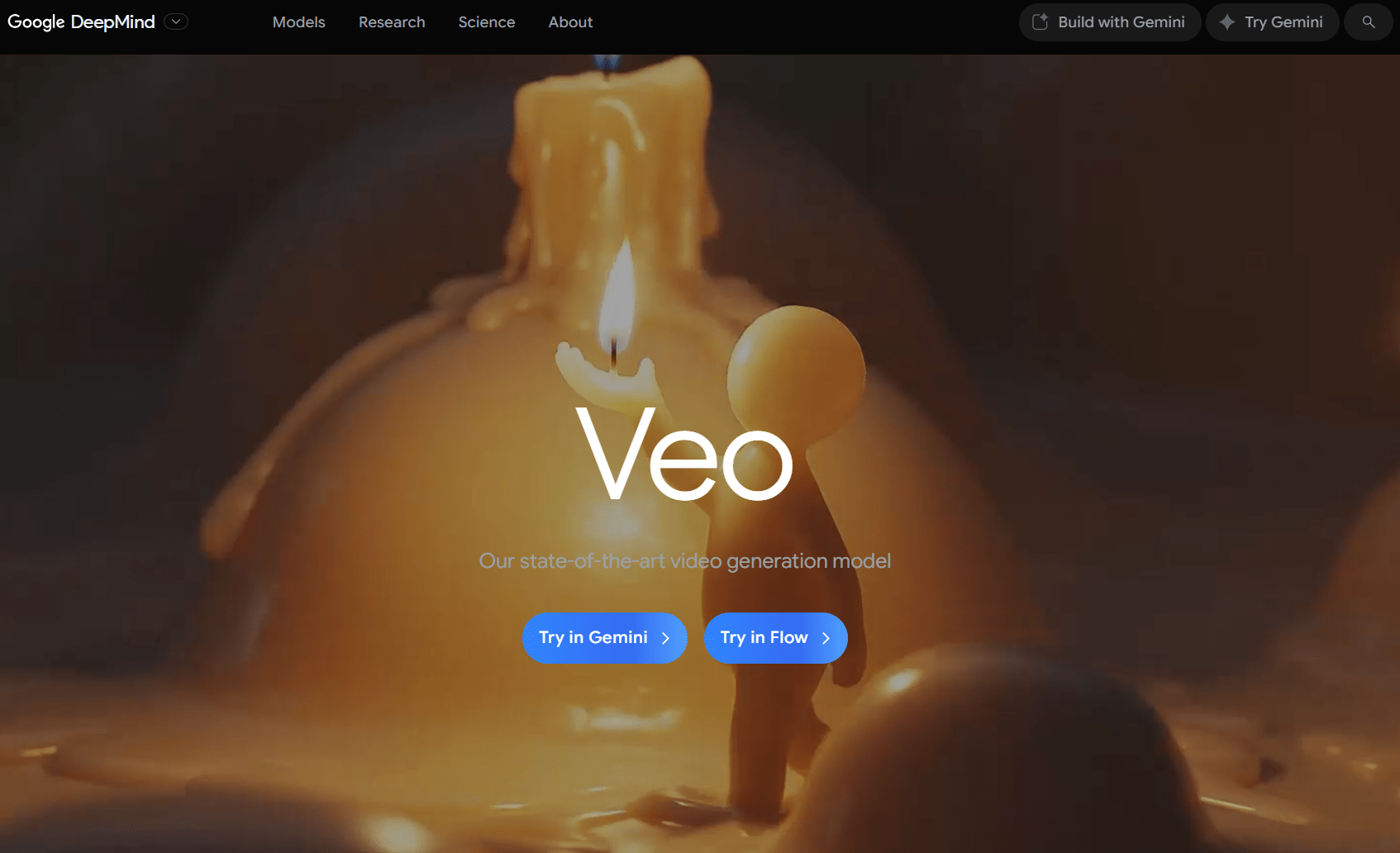
If visual precision is important, then I would consider Google Veo as a Runway alternative. With its latest Veo 3.1 model, it presents a clear understanding of complex, nuanced prompts.
I could go in-depth on subject emotion, character design, specific camera paths, etc, and it will consistently render accurate visual scenes that match my instructions.
In fact, I’d say that Veo thrives less on broad conceptualization. Instead, I recommend more precise and technical prompting that describes lighting, lenses, etc, for precise results.
To add on to that, Veo 3.1 also has a unique ‘Ingredients to Video’ feature that lets me use multiple reference images for even more accurate visual rendering.
And as a bonus, the AI video model supports native audio. For the most part, the narration and even background noise often sound quite realistic.
But what frustrates me about Veo is that it still struggles with visual realism. This is especially noticeable in motion or action-heavy scenes.
Pros:
- Solid prompt understanding
- Able to generate native audio
- Supports multiple image references
Cons:
- Renders still look glossy and AI-like
- Short video duration times
Hailuo AI - Best Runway Alternative For Realistic Character Expressions
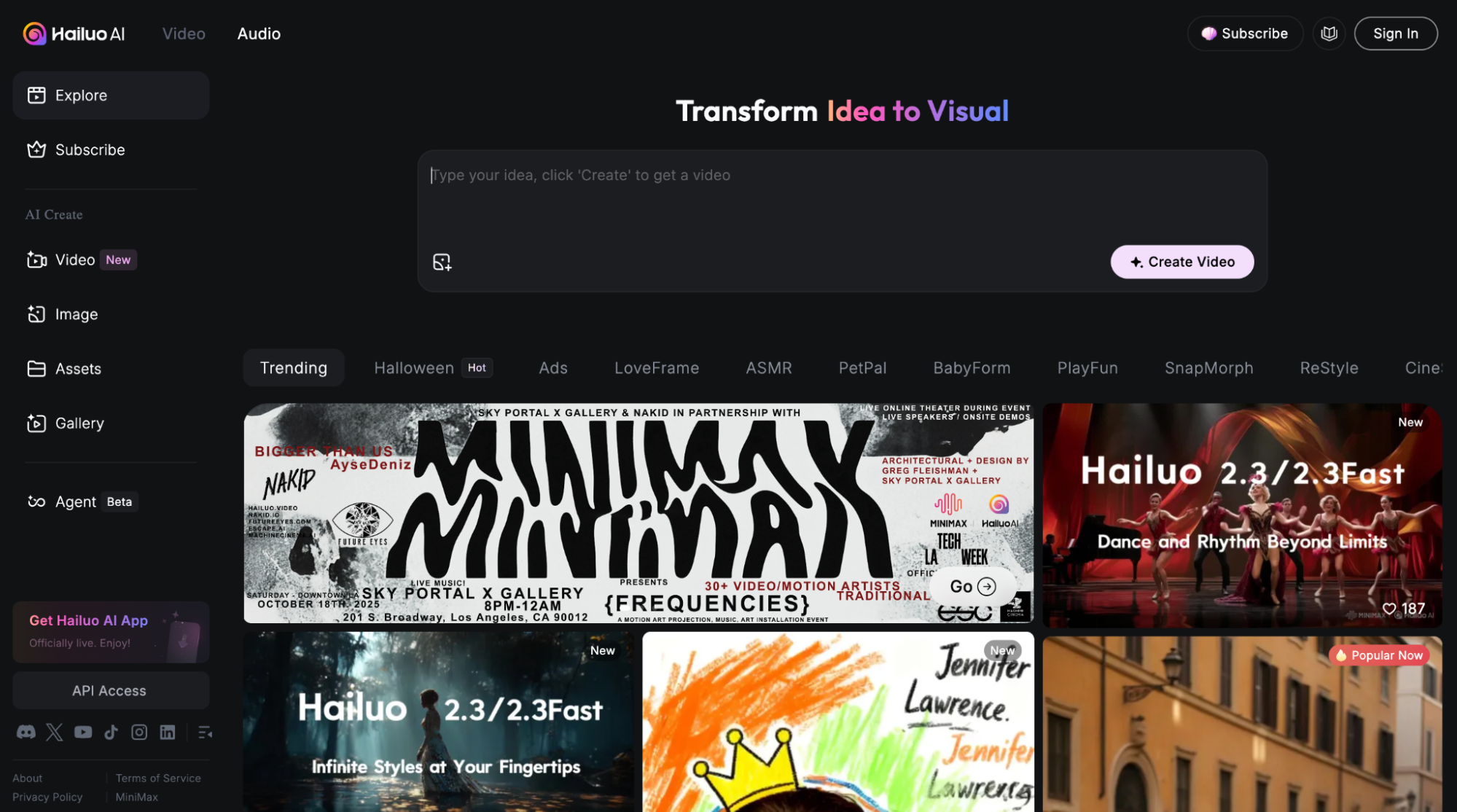
After using Hailuo AI’s latest video model, Hailuo 2.3, I can attest to its strength in rendering believable character expressions across multiple frames.
Most other Runway alternatives typically fail to highlight subtle micro-expressions like eye twitches, lip trembling, tear drops, etc. But Hailuo 2.3 captures them all with remarkable detail.
And it is because of this that I can render emotionally-charged scenes that not only look realistic but feel authentic enough to captivate and engage viewers.
Whether it’s longing, joy, anger, frustration, etc, I can better convey them on characters' faces. And since Hailuo AI now supports even more art styles, this opens up new creative avenues.
The downside of this AI video generator is that it still presents visual inconsistencies like warping and distortions. This is especially visible in multi-character scenes.
Pros:
- Greater character/emotional realism
- Wider art styles supported
- Faster video rendering
Cons:
- Visual inconsistencies still prevalent
- May struggle with complex scenes
PixVerse AI - Best Runway Alternative For Diverse Visual Styles
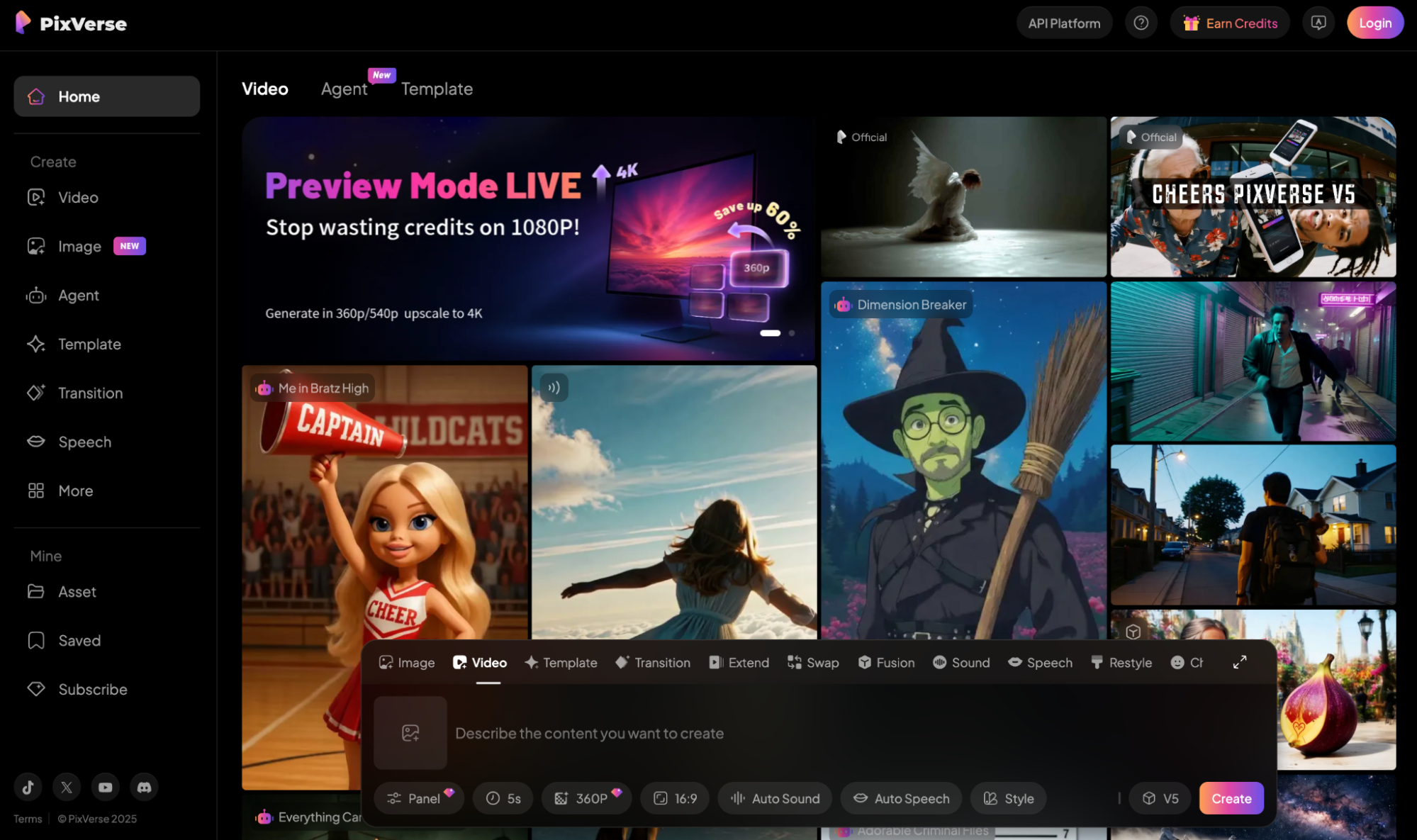
With PixVerse AI, I can create videos in almost any art style. The latest PixVerse V5 model is particularly expansive, capable of rendering even the most nuanced visual compositions.
For instance, I can use this Runway alternative to produce stunning footage in different aesthetics like cinematic, 2D and 3D, Studio Ghibli, vaporwave, cyberpunk, watercolor, etc.
Moreover, I have seen it animate such scenes with incredible detail, clarity, and resolution. So, whether it’s for personal or professional projects, the quality will often be fairly decent.
Better yet, it can deliver fluid character motions and smooth camera movements. This lets me render animations that look highly professional in any visual style.
However, I wouldn’t recommend PixVerse AI for complex video renders. I discovered that it can struggle with abstract or technical prompt instructions, so keep that in mind.
Pros:
- Extensive visual style options
- High-quality video outputs
- Naturalistic character movements
Cons:
- Slow and cluttered interface
- Prompt responsiveness is lacking
Seedance AI - Best Runway Alternative For Multi-Shot Generation
One area where many AI video generators fall short is rendering multi-shot scenes with excellent visual consistency. Seedance AI manages that so well that I was genuinely shocked.
Using just a single prompt, I can use the Seedance 1.0 Lite and Pro models to create full visual sequences made up of multiple shots via seamless multi-camera switching.
For example, if the subject enters a room and leaves it, the camera shifts from a close-up to a wider shot, etc, even with all these transitions, I can expect a cohesive visual result.
As a result, I can explore longer storytelling with this Runway alternative since I won’t need to worry about the character, style, or atmosphere suddenly changing halfway through.
And since it supports dynamic camera movements, I can freely explore different view paths, be it panning, zooming, tracking, etc. Sadly, I can’t generate audio with Seedance AI.
Pros:
- Supports multi-shot sequences
- Excellent character consistency
- Dynamic camera control
Cons:
- Native audio is not supported
- Prompt following isn’t always perfect
Vidu AI - Best Runway Alternative For Rapid Video Generation
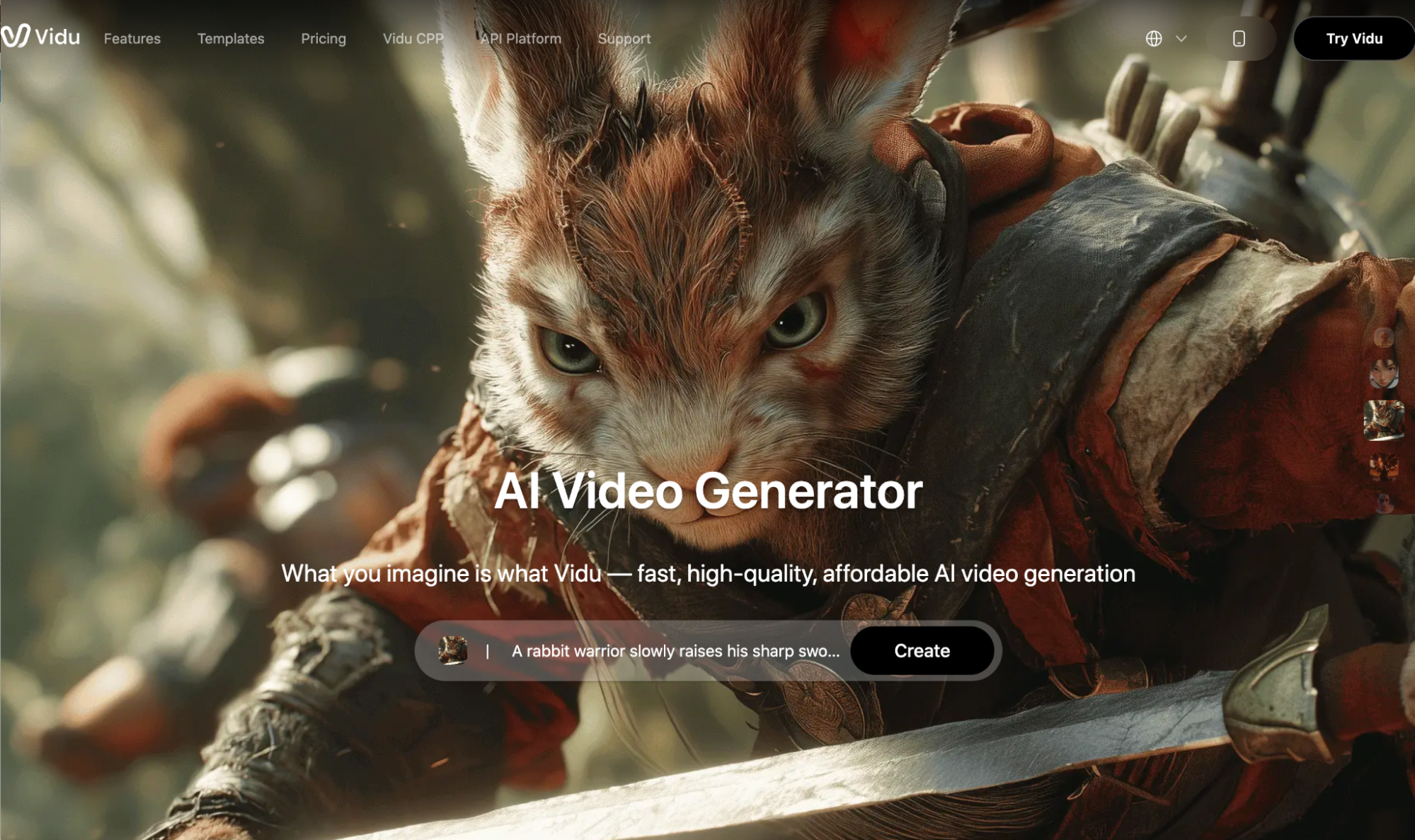
What I like about Vidu AI is that its latest model, Vidu Q2, has two unique modes: ‘Turbo’ and ‘Pro’ mode. While the latter is built for the highest level of visual detail, Turbo mode is for speed.
While having the flexibility to choose is a bonus, I am more impressed by how blisteringly quick its Turbo mode is. In just about two minutes or less, it can churn out an entire high-res video.
And what I find even more surprising is that it still works well with motion-heavy sequences, delivering scenes with stable camera transitions and no distortions, flickering, etc.
Since it balances speed and quality, I find this Runway alternative best-suited for producing short videos to be shared online, like captivating character animations, product demos, etc.
Unfortunately, Vidu Q2 still presents a few visual rendering issues. In particular, I found that it still struggles a little with facial nuances in characters and rendering text in videos.
Pros:
- Fast video generation
- Offers dual AI modes on Vidu Q2
- Excellent camera stability
Cons:
- Character realism needs refinement
- Texts in videos may not be readable
Midjourney - Best Runway Alternative For Seamless Looping Videos
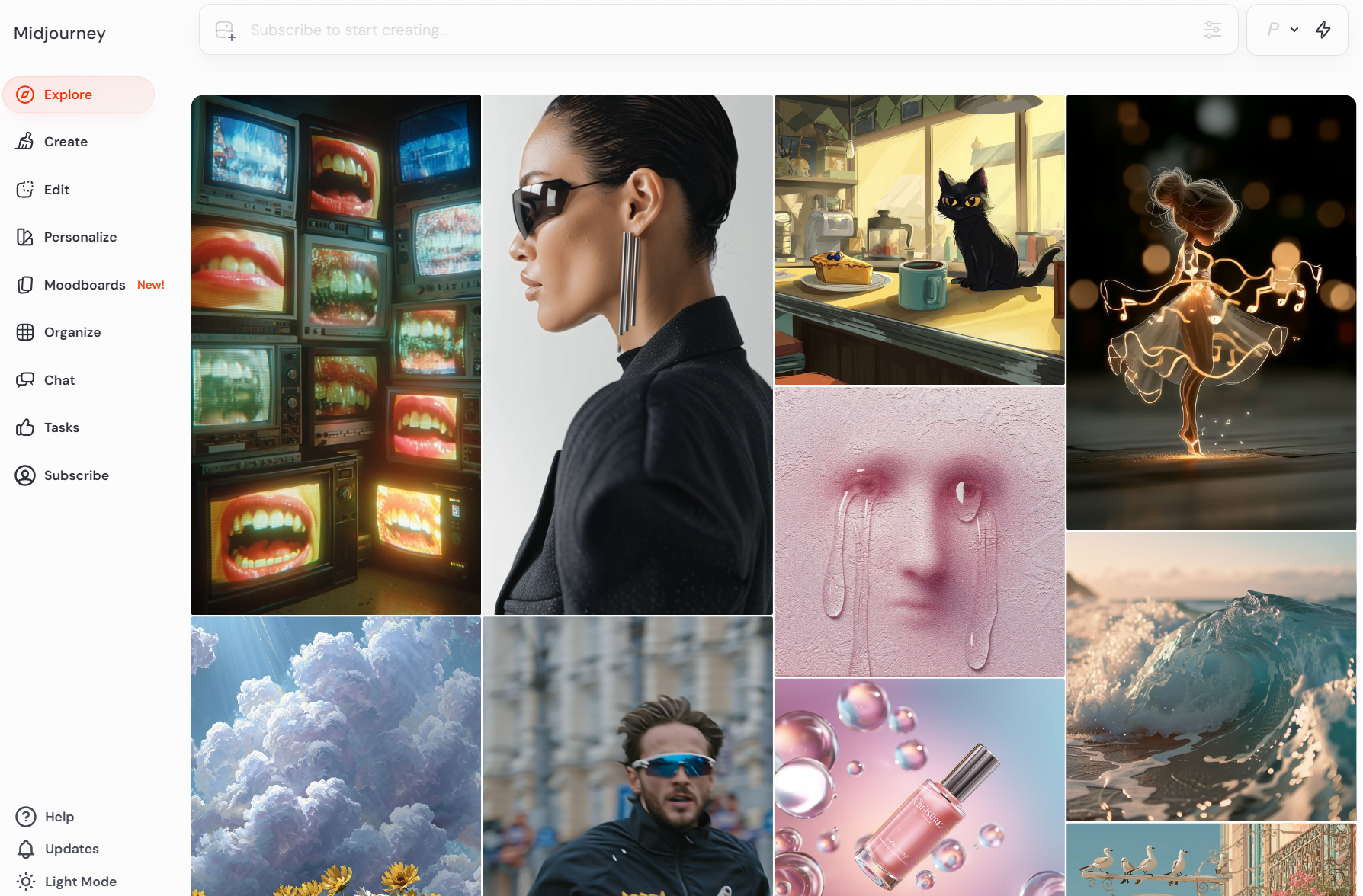
If you want to produce looped videos for livestreams, digital displays, or social media clips, then I consider Midjourney as a good Runway alternative to use for quality outputs.
Given that it supports start and end frames, I have more precise control over how the video loop unfolds, with Midjourney ensuring the video seamlessly concludes exactly as I envisioned.
I also like its dual motion settings: "Low Motion" and "High Motion", which let me decide between still character scenes or more dramatic character movements.
In addition, I can generate videos across a wide range of aspect ratios with Midjourney. These include 1:1, 4:3, 2:3, 16:9, and 1:2, making it suited to creating outputs for multiple platforms.
But keep in mind that Midjourney only supports up to 720P resolution. Because of this, I wouldn’t recommend it if you need polished footage with a high level of clarity and detail.
Pros:
- Seamless video looping
- Character motion control
- Multiple aspect ratios supported
Cons:
- Limited to 720P video outputs
- Character & scene detail can be lacking
Conclusion
Runway has its strengths, which is why it has continued to be a top AI video contender. But some issues can be difficult to ignore, and I’ve been one of those unsatisfied users. If you can relate, then I suggest you explore your options in this 10 best Runway alternatives list for a better experience.
And if you still can’t pick a Runway alternative, then I say try HIX AI video generator because it’s pretty special!