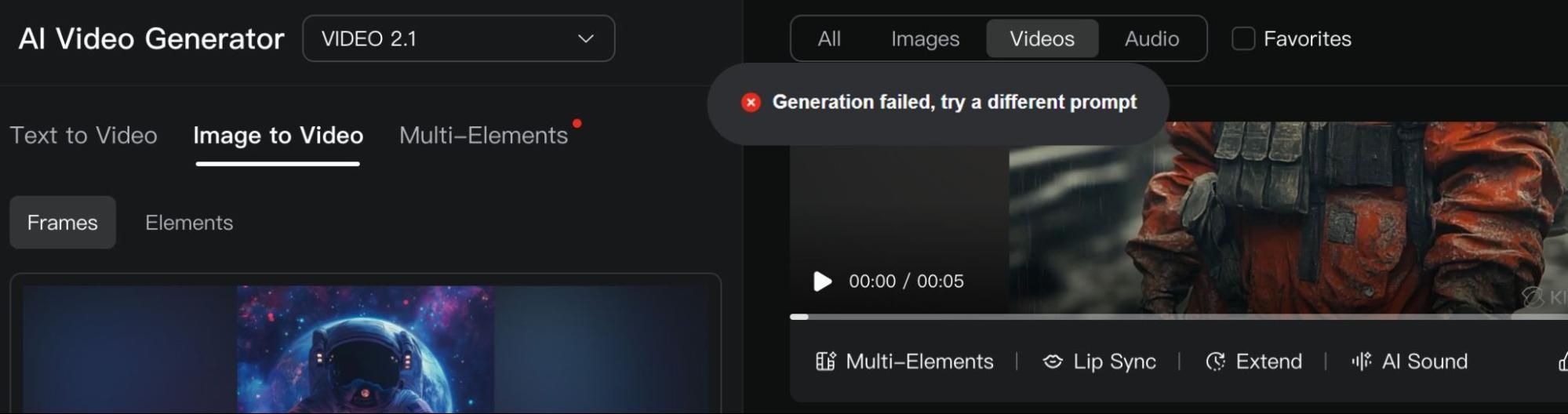
Once you click the ‘Generate’ button on Kling AI, nothing is more disappointing than seeing the ‘Generation Failed’ error. For most users, the first thought is, “Why? What happened?” or “Let me try again.” But sometimes this doesn’t work, then you’re left stuck.
So, how do you fix this? To all Kling AI users, I urge you to pay close attention because I’m about to dive into this. By the end, I will hopefully guide you to a solution that works for you.
Why ‘Generation Failed’ & How to Fix This Kling AI Error
Before you start panicking, let’s take some time to run through every potential scenario that would explain why this error message popped up on your screen and its fixes:
Overly-Complex Text Prompts
Sometimes, Kling AI will create this error message because it struggles to interpret your instructions due to excessively complicated, unclear or lengthy text prompts. This can be a common problem when using Standard mode.
For example, [Flickering neon signs hum above shuttered storefronts, casting a kaleidoscope of colors on the damp asphalt]. This is unnecessarily complex. Instead, you can say: [Neon signs flicker quietly above closed shops, casting colorful lights on the wet street].
Presence of Restricted Content
Kling AI has community policies that prevent the use or generation of explicit content. Because of this, Kling AI’s strict censorship won’t allow you to create videos with NSFW themes or input prompts with sensitive words, like self-harm, protest, blood, etc.
As a result, you should avoid trying to generate content around sensitive topics like celebrities, politics, NSFW content, etc. As for your prompts, I would suggest using less jarring terminology. For example, you can replace a word like ‘terrorist’ with ‘criminal’.
Too Many Requests on Free Tier
Kling AI has certain limitations in place to prevent free users from submitting too many generation requests within a short period. This is a particular issue that leads to server downtimes, which is why such system limits are enforced.
One way around this is to reduce the number of requests you make per hour. I would say a reasonable number would be 2 to 3, before you can come back later to continue. Alternatively, you can switch over to a paid plan, where the limits are typically less severe.
Faulty App or Device-Specific Limitations
Certain devices may have limited memory or simply lack the processing power to handle AI video generation. To rule this out as the cause, you can switch devices and retry the generation. If you’re using a PC, switch to a laptop or mobile, and vice versa.
Other times, you may be using the Kling AI app and get the error message. This could be because it’s outdated, corrupted, or has an isolated software glitch. To fix this, you can delete the app, redownload it, and then try to generate it once again.
Server Overload During Peak Times
This is usually the most common reason, especially if you are attempting to use Kling AI during peak times. During average work hours, the platform typically experiences a huge amount of user traffic, which can lead to the system rejecting new requests.
I suggest that you pause and come back after an hour or two. By then, the server strain may have receded to accept your request. If this doesn't work, then try during off-peak times like late night, early morning, or on weekends.
Worst Case: Contact the Support Team
If the ‘Generation Failed’ error message persists, even after all these attempts to resolve it, reach out to Kling AI support. The support team should be able to come up with a personalized solution.
You can send them an email or message them on their social media. Be sure to be detailed but also succinct. This way, you are more likely to get a quick resolution on the first response.
Kling AI Keeps Failing? Choose HIX AI for Consistent Generations
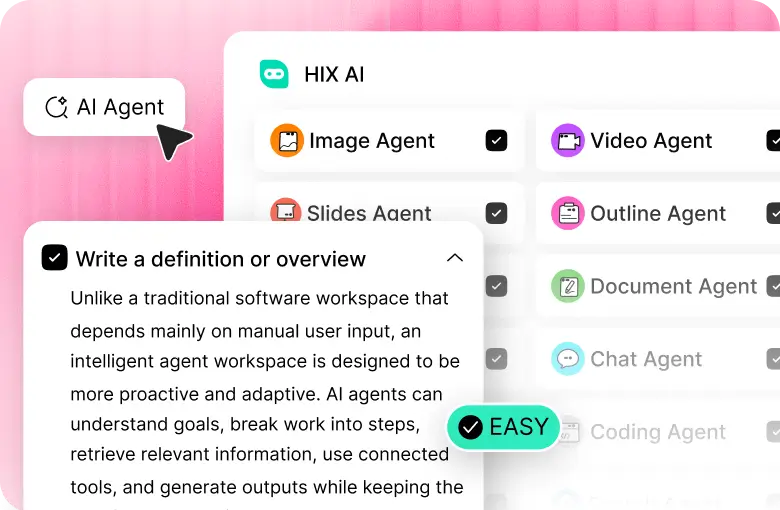
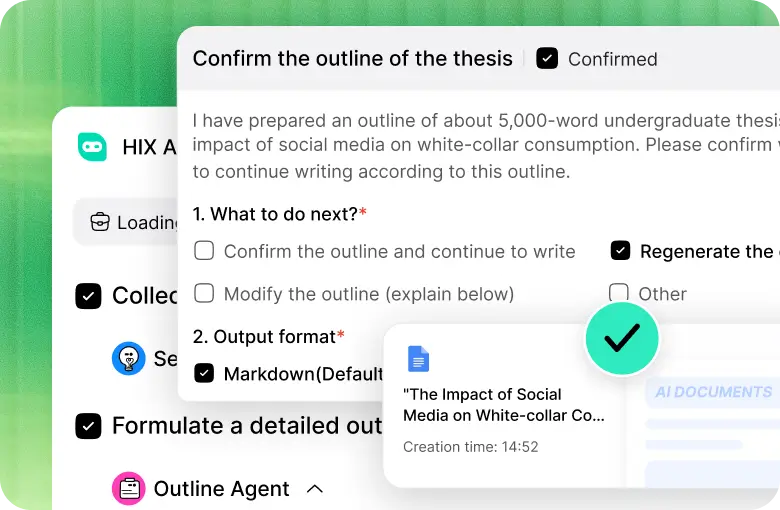
When Kling AI drops the ball, I always find that HIX AI can be relied on to pick up the slack. For this reason, I consider it to be the best Kling AI alternative for you to consider.
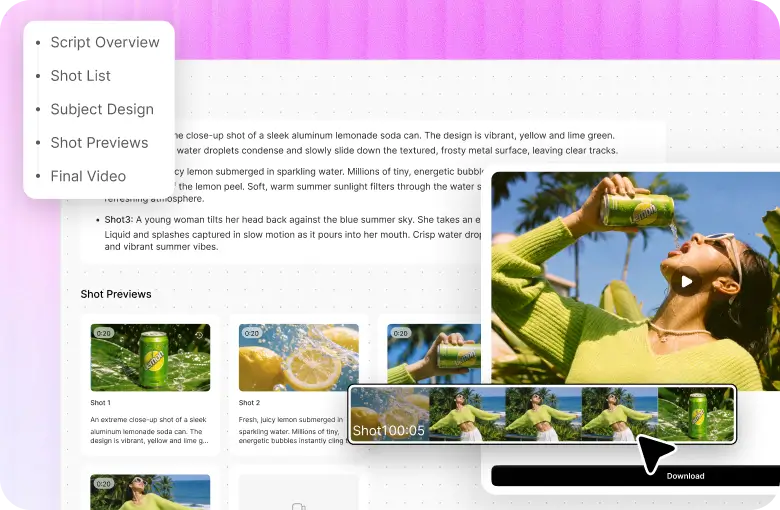
As a powerful, all-in-one AI video generator, HIX AI can create masterful, cinematic videos across a diverse range of visual styles with consistent performance each time.
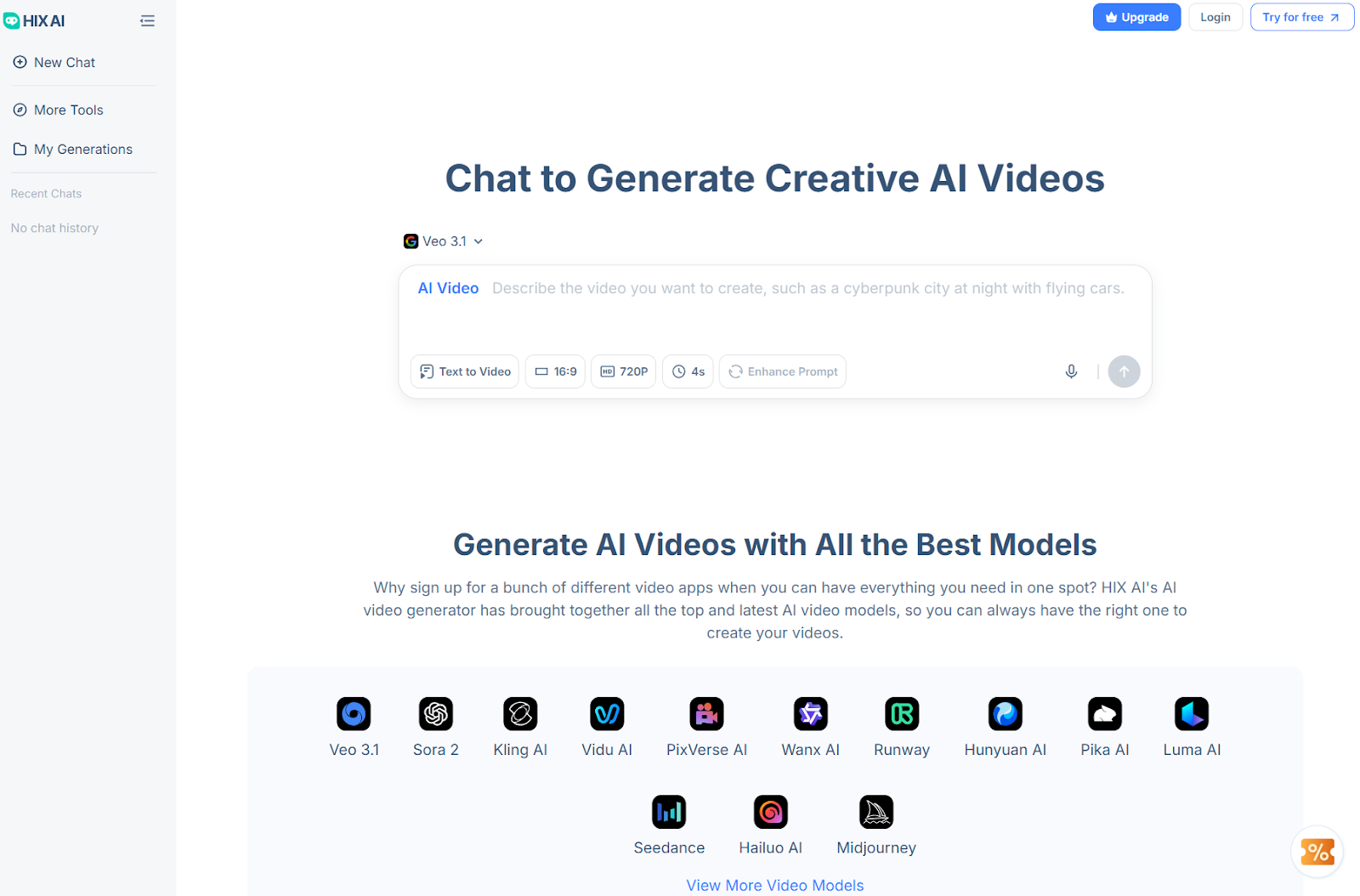
Instead of dealing with ‘Generation failed’ errors, this platform works smoothly and efficiently, processing every user request successfully in just minutes, even on mobile devices.
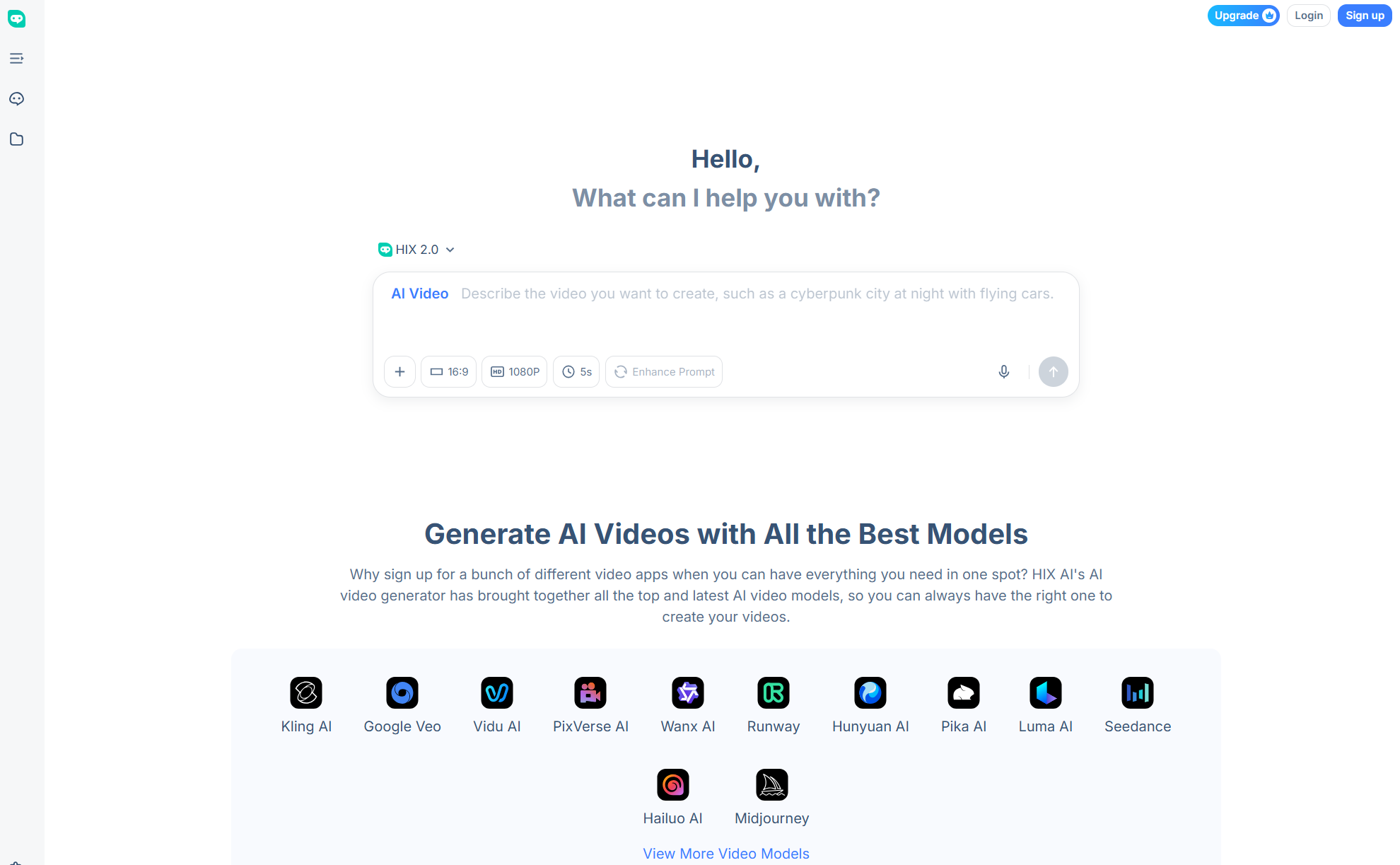
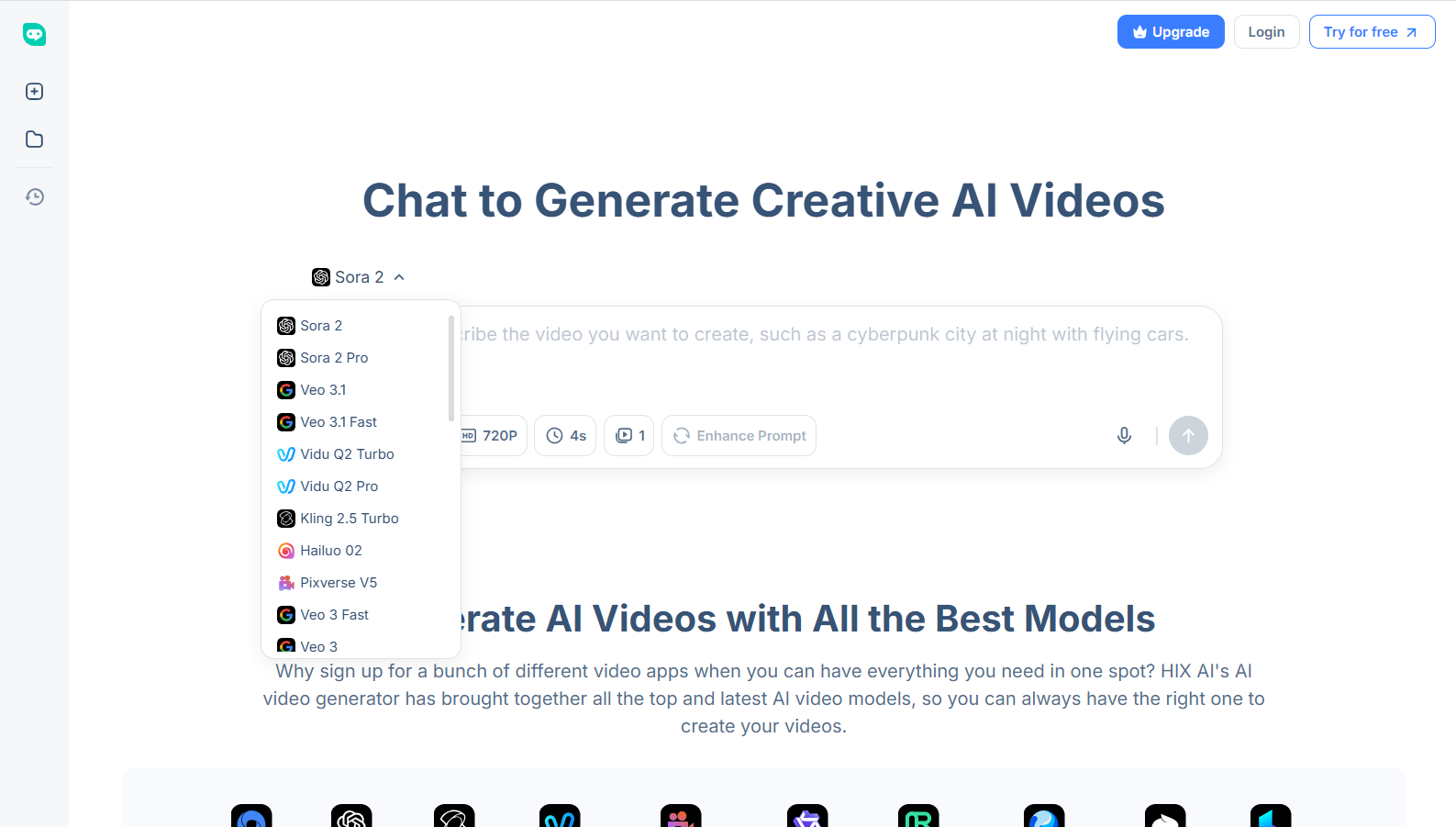
What’s more? It comes integrated with industry-leading AI video models. Not only can you access Kling AI, but also Sora 2, Google Veo 3.1, Runway, PixVerse AI, Vidu AI, Luma AI, Seedance, etc.
This lets you experiment with unique concepts and generate diverse outputs in one place, rather than switching between different platforms.
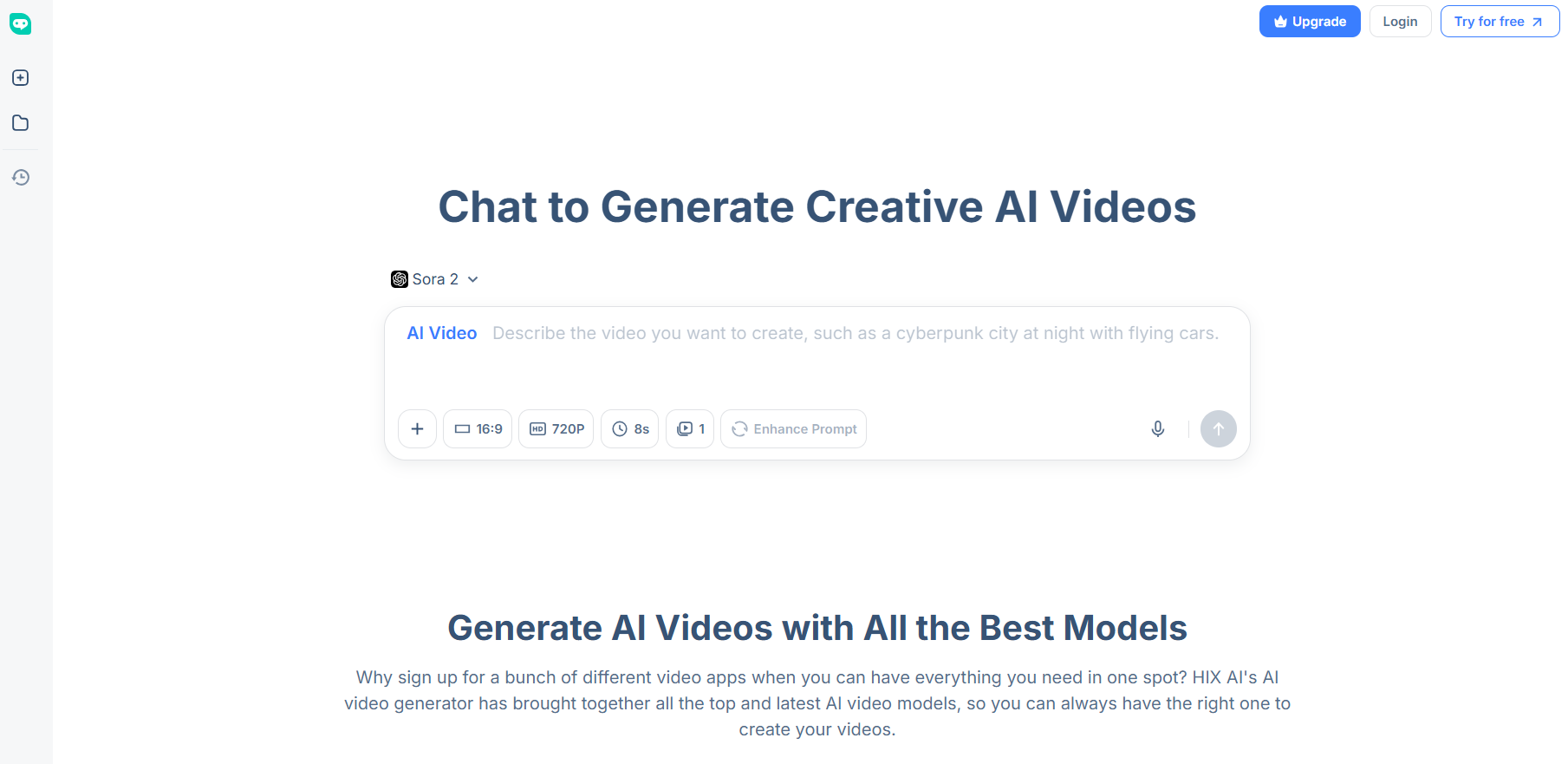
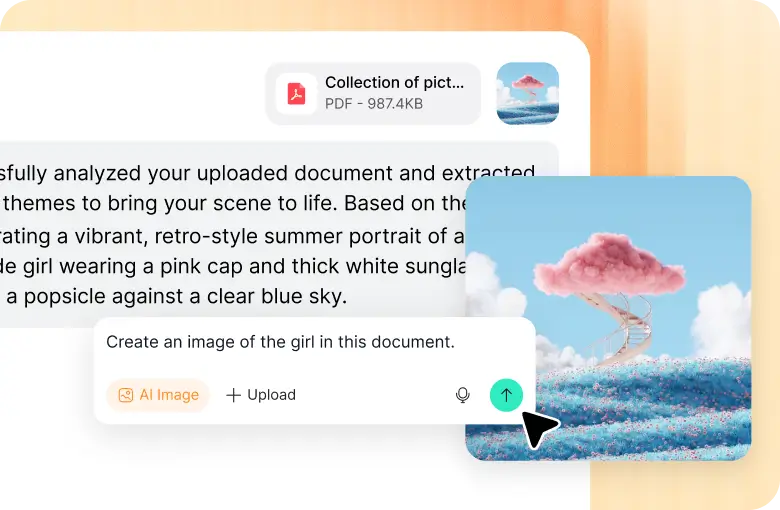
And because of its conversational chat interface, you can toggle between its text to video AI, image to video AI, and video to video AI capabilities to generate videos seamlessly.
Plus, HIX AI has over 200+ fun video effects! Whether it's the AI twerk video generator, AI muscle generator, AI bikini generator, or Earth Zoom In, there are countless options for you to explore.
Conclusion
If video generation is a no-go on Kling AI, then try out the suggestions I have listed here. If by the end, you’re still faced with an error message, don’t fret. You can always head to HIX AI, where you are guaranteed a more consistently seamless and hassle-free user experience.
And it even has a free trial plan. So, it won’t cost you anything to sign up and get started!