I have always wanted to explore the limits of AI generative art. Unfortunately, I’ve struggled to find an AI media generator that is imaginative enough to bring any out-of-the-box idea to life.
But when I came across SeaArt AI, I was hopeful I had found the right solution. After all, its versatility in producing images and videos across any artistic mood or style looked promising.
From watercolor dreamscapes to surrealist compositions, it seems to be focused on giving creatives true aesthetic control without the need for advanced prompt engineering.
Naturally, I was itching to see just what it’s capable of. Can this platform take my visual storytelling to the next level? What are its limitations? Is it fast and easy to use?
My mind was racing with all these questions. So, I took the time to test its extensive capabilities. But before I get into all that, let me give you a quick rundown of my likes and dislikes.
| Pros | Cons |
| Diverse range of creative AI tools | Cluttered and overwhelming user interface |
| Supports both text and image inputs | Output quality can be inconsistent |
| Caters to numerous visual styles | Several features have a steep learning curve |
| Multiple proprietary AI models available | Aspects like HD outputs require higher tiers |
| Active community for inspiration | Video generation speed can be slow |
| Interactive AI character chats | Free credits are very limited |
| Mobile app available |
Having summed this up for those of you in a rush, it’s time for me to get into the more exciting part of my review. To start, I’ll give you a brief introduction to what exactly SeaArt AI has to offer.
Why Should You Consider Using SeaArt AI?
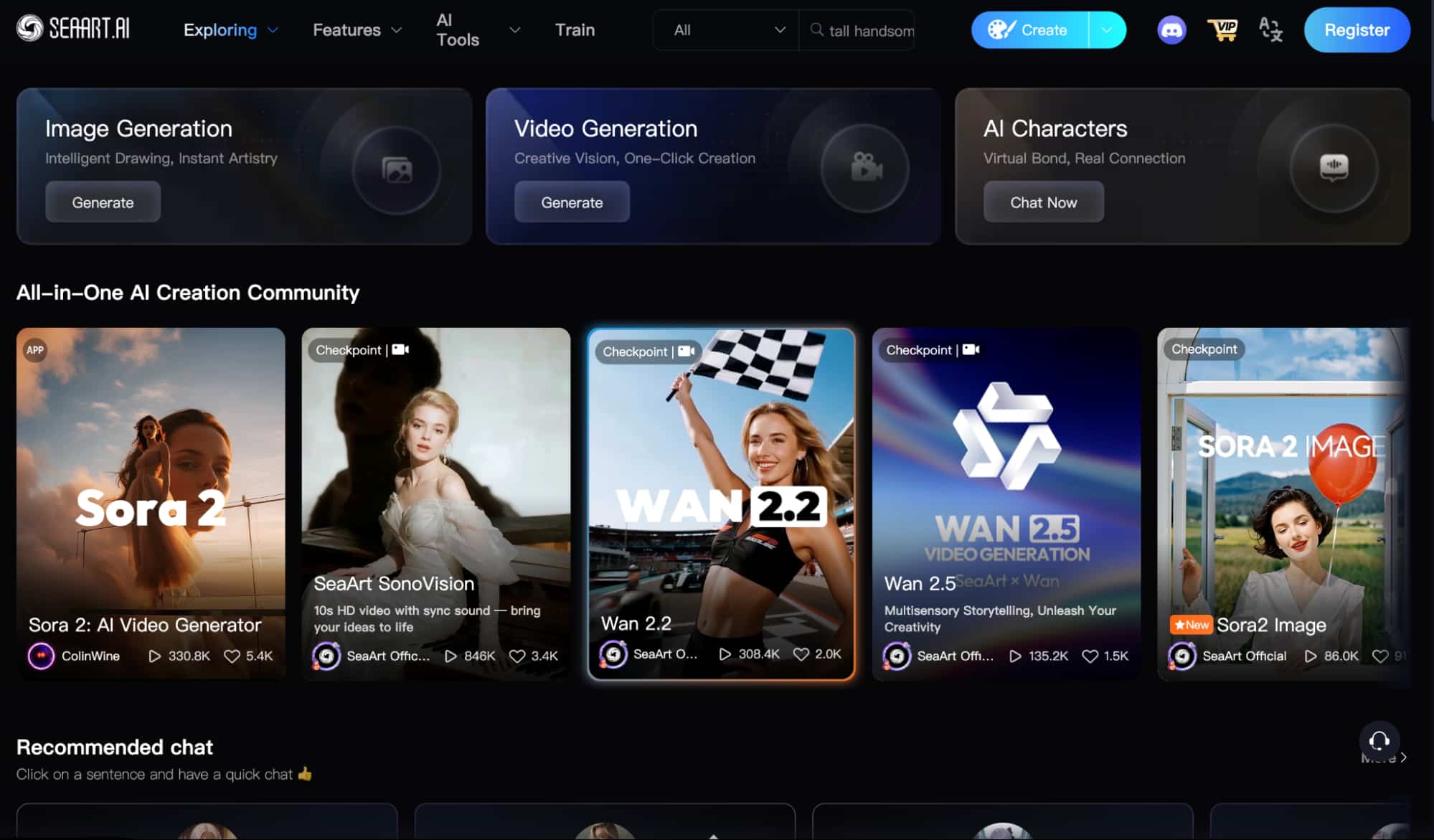
SeaArt AI is an advanced generative AI platform that consolidates a wide range of powerful features and tools, primarily revolving around image and video generation.
At first glance, SeaArt AI looks to have been built for art enthusiasts and creative professionals. Compared to most AI generators, I could see that it emphasizes stylistic flexibility.
But upon closer look at the community content alone, it became clear that it caters more to illustrators and animators who often explore a diverse range of visually rich styles.
From fantasy-themed visuals to animated cinematic compositions, I could see SeaArt AI catering to all sorts of unique and imaginative ideas with striking results.
Starting with the AI video generator, the first thing I noticed is how the interface is quite simplistic. It has no complex controls—just straight-to-the-point customization options.
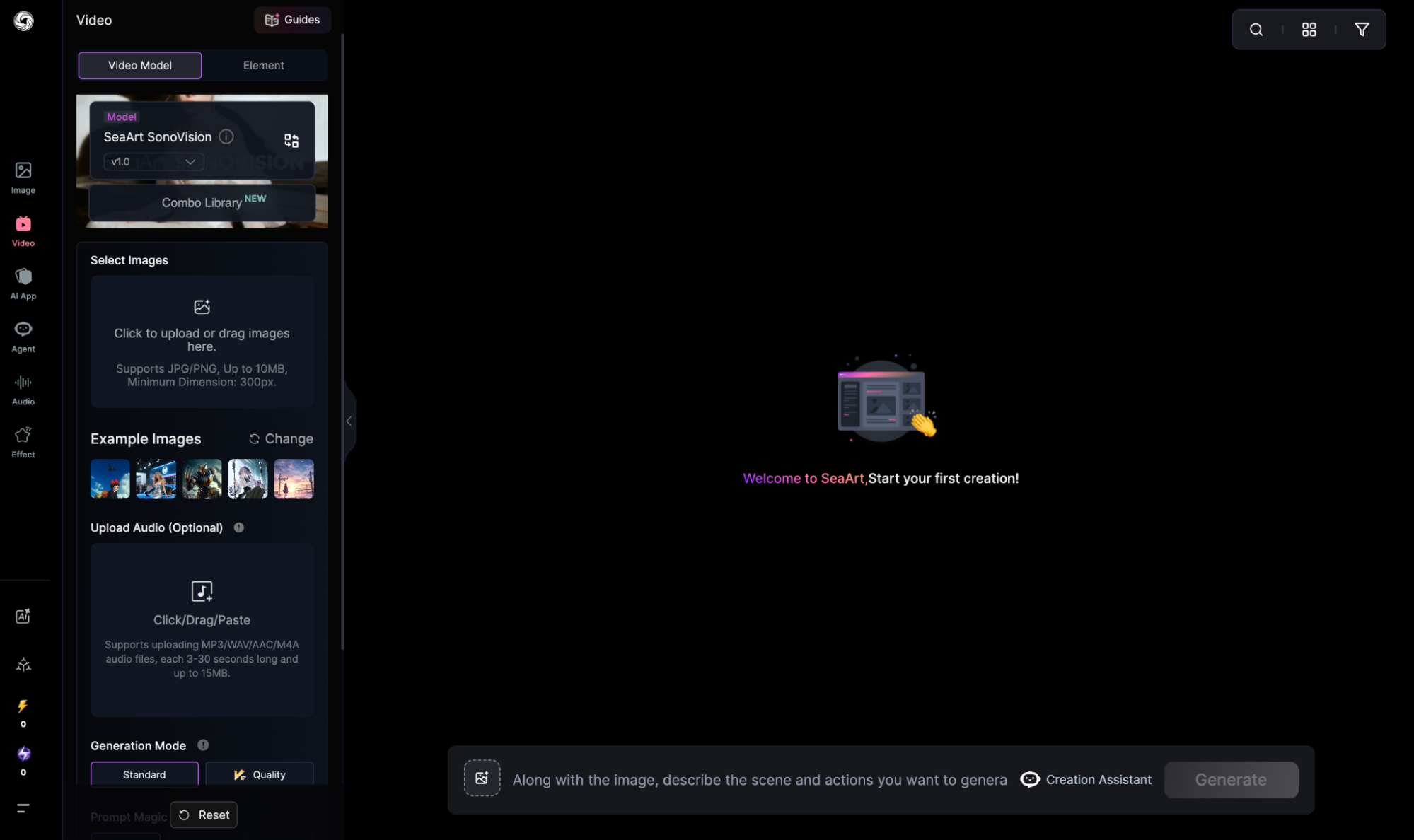
These include: ‘Generation mode’ with Standard and Quality mode for different output quality, ‘Prompt Magic’ to refine my instructions, ‘Duration’ for 5 or 10 sec video lengths, etc.
I can even upload audio recordings to be used in my videos, which opens new avenues for use as sound effects, background music, ambience, etc.
But what really caught my attention was SeaArt AI’s proprietary AI video model selection. Each of these options offers me a different pathway to generating videos.
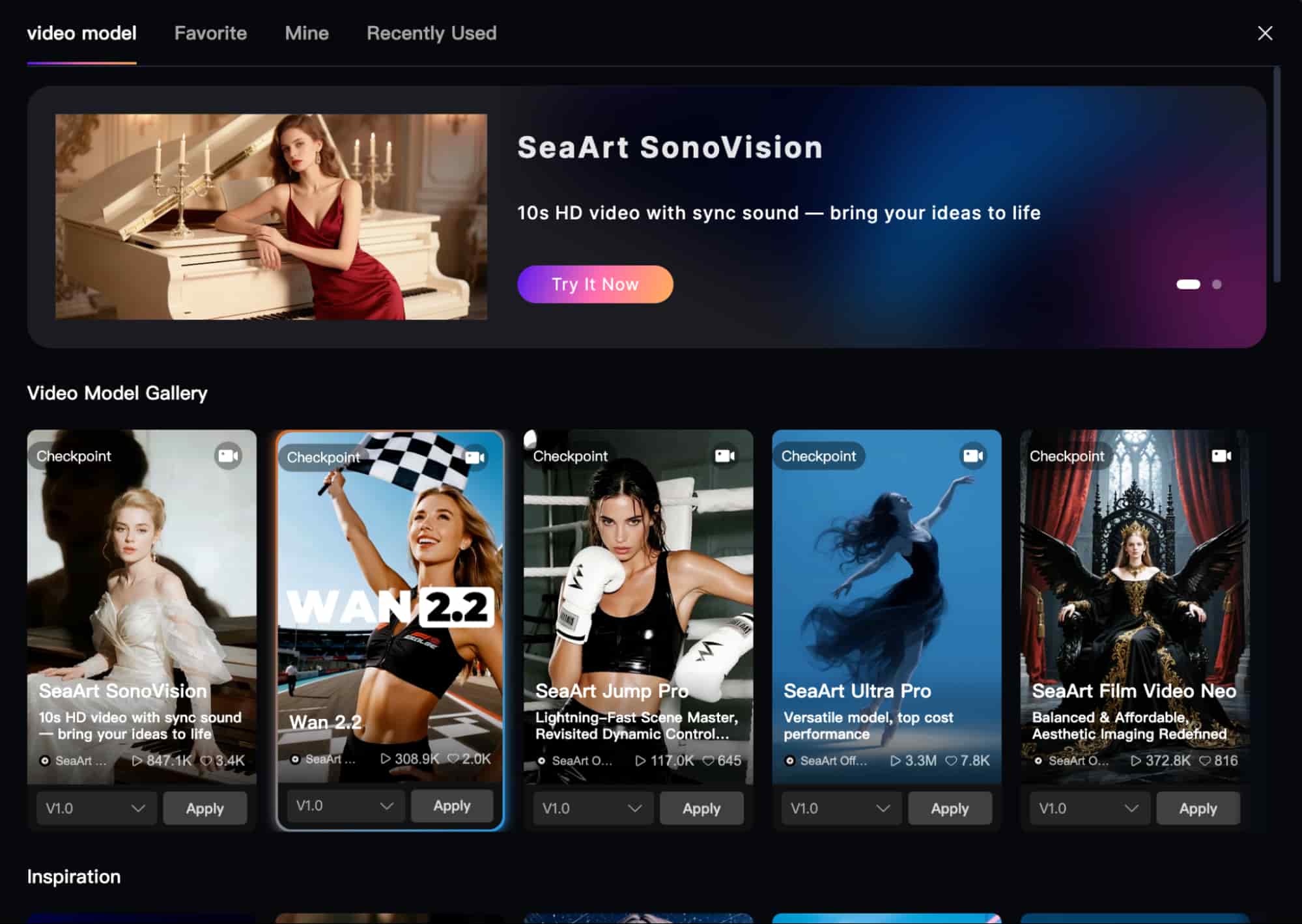
For instance, the SeaArt Turbo Model is primed for speed; the SeaArt Muse Model for stable character motion; the SeaArt Ultra Model for lifelike realism, etc.
As for the AI image generator, I like how SeaArt AI lets users train their own models. Because of this, the selection is much larger and unique, with most options set on anime and fantasy styles.
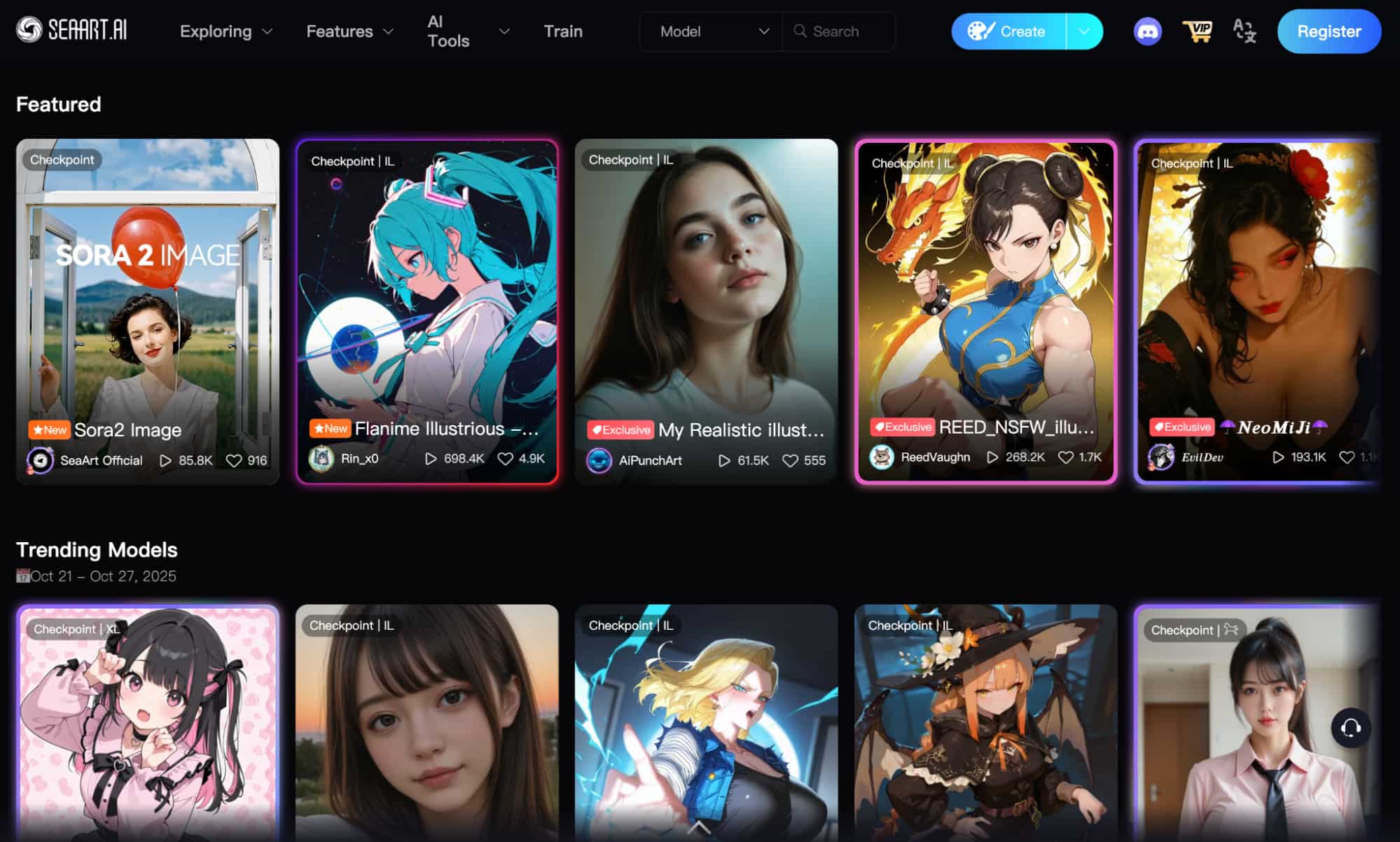
There are also several image aspect ratio options to choose from for both portrait and landscape. I can even set a custom size, making it adaptable for publishing on any platform.
SeaArt AI also comes with several AI image and video effects that I can use to reimagine existing media and create novelty content with one click.
In addition, it has several AI-powered tools that can help me with simple editing tasks like the AI Eraser, AI Makeup, AI Image Upscaler, etc.
Beyond that, I was surprised to see that it supports AI character chat and roleplay. With this, I can create story-based AIs or freely chat with those made by other SeaArt AI users.
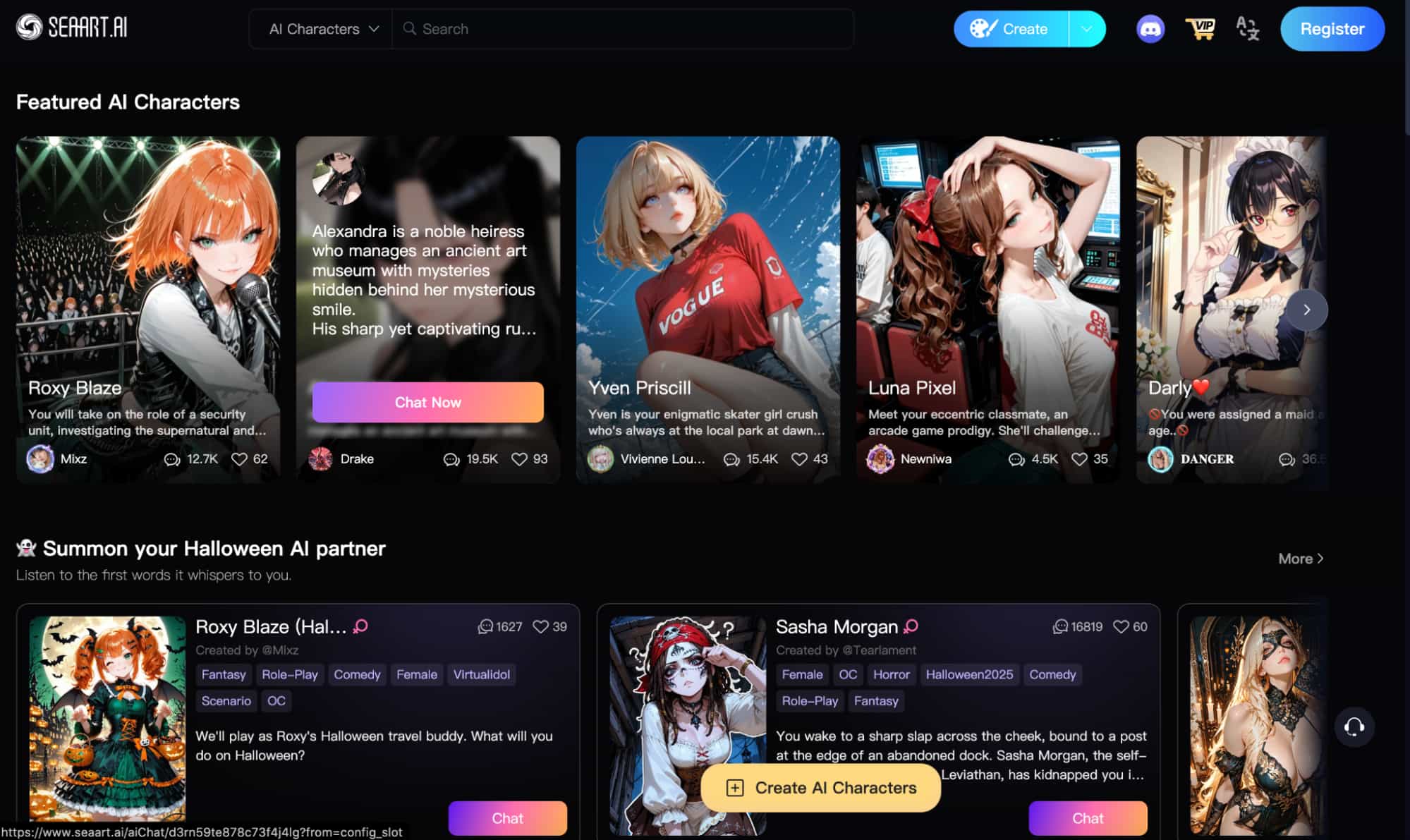
What's more, the platform even has a competitive leaderboard ranking popular/rising creators, AI models, AI characters, etc. I particularly like how this helps keep the user community active.
Now that you have a clear idea of what SeaArt AI is about, it’s time for me to get into the more interesting side of things: how did it perform when I used it?
What Was My Personal Experience with SeaArt AI Like?
To kick start it all, I decided to go for the AI video generator. After all, this was the tool I was most eager to see just what it could visually accomplish.
AI Video Generation:
For the first video test, here’s the prompt I used and the video output SeaArt AI generated below:
[A cinematic shot of a woman waving a checkered flag at the end of a car race on a tarmac track. Cars speed past the finish line as the crowd cheers. The woman, wearing sunglasses and a headset, stands near the track, the flag rippling in the wind under warm afternoon sunlight. Realistic lighting, motion blur, the scene exudes a sense of victory and excitement]
I was quite taken aback by the output and not in a good way. At first, the scene looks okay. For the most part, it seems SeaArt AI’s prompt adherence is relatively solid.
It captured most if not all of the elements I expected to see. Moreover, the character renders don’t have the typical AI glossy look that most AI generators are notorious for.
But as I rewatched the footage, I noticed several visual inconsistencies across frames. The most obvious one is how she starts off holding a long flag before it shifts into a short handle.
Moreover, her hands start to present small distortions, and it is even more severe when you look at the waving crowd. Here, the problem is even more exacerbated.
In fact, you can’t make out the characters’ faces in the crowd. What’s more, their hands flap around with a lot of nonsensical shaking and collapse into nothing more than painted textures.
I also noticed that the flag waver has almost no facial expressiveness, whatsoever. If anything, it seems her face is permanently stuck with an awkward smile wrapped around it.
Plus, the render typography in the video on all posters and signs remains illegible. All in all, not a great result, as it showed promise in the beginning only to deteriorate under keen scrutiny.
If I had to rate this video, I would give it a 6/10 at best.
When it came to the second video test, you can check out my prompt and the final video render here:
[A beautiful fashion model walks confidently down a luxurious runway in a high-end fashion show, wearing a stunning black couture gown with elegant detailing. The dress flows gracefully as she moves, complemented by gold jewelry that glimmers under soft golden lights. Her red high heels add a bold touch of sophistication as cameras flash and the stylish audience watches in admiration]
Once again, SeaArt AI proves that its prompt responsiveness is quite precise. The entire scene composition down to the outfit choice is exactly as I envisioned.
I will say that the model’s movements look quite smooth and realistic. Not to mention that I really like the scene detail, particularly with her reflection visible on the catwalk – it’s a nice touch.
However, the temporal instabilities we saw in the first test have once again popped up here. Not only is there no visible expression on the model’s face but it’s quite distorted.
You can’t really make out her features and this also goes for the faces of the characters in the crowd. I’d even go so far as to say that it makes them look more like rough composites.
And this recurring issue continues to plague other fine details like hand renders. Like the first test, SeaArt AI starts off well, only for the execution to break down in small but noticeable ways.
All in all, I’d give this test a 6.5/10 for effort.
Now, let’s take a quick detour to see how the SeaArt AI’s image generator performs.
AI Image Generation:
For the first test, I went with a fantasy-themed idea to see the limits of SeaArt AI. You can see the prompt I used and the generated results below:
| Prompt | Image | Image 2 |
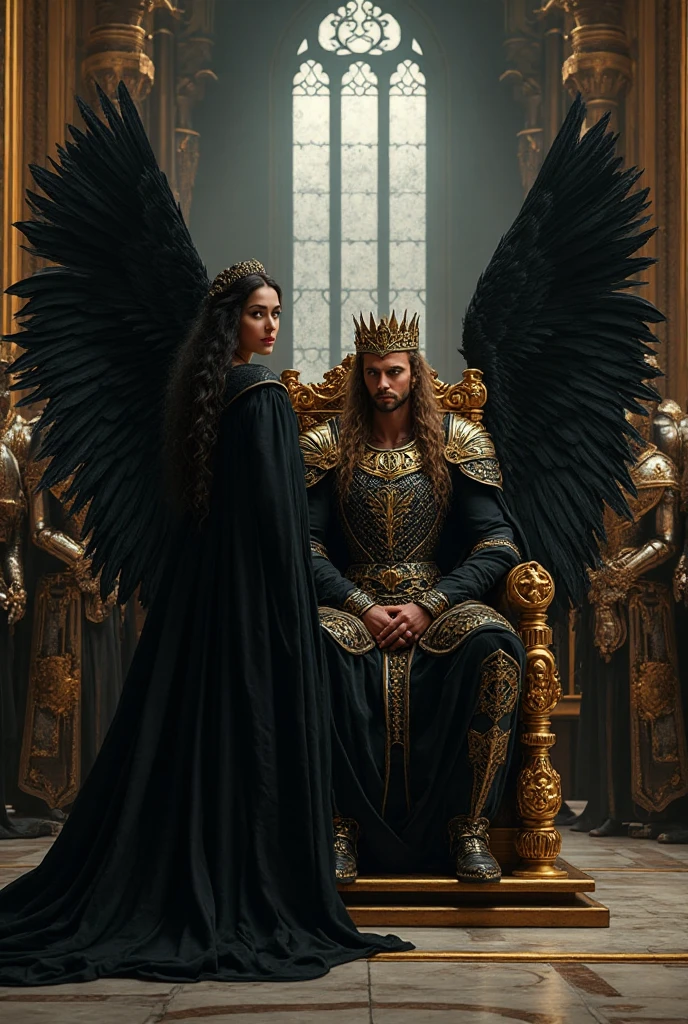
| A majestic woman in flowing black robes with large black wings stands beside a handsome king on a golden throne. The king wears gleaming gold and silver armor, surrounded by loyal knights in polished armor. The grand throne room glows with moonlight through tall windows, and gold and black banners hang from the walls, creating a powerful, dramatic atmosphere. |
 |
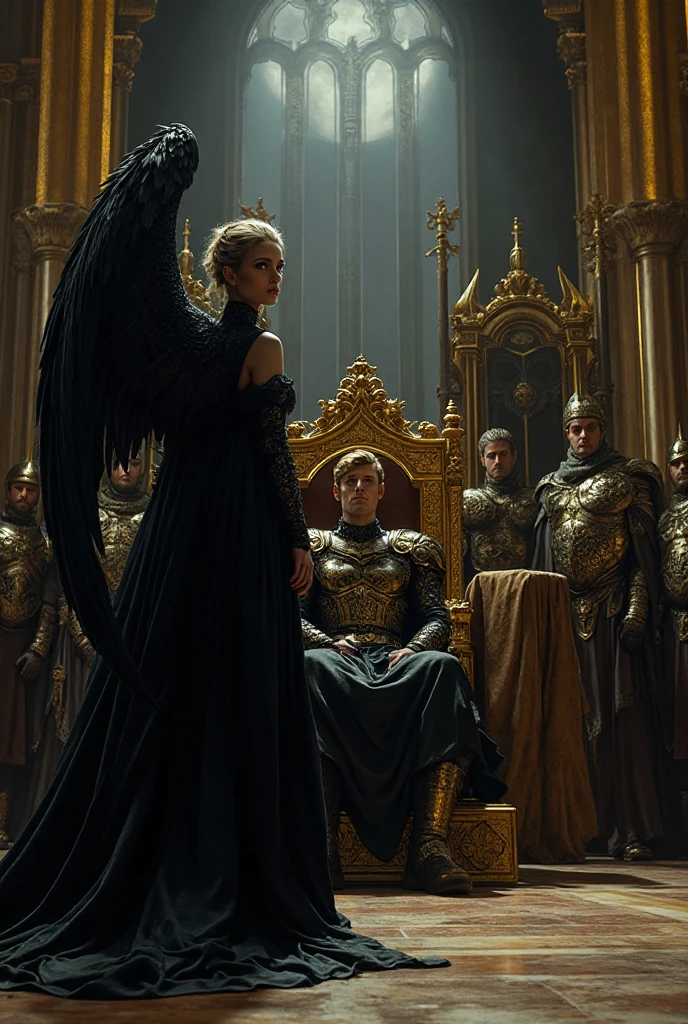 |
The first thing I noticed is that the prompt adherence is not as refined as it is with the AI video generator. There are multiple elements missing or mishandled in both scenes.
In image 1, the wings are behind the king rather than on the woman’s back as requested. In image 2, it is made to seem like she only has one wing rather than the expected two on her back.
Furthermore, the knights are barely visible in the first image and in both outputs, there are no banners hanging from the wall as requested.
As for the scene composition, I do appreciate the level of detail captured. From the decorative embellishments on the throne to the vivid color and lighting, it did well to paint a pretty picture.
Even the fine textures and clothing details are well rendered. But this is why it’s so disappointing because had it not been for the prompt inaccuracies, the final output would’ve been solid.
For this reason alone, I’d have to give it a 5.5/10 rating.
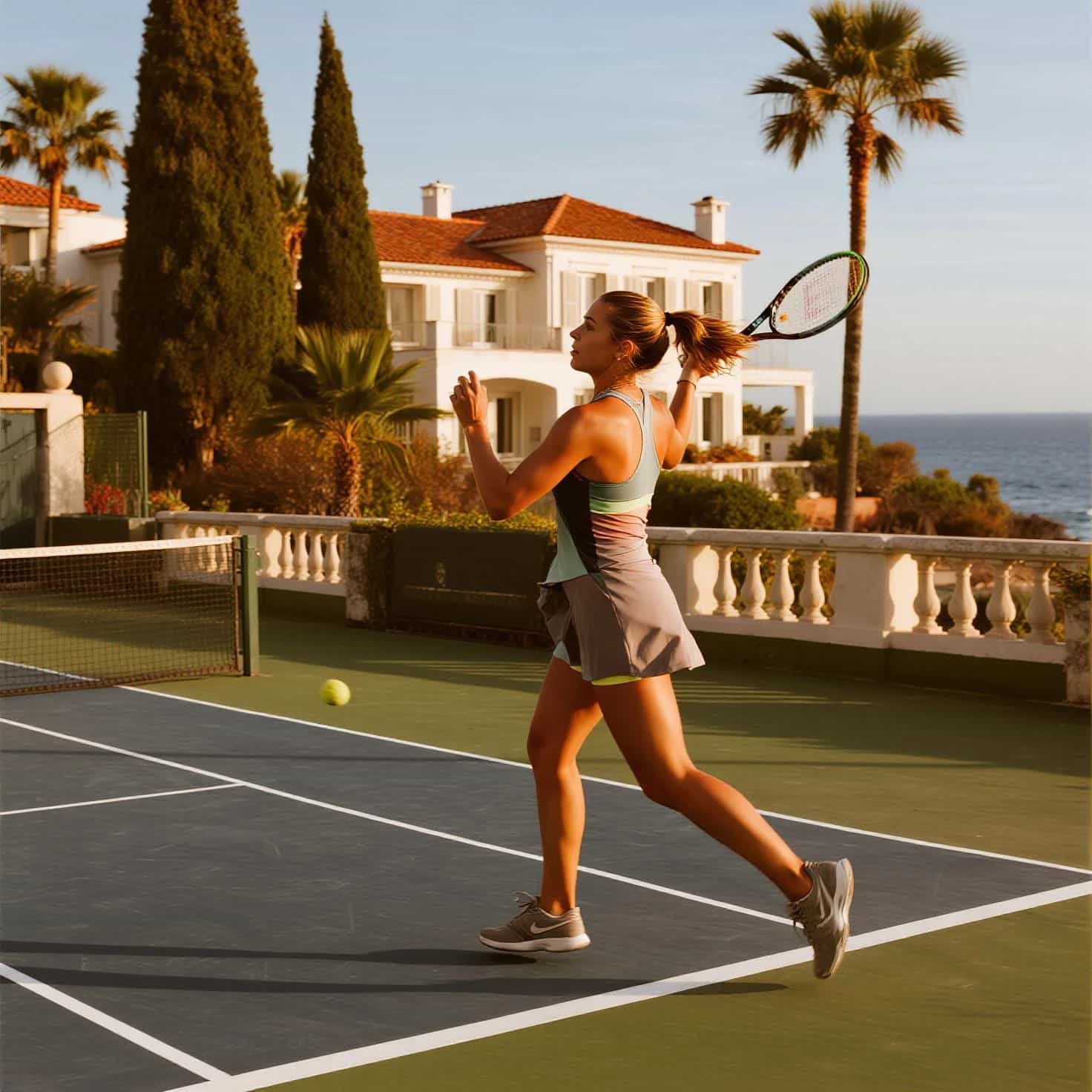
In the second image test, I wanted to see how it performs with photorealism. Check out the prompt I used and the outputs it created here:
| Prompt | Image 1 | Image 2 |
| Create an image of a beautiful female tennis player in action on a sleek tennis court at a luxurious French villa by the coast. The mansion has Mediterranean architecture with white stone walls and terracotta roofs, overlooking the sparkling ocean. The scene is bathed in warm, golden light with lush greenery and palm trees surrounding the court. |
 |
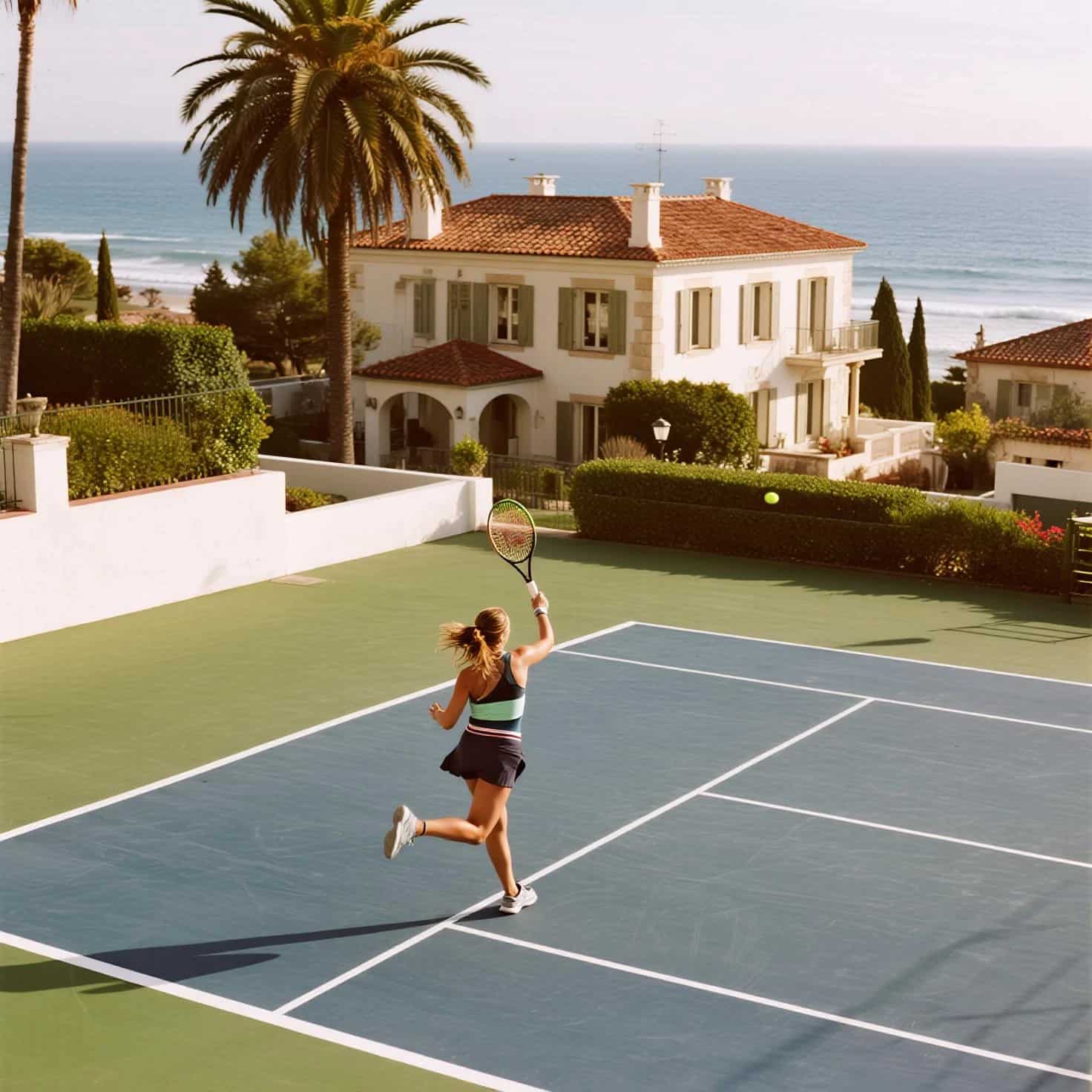 |
This time around, I was quite impressed with the output. The prompt instructions were followed with much more accuracy than the last test, so that was great to see.
As for the visual realism, it is quite uncanny. From the architecture to the outdoor lighting, the whole scene looks like it was taken by a real photographer. Even the character render is great.
She fits into the scene very naturally and cohesively. You can clearly see how the warm sunlight reacts with her skin tone and even the subtle shadow highlights on her arms and legs.
Also, her body positioning looks realistic, not at all exaggerated or awkward as you’d typically expect to see in most AI-generated images.
In fact, the only thing that would expose the image as AI is the overly pristine and smooth perfection of the textures across aspects like the tennis court’s surface and villa.
Overall, still a very commendable result. I’d give it a 8.5/10. Quite a surprising performance.
My Final Verdict on SeaArt AI: Worth It or Not?
After some real-world testing of my own, I will say that it’s a mixed bag. Frankly, I was least impressed with its performance across the AI video generator tests.
The best thing about the AI video generator was that it excelled in the prompt following. Because of that, I didn’t need to worry about certain visual elements being left out.
But the core issue that I think SeaArt AI struggles with is character renders. It’s unable to render emotional cues realistically, with the subject and crowds often looking stiff on their faces.
However, the bigger issue is how the temporal stability often fails to hold together across frames. I mostly saw this with the subtle distortions around the characters’ faces.
The fact that these instability issues repeated across both tests shows that these aren’t simply isolated glitches. For this reason, I would find it very difficult to use these outputs in practice.
As for the SeaArt AI image generator, I consider this one to be a hit or miss situation. Depending on the style, prompt, and model you use, the outputs can either impress or depress.
Frankly, I’m not a fan of inconsistent outputs. Especially because it often forces you to regenerate and this results in excessive credit consumption.
So, I wouldn’t rely on it as a daily AI image generation tool but I believe it would serve well for creative image testing and experimentation.
Ultimately, for images, you can give SeaArt AI a chance. Butor videos, it’s a no-go for me. Also, given how cluttered the platform’s interface is, it doesn’t make a good case for constant use.
Instead, I would suggest finding a more consistent generative AI media tool.
Is There a More Reliable Alternative? Try Creating with HIX AI!
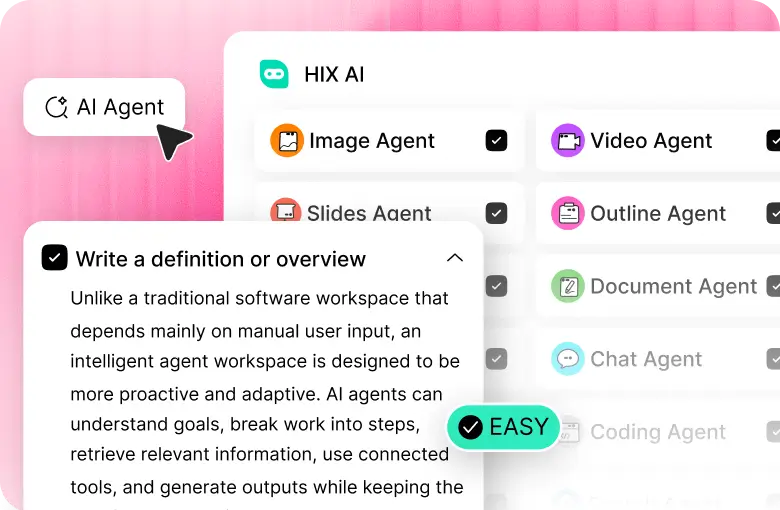
I discovered HIX AI a while back and for weeks, it’s been my go-to choice for AI image and video generation. Why? Three reasons: convenience, consistency, and quality performance.
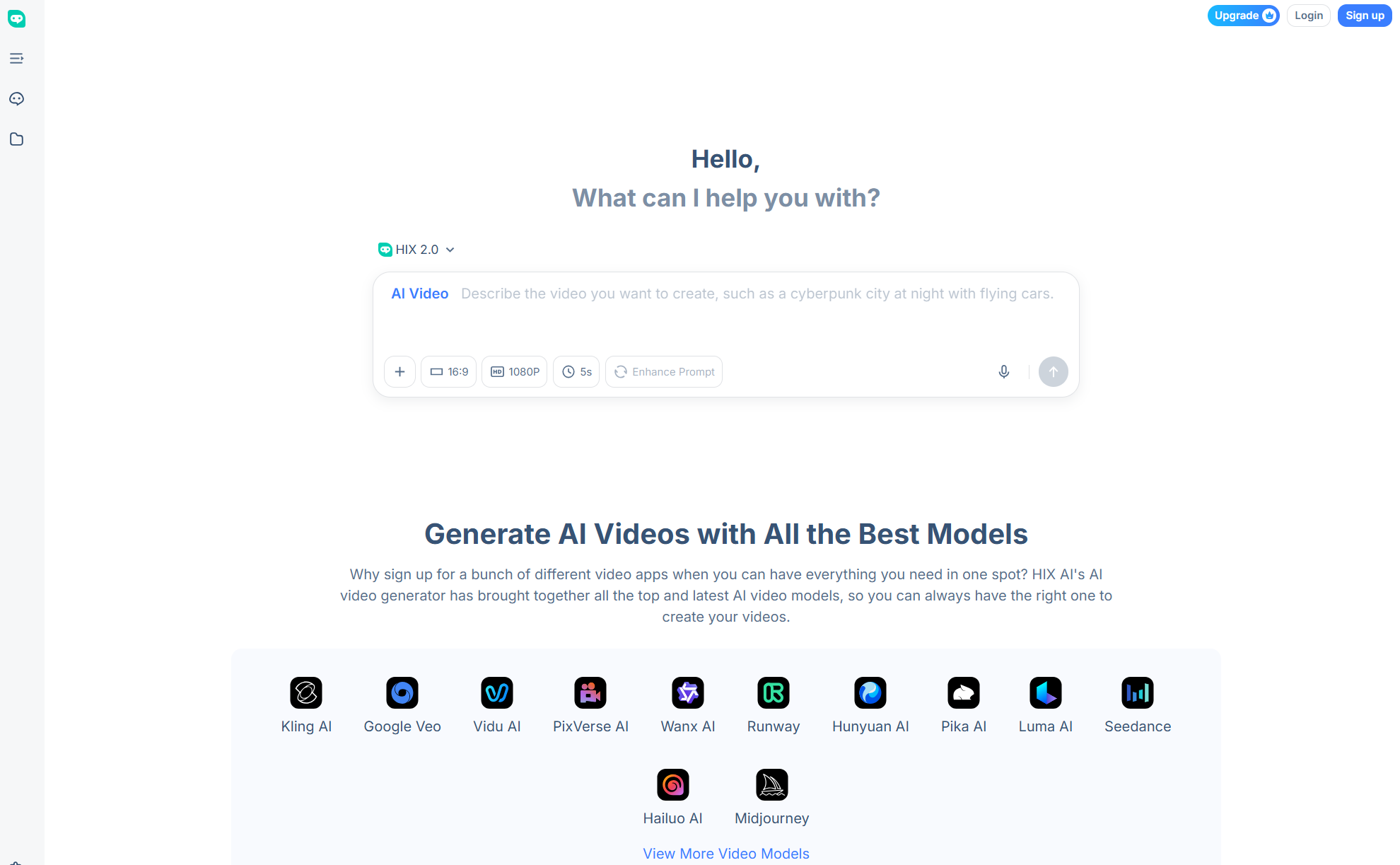
Similar to SeaArt AI, it’s an all-in-one media creation platform but with one key difference. HIX AI comes integrated with all the latest, top-class AI image and video models in the market.
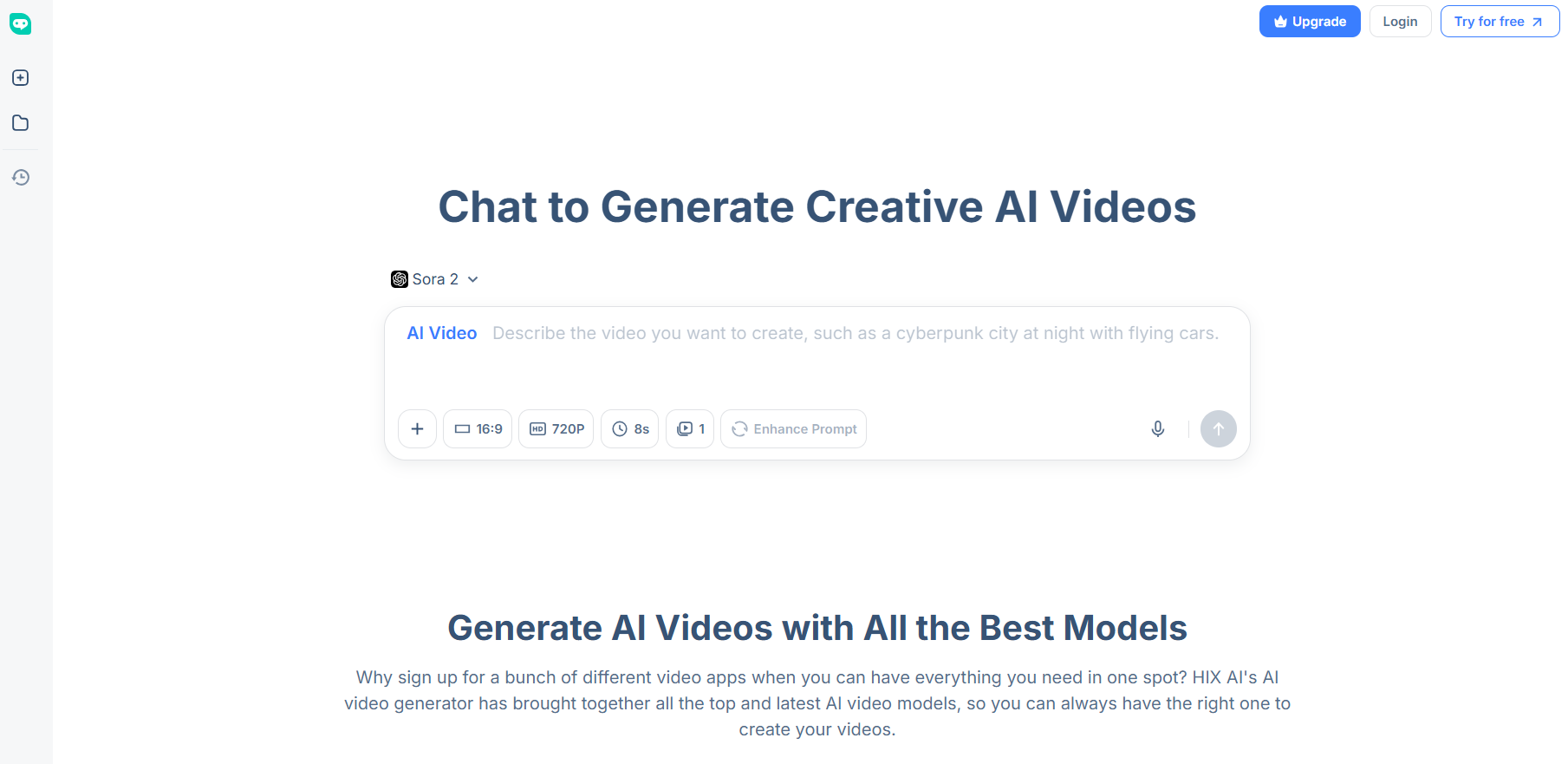
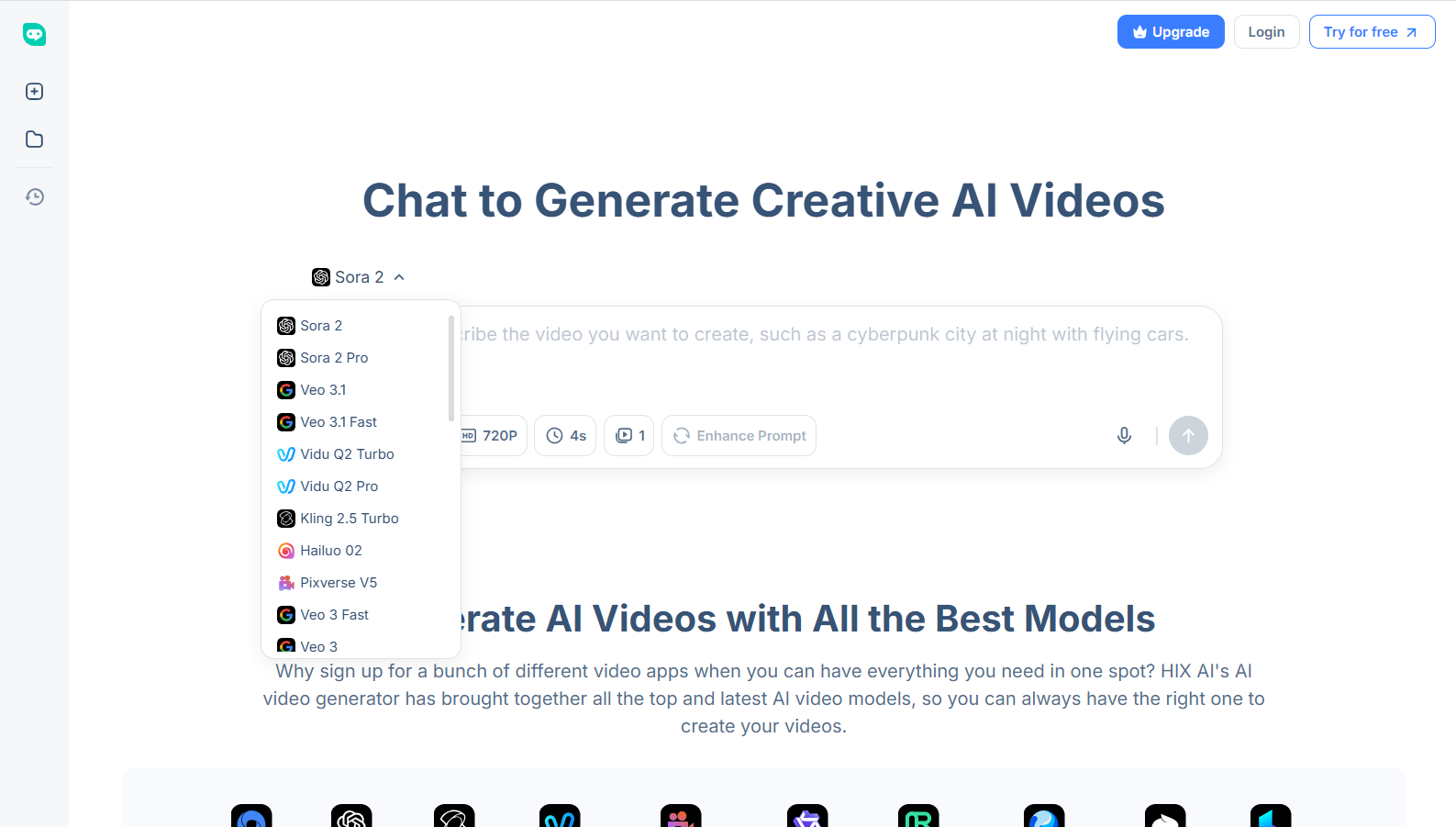
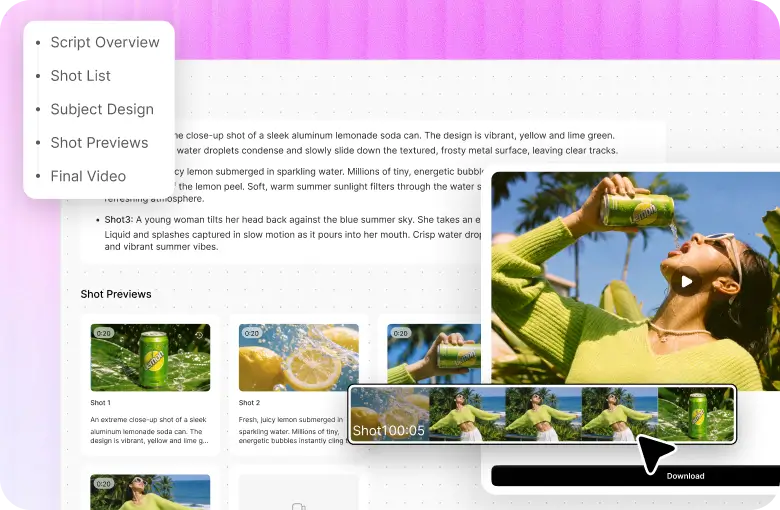
With the HIX AI video generator, I can use leading models like Pika AI, Google Veo 3.1, Runway, Sora 2, Kling AI, and PixVerse AI to produce high-fidelity, cinematic-level videos across various styles.
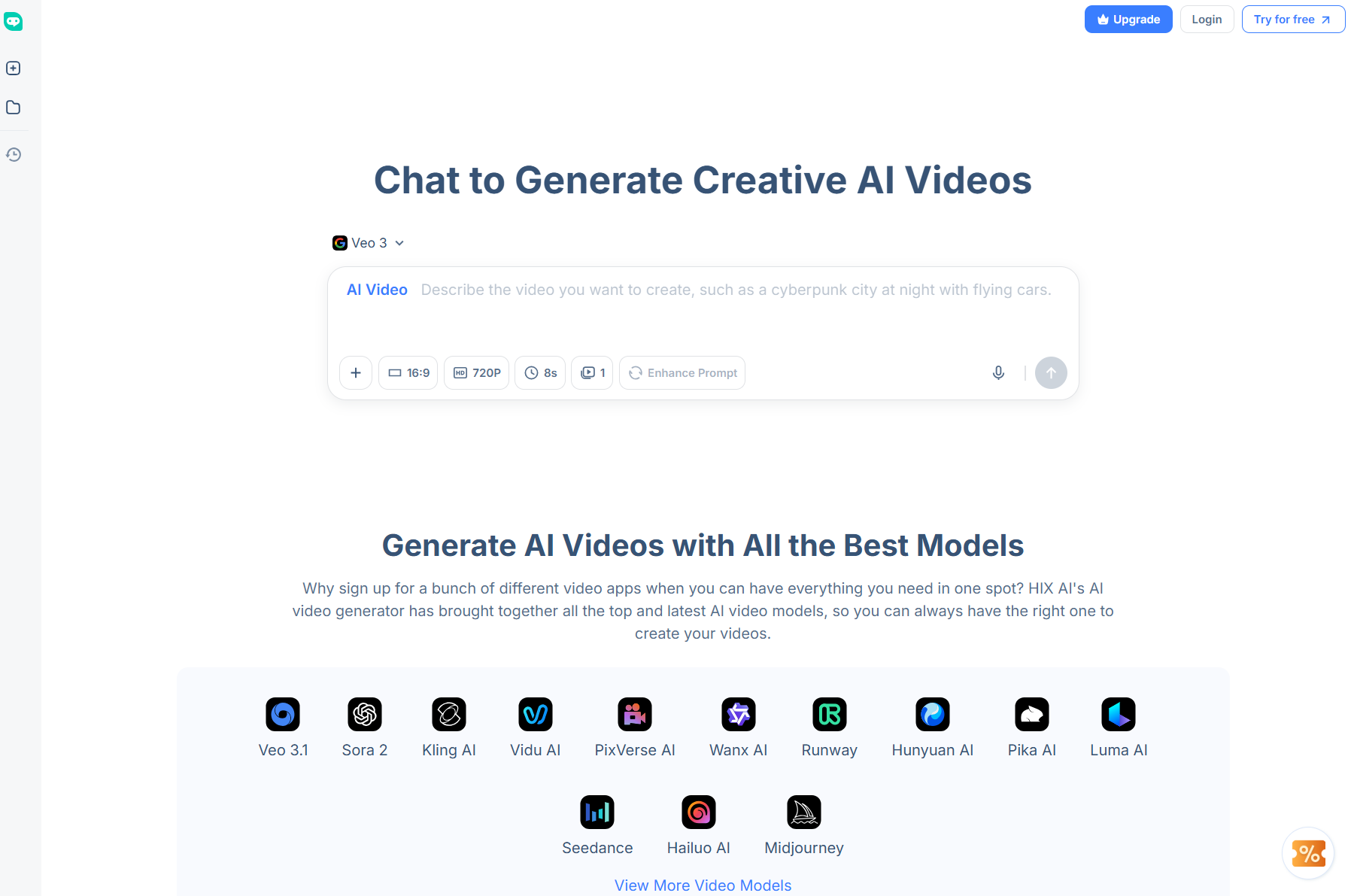
And with its text to video AI, image to video AI, and video to video AI capabilities, I can not only create new videos, but also reimagine existing footage in no time at all.
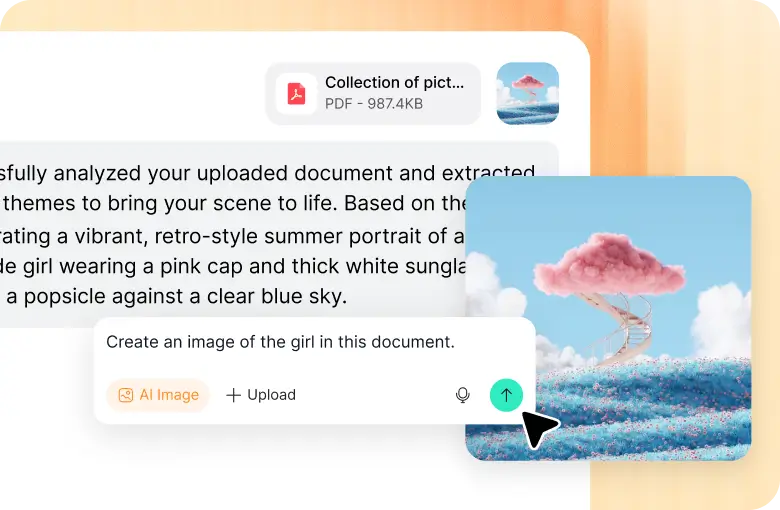
As for the AI image generator, I can create detailed, high-resolution imagery using AI image models like Nano Banana, GPT-4o, Seedream AI, Qwen Image, Recraft AI, and Midjourney.
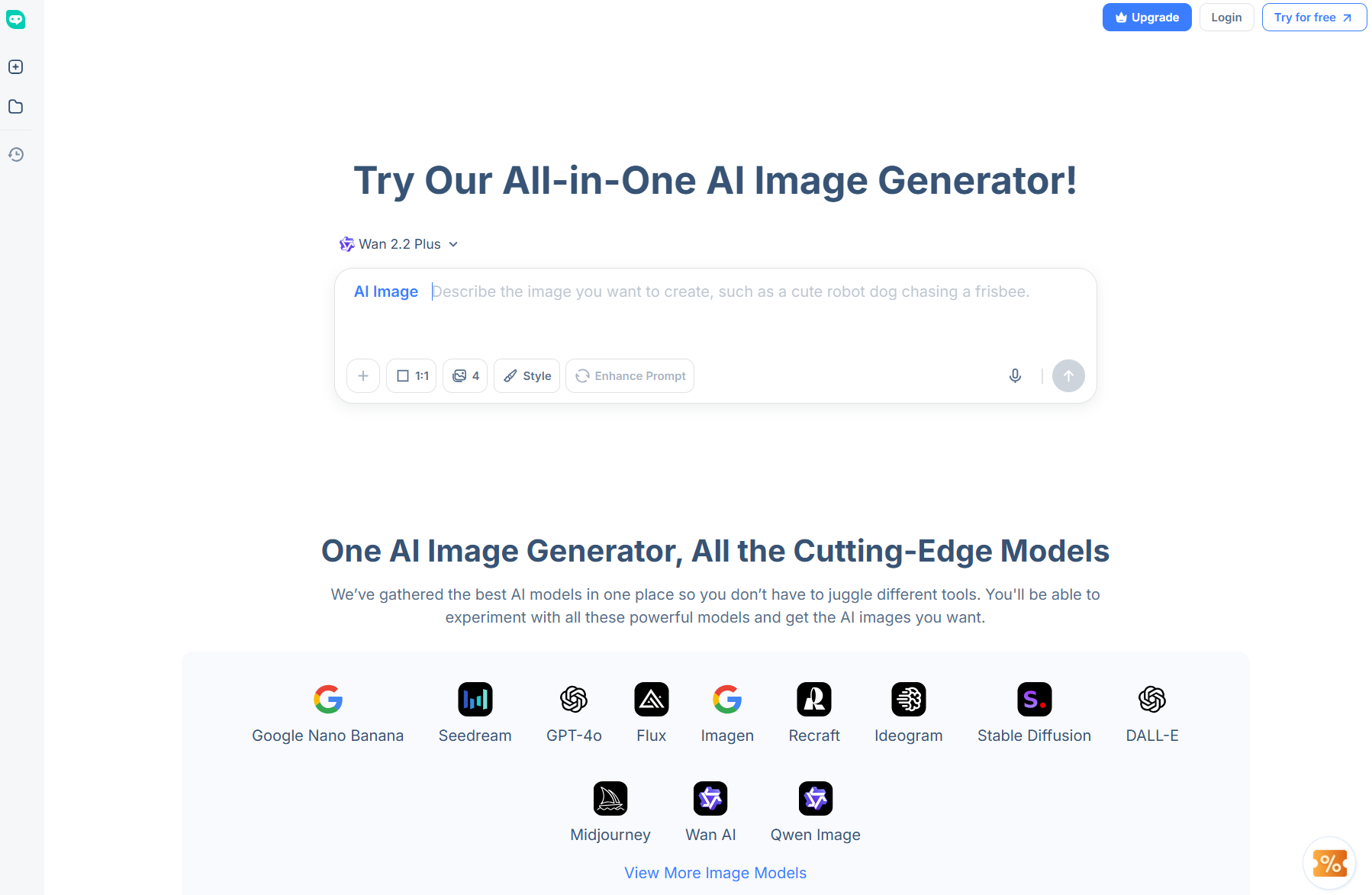
What’s more? HIX AI has over 200+ AI photo effects and AI video effects to choose from. With these, I can create fun, trend-worthy videos and all it takes is a single click!
But what I appreciate most about this platform is the stable performance it offers. Unlike SeaArt AI, the visual outputs it generates present little to no artifacts, glitches, warping, or distortions.
Conclusion
SeaArt AI is a platform with promise, as I’ve shown you in these tests. But at this point in time, the results it produces are still too unreliable.
It doesn’t quite deliver the level of quality that most professional creators would expect, not to mention that the interface can also be a bit overwhelming for beginners.
A better bet would be HIX AI because it’s powerful, reliable, and user-friendly enough to accommodate any image or video creation project. Try it at no cost via its free plan now!