

Stable Diffusion AI Image Generator
Stable Diffusion is a deep learning AI image model released in 2022 based on diffusion techniques. Its development involved researchers from the CompVis Group and Runway with a computational donation from Stability and training data from non-profit organizations. Try Stable Diffusion on HIX AI now!
Main Features of Stable Diffusion
- Enhanced Prompt Adherence: Generate images based on detailed text prompts
- Image to Image: Create images with both text prompts and an original image
- Diverse Style Generation: Create high-quality images in versatile styles
- Inpainting: Mask a region to remove or replace an object
- Outpainting: Extend original image with cohesive, high-quality additions
- Text Rendering: Generate legible text content in images
Enhanced Prompt Adherence
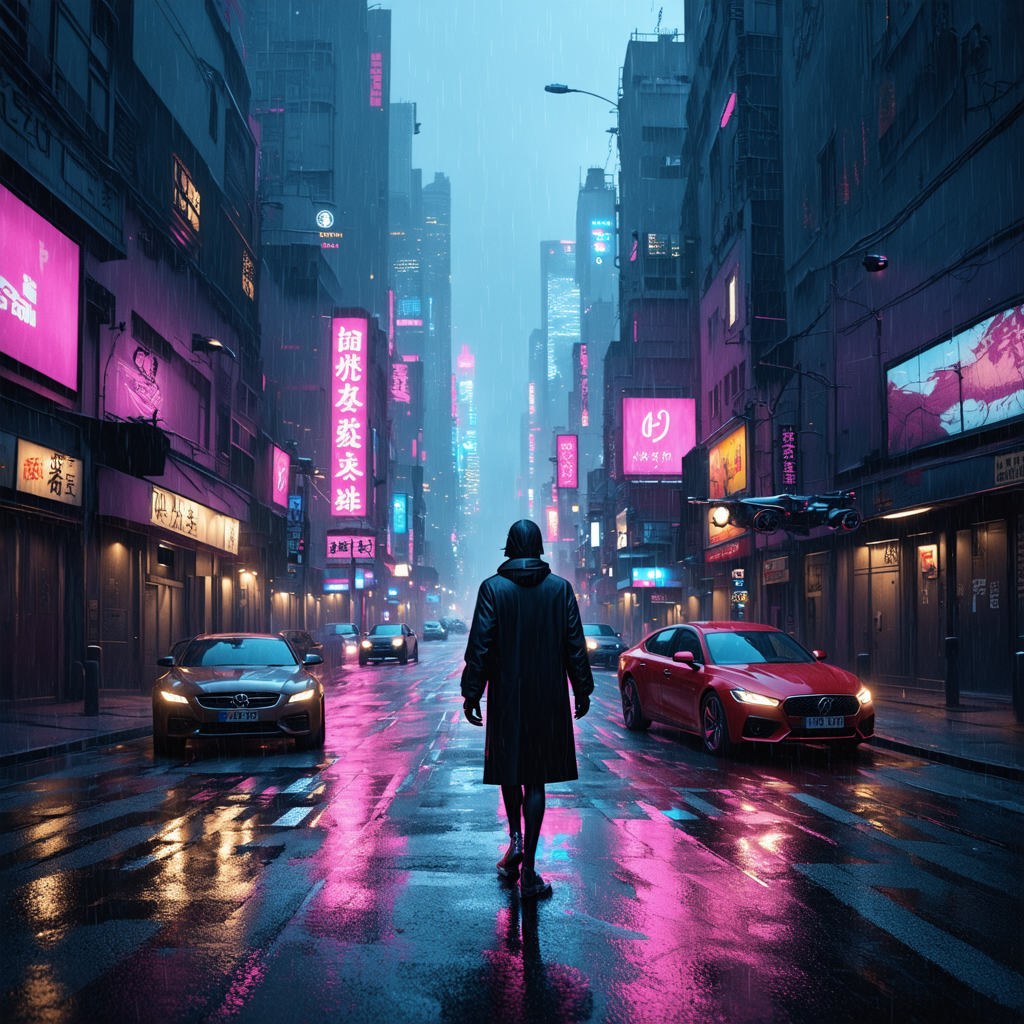
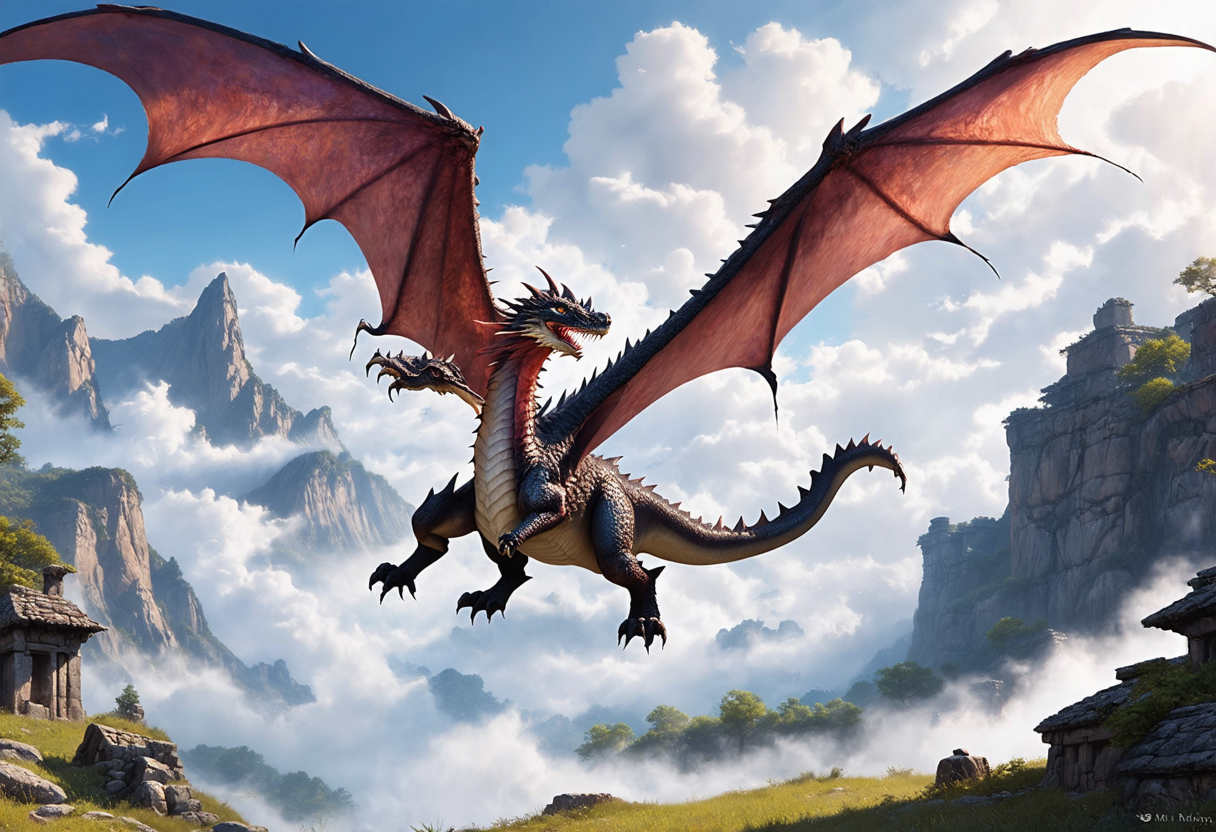
Stable Diffusion's text-to-image feature transforms your text prompts into stunning, high-quality images. Describe your vision, and Stable Diffusion generates detailed images, from photorealistic scenes to imaginative artwork, in seconds.
| Text Prompt | Output Image |
| A vibrant cyberpunk cityscape at dusk, with neon lights reflecting on a rain-soaked street, flying cars overhead, and a lone figure in a glowing trench coat. |
 |
| A majestic dragon soaring through a misty mountain valley, its scales shimmering with iridescent colors, surrounded by swirling clouds and ancient ruins. |
 |
| A cozy forest cabin under a starry night sky, with glowing fireflies, a warm lantern-lit porch, and a mystical aurora dancing in the background. |
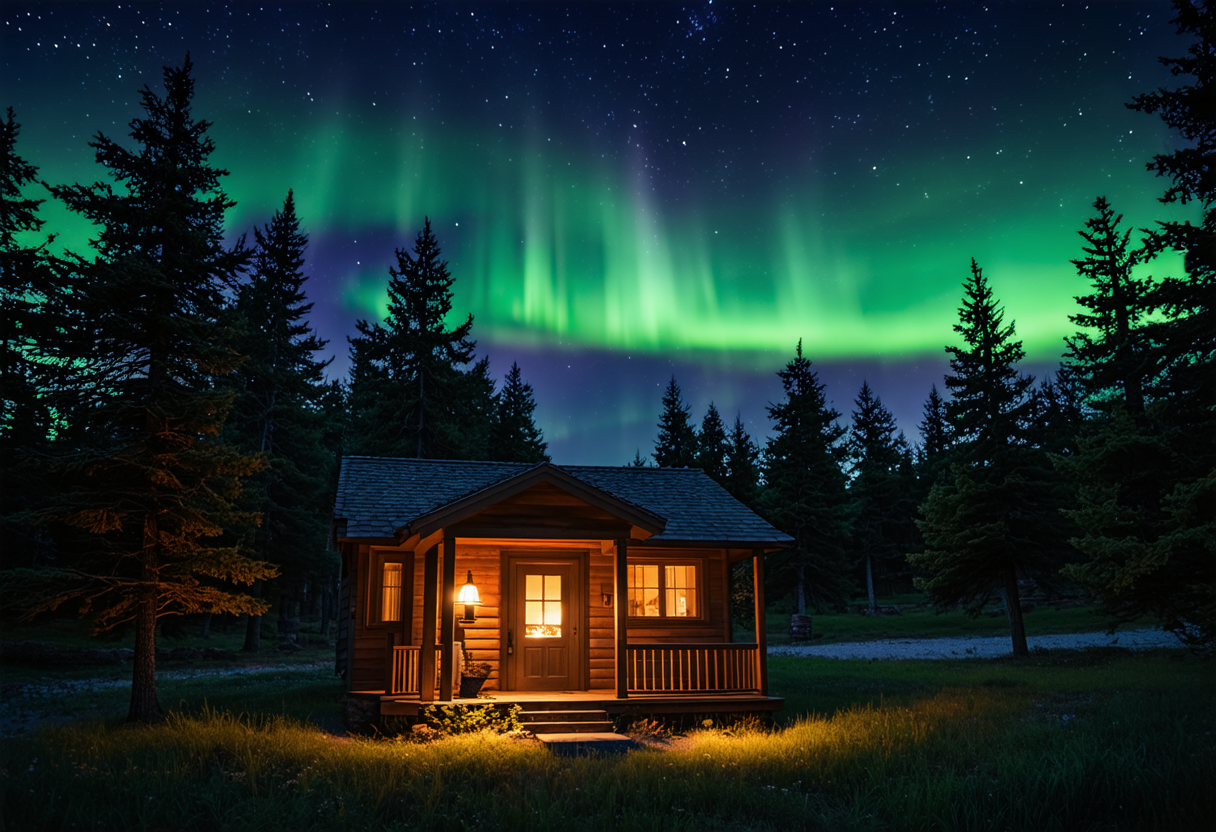 |
Image to Image
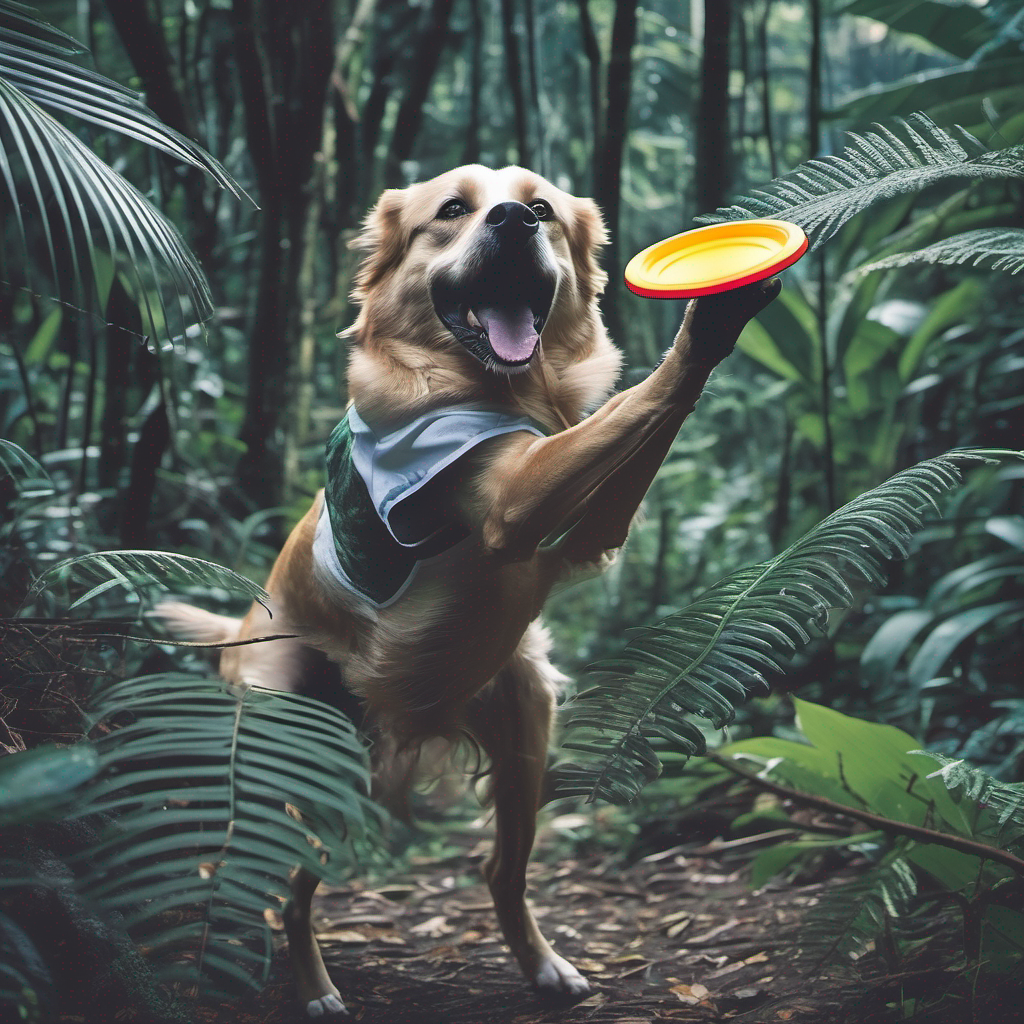
Its image-to-image feature allows you to modify existing images using text prompts. Upload a base image, describe your desired changes, and Stable Diffusion reworks it, preserving core elements while adding new details or styles.
| Input Image | Text Prompt | Output Image |
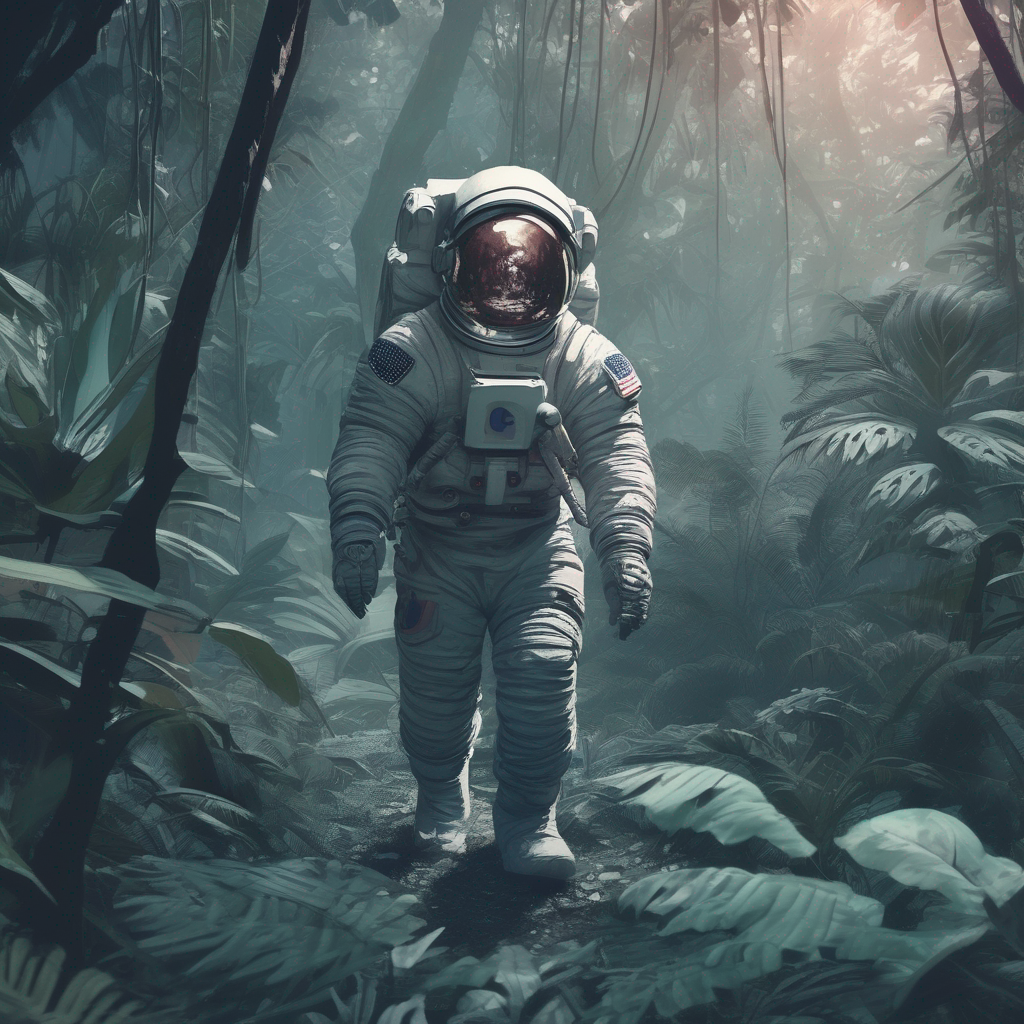 |
a dog catching a frisbee in the jungle |
 |
Diverse Style Generation
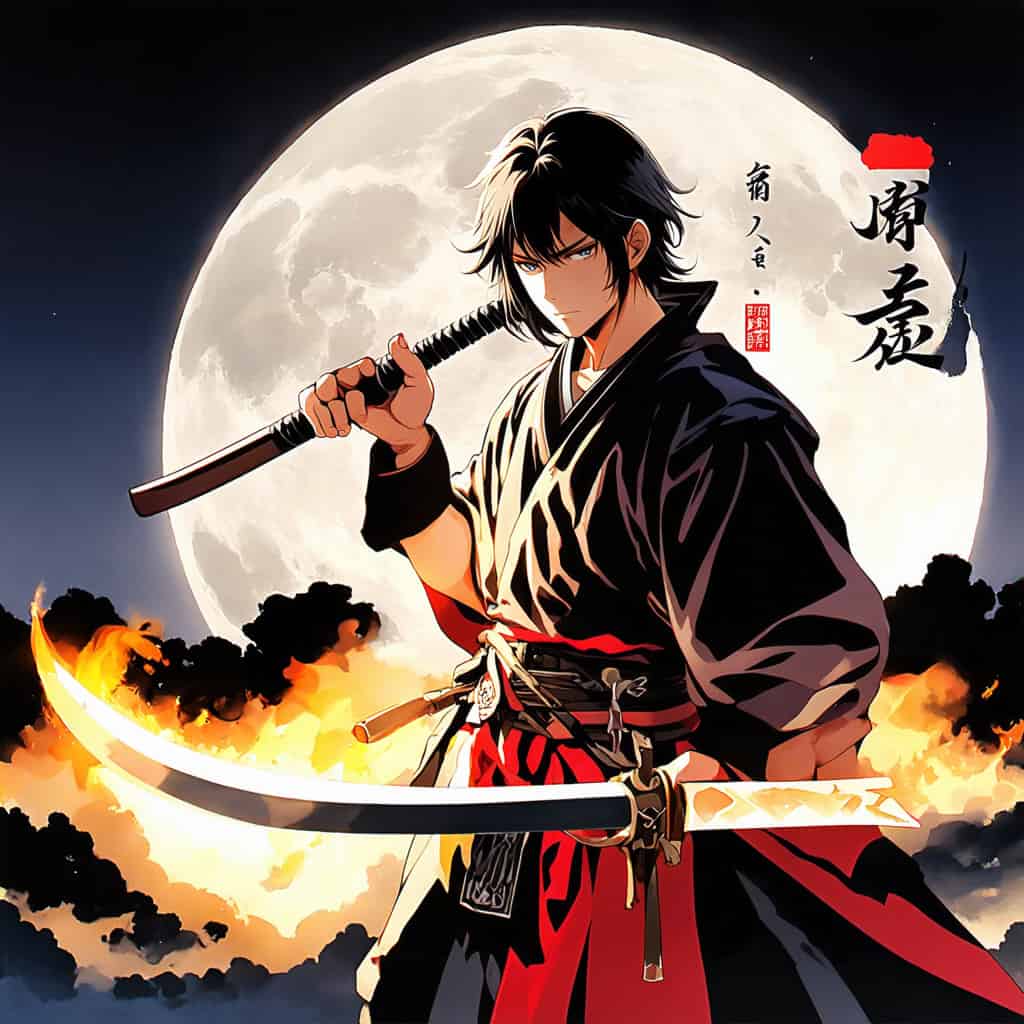
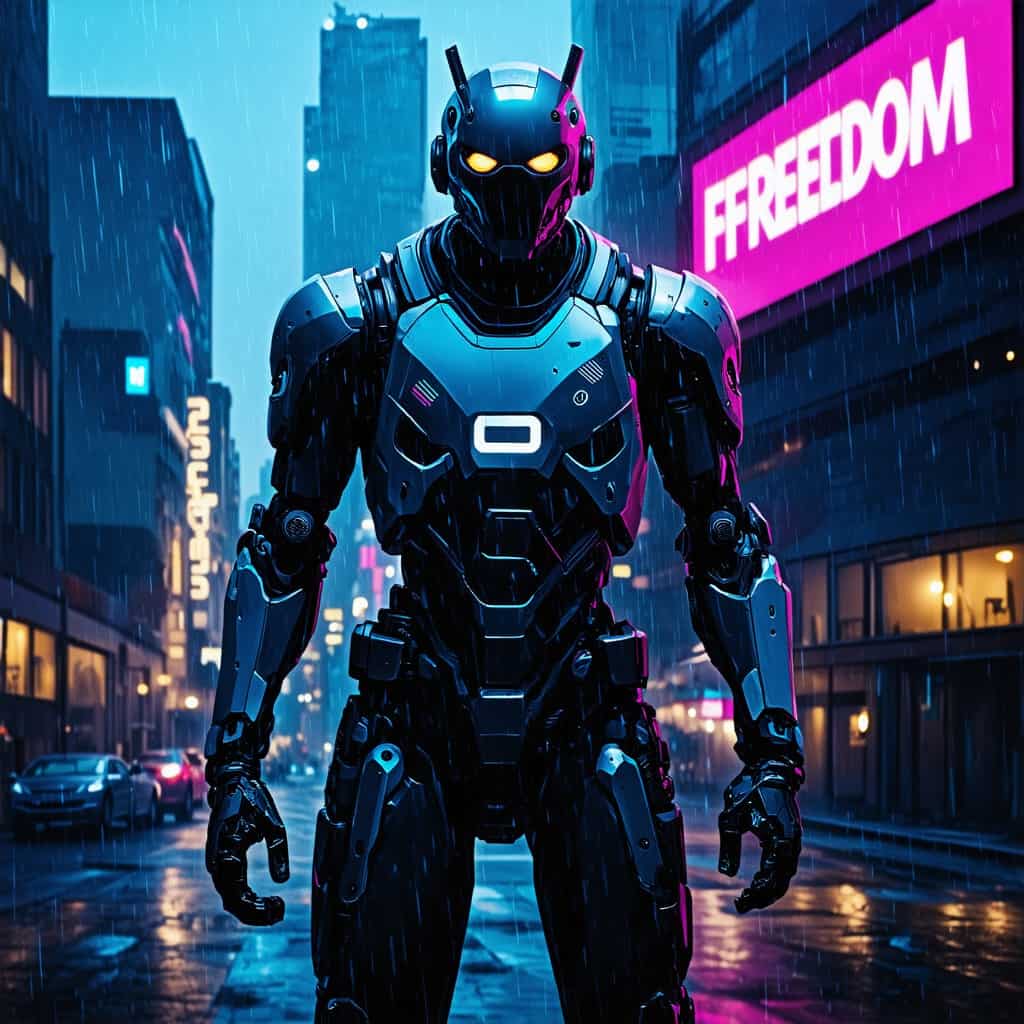
Stable Diffusion supports a wide range of artistic styles when generating images, such as anime, cyberpunk, comic and much more.
| Styles | Output Image |
| Anime |
 |
| Cyberpunk |
 |
Inpainting
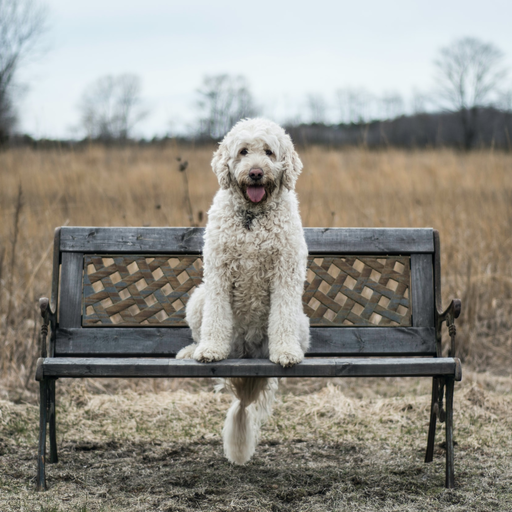
Stable Diffusion's inpainting feature enables precise image edits. Mask a specific area, provide a text prompt, and Stable Diffusion seamlessly replaces or refines it, blending perfectly with the original for flawless, targeted enhancements.
| Inputs | Prompt | Output image |
Image:
 Mask: 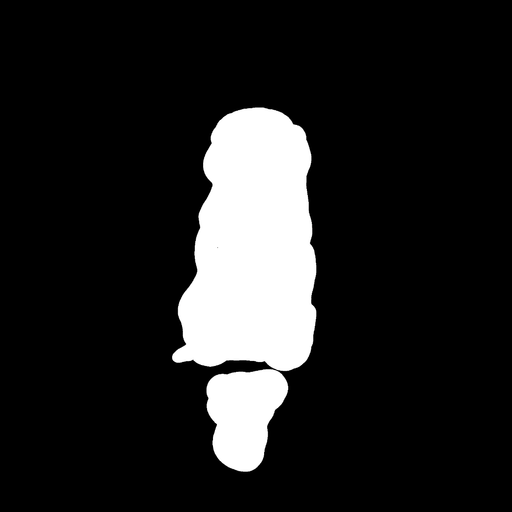 |
a tiger sitting on a park bench |
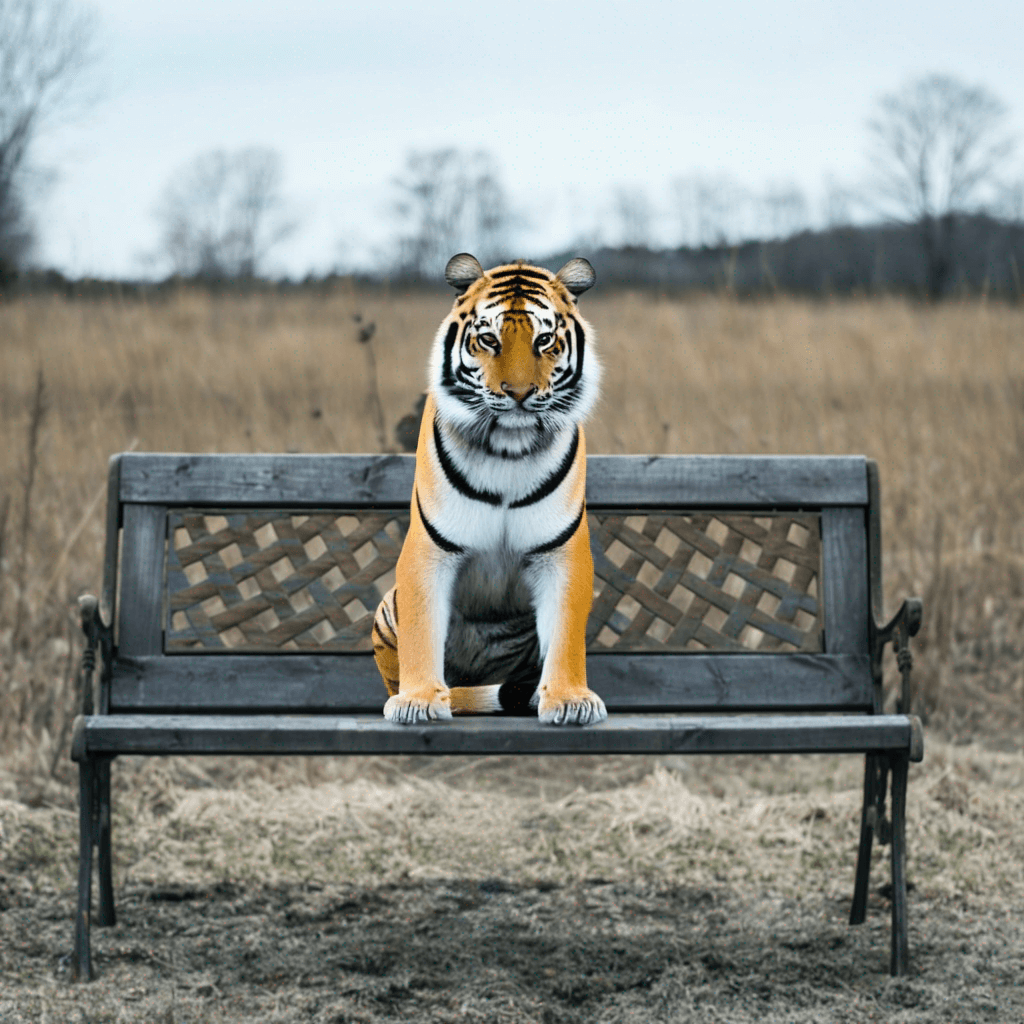 |
Outpainting
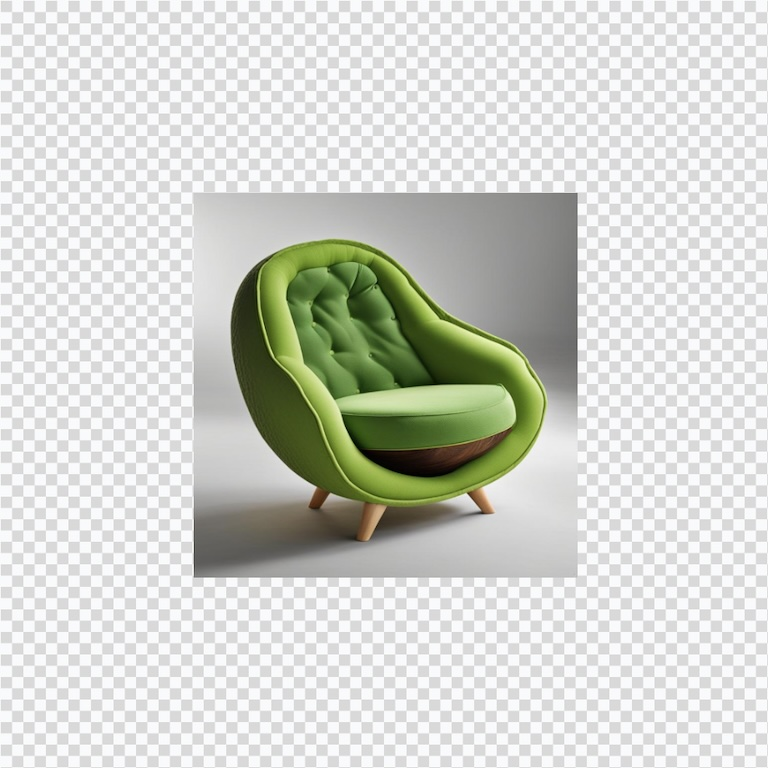
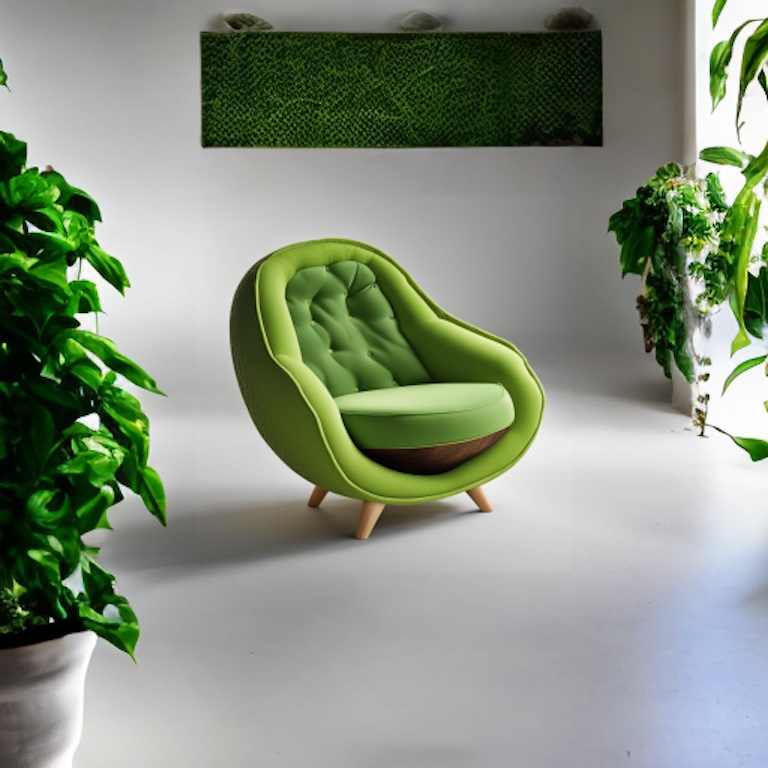
With the outpainting feature, Stable Diffusion extends images beyond their original borders. Stable Diffusion generates cohesive, high-quality additions, ideal for expanding scenes or creating larger compositions.
| Inputs | Output image |
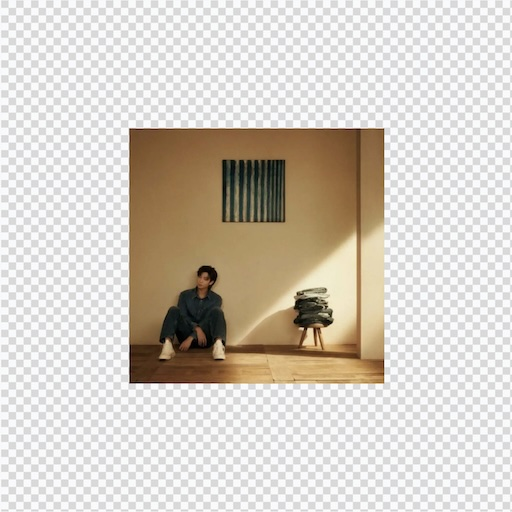 |
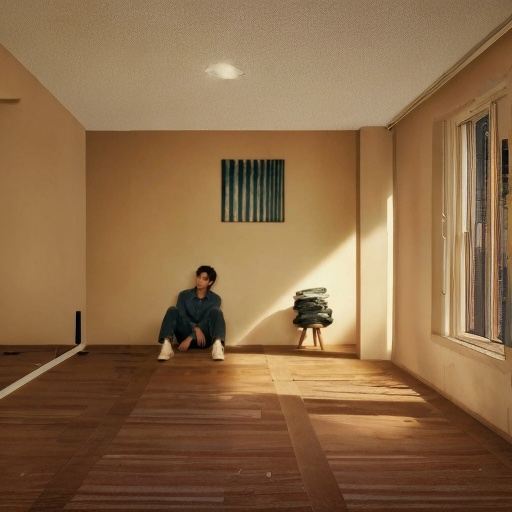 |
 |
 |
Text Rendering
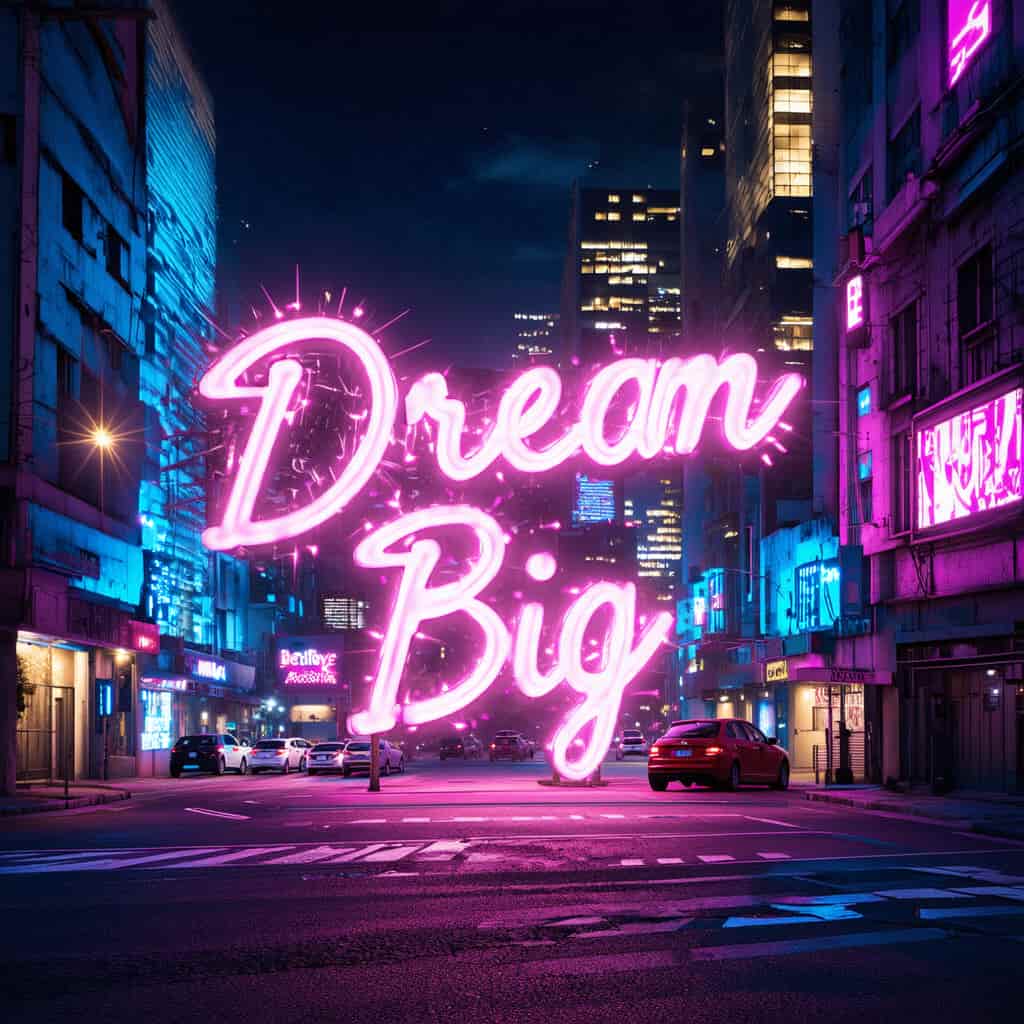
Stable Diffusion is able to generate legible text content in images, making it suitable for creating posters, logos or social media graphics.
| Text Prompts | Output Image |
| A vibrant neon sign glowing in a futuristic cityscape at night, displaying the text 'Dream Big' in bold, cursive font, surrounded by holographic sparkles and cyberpunk buildings. |
 |
| A rustic wooden billboard in a sunny meadow, showcasing the phrase 'Adventure Awaits' in large, blocky serif font, with wildflowers and a clear blue sky in the background. |
 |
Stable Diffusion vs DALL-E 3 vs GPT-4o
How Stable Diffusion stacks up against other AI image models:
| Aspect | Stable Diffusion | DALL-E 3 | GPT-4o |
| Image Quality | Good photorealism with tuning; ★★★★☆ | Artistic but inconsistent; ★★★☆☆ | Superior coherence; ★★★★★ |
| Text Rendering | Decent with prompts | Often garbled | Excellent |
| Generation Speed | ★★★★ | ★★★★ | ★★★ |
| Cost | Free open-source | Around $0.04 for standard images ($0.08 for HD) | $20/month via ChatGPT Plus |
| Customization | Extensive fine-tuning; community mods | Basic editing | Natural language refinements |
| Safety Features | User-managed; fewer restrictions | OpenAI policies | Built-in guardrails; balanced |
How to Use Stable Diffusion on HIX AI?
Choose Stable Diffusion Model
Go to the HIX AI text-to-image page and choose the Stable Diffusion model.
Input Text Prompt
Enter text prompt and select other settings.
Create Image
Click Create and wait for HIX AI to generate your image.
YouTube Videos About Stable Diffusion
Reddit Posts About Stable Diffusion
Discussions About Stable Diffusion on X
// Stable Diffusion, Explained //
— AI Pub (@ai__pub) August 21, 2022
You've seen the Stable Diffusion AI art all over Twitter.
But how does Stable Diffusion _work_?
A thread explaining diffusion models, latent space representations, and context injection:
1/15 pic.twitter.com/VX9UVmUaKJ
Underrated mind-blowing fact about Stable Diffusion and its fine-tuned descendants is that you can take a linear combination of the weights from two models (a*w1+(1-a)*w2) and the result is what you’d hope for- an image generator that combines features of both models. pic.twitter.com/vrWZUeGrT5
— Brendan Dolan-Gavitt (@moyix) October 15, 2022
holy shit, stable diffusion's image generation and priors are good enough that you can prompt it with "cognitohazard" and it makes working ones. try viewing these full-screen for like 30 seconds and see what happens pic.twitter.com/R4PJjdFtyz
— walking mirage (@atomicthumbs) September 6, 2022
I tried Stable Diffusion for Photoshop, works very well! pic.twitter.com/KpN4m6a6S5
— Andrei (@Riabovitchev) September 17, 2022
The new Stable Diffusion version 2 by @StabilityAI comes with depth to image model capable of preserving more structures from the original image 🤯 pic.twitter.com/pjlTLyg9oA
— Radamés Ajna (@radamar) November 24, 2022
Enter "Lexi", our completely artificial first character.
— Sam Emara (@sam_emara) May 15, 2025
We used Stable Diffusion 1.5 to generate images.
The challenge: making her look consistent from different angles without deepfaking real people.
It was also a challenge to find top talent, so I took a unique approach: pic.twitter.com/lBNkhVabCq
I'm amazed at how great Stable Diffusion is for photo restoration! #AIArt#StableDiffusion2 / #StableDiffusion pic.twitter.com/JwKejALqY6
— Stable Diffusion 🎨 AI Art (@DiffusionPics) March 16, 2023
Why does Stable Diffusion struggle with making very dark or light images? This problem actually affects all diffusion models - it's impossible to fit a purely black or white image!
— nev (@neverrixx) February 12, 2023
A simple fix exists. This is a thread about a blog post from Cross Labs. (1/7) pic.twitter.com/SH6N7oxeW9
The weights of Stable Diffusion, a latent text-to-image diffusion model, are open for academic research upon request!
— Robin Rombach (@robrombach) August 10, 2022
See https://t.co/zML1NKdQqj for details how to access the model and the model card. pic.twitter.com/ZeIq4hiFLr
"I used Stable Diffusion to create a background to my photo, then i used Photoshop to make the final image. Purpose is to prove that Stable Diffusion is a tool. A good one. Also made a video: https://t.co/TrL8QPEK8C"#StableDiffusion #AIArt #AIArtwork #DreamStudio pic.twitter.com/3aji0TMPxH
— Stable Diffusion 🎨 AI Art (@DiffusionPics) October 24, 2022
FAQs
What is Stable Diffusion and how does it work?
What is Stable Diffusion and how does it work?
Stable Diffusion is an AI-powered image generator that creates high-quality images from text prompts or modifies existing images. It uses a latent diffusion technology, transforming random noise into detailed visuals by iteratively refining it based on user input, trained on large datasets like LAION-5B.
What are the main features of Stable Diffusion?
What are the main features of Stable Diffusion?
Stable Diffusion offers text-to-image generation, image-to-image transformation, inpainting (editing specific image areas), and outpainting (extending images beyond their borders). These features allow users to create or modify images with precise control using text prompts.
Is Stable Diffusion free to use?
Is Stable Diffusion free to use?
Stable Diffusion is open-source, meaning the model itself is free to download and use locally. Or you can just try it for free on HIX AI to generate high-quality images.
Can Stable Diffusion generate images in specific art styles?
Can Stable Diffusion generate images in specific art styles?
Yes, Stable Diffusion can create images in various art styles, such as watercolor, oil painting, or anime, by including style-specific terms in your text prompt.