
Let’s be honest, watching a static idea transform into a moving cinematic scene using just a few words is nothing short of mind-blowing. If you've been wondering how to make AI videos, you are looking at a massive shift in modern digital storytelling.
I’ve put together a straightforward, comprehensive look at the entire creation process. This overview will guide you through the essential video formats, the general generation workflow, and the subtle tricks to give your synthetic footage a truly authentic feel.
In this article
How to Make AI Videos: Pick the Right Workflow Before You Generate
As an AI video creator, I always tell beginners: before rendering a single frame, you must choose the right workflow. Let’s break down the primary paths in a simple way to help you align your creative vision with the best tools available.
| Path | Concept | Best for |
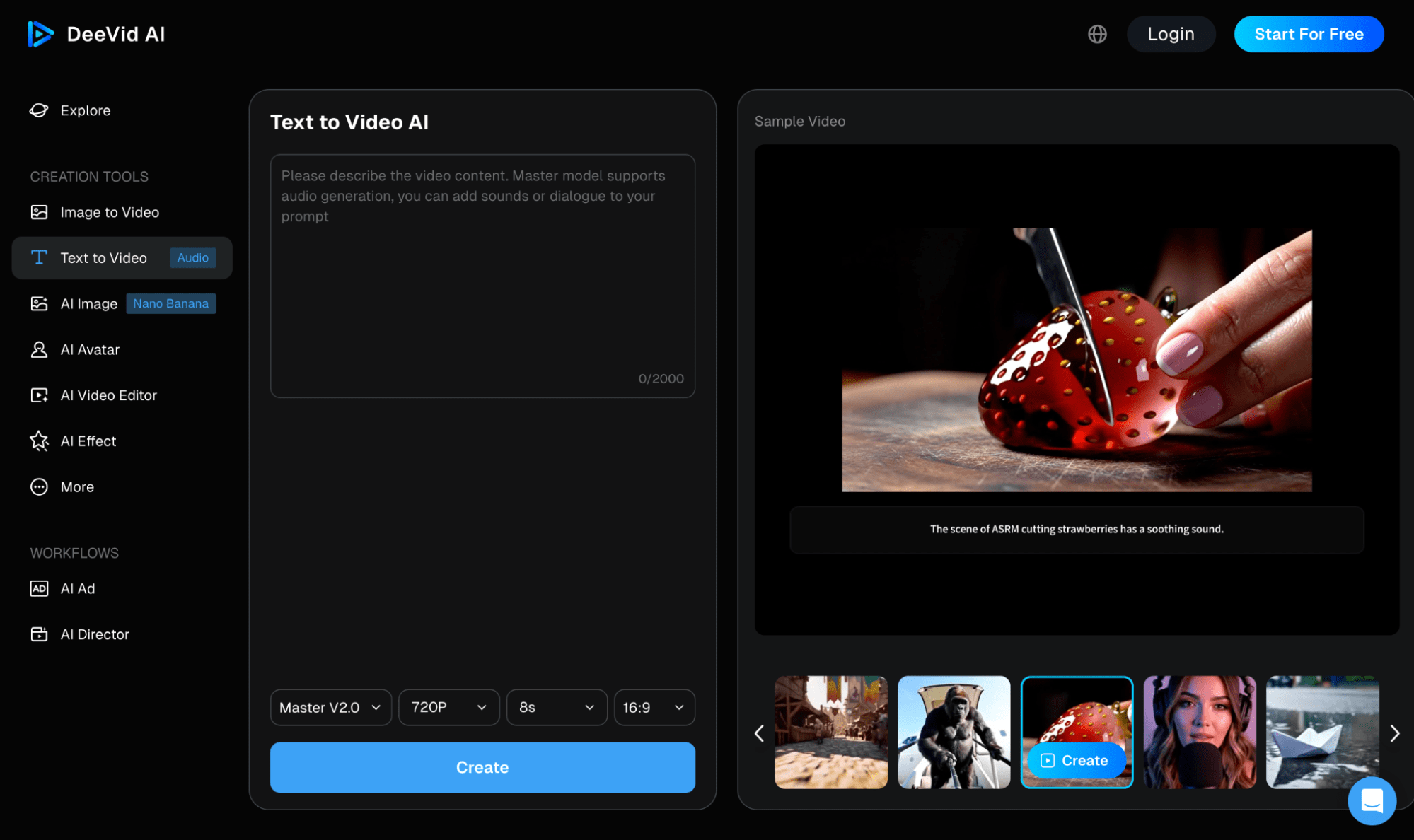
| Text-to-Video | Generates cinematic or stylized footage entirely from scratch using optimized text prompts. | Conceptual short videos, high-impact ads, and creative YouTube clips |
| Image-to-Video | Animates initial images as visual anchors, ensuring precise control over character consistency and framing. | Cinematic storytelling, high-end marketing videos, and visually precise advertising campaigns. |
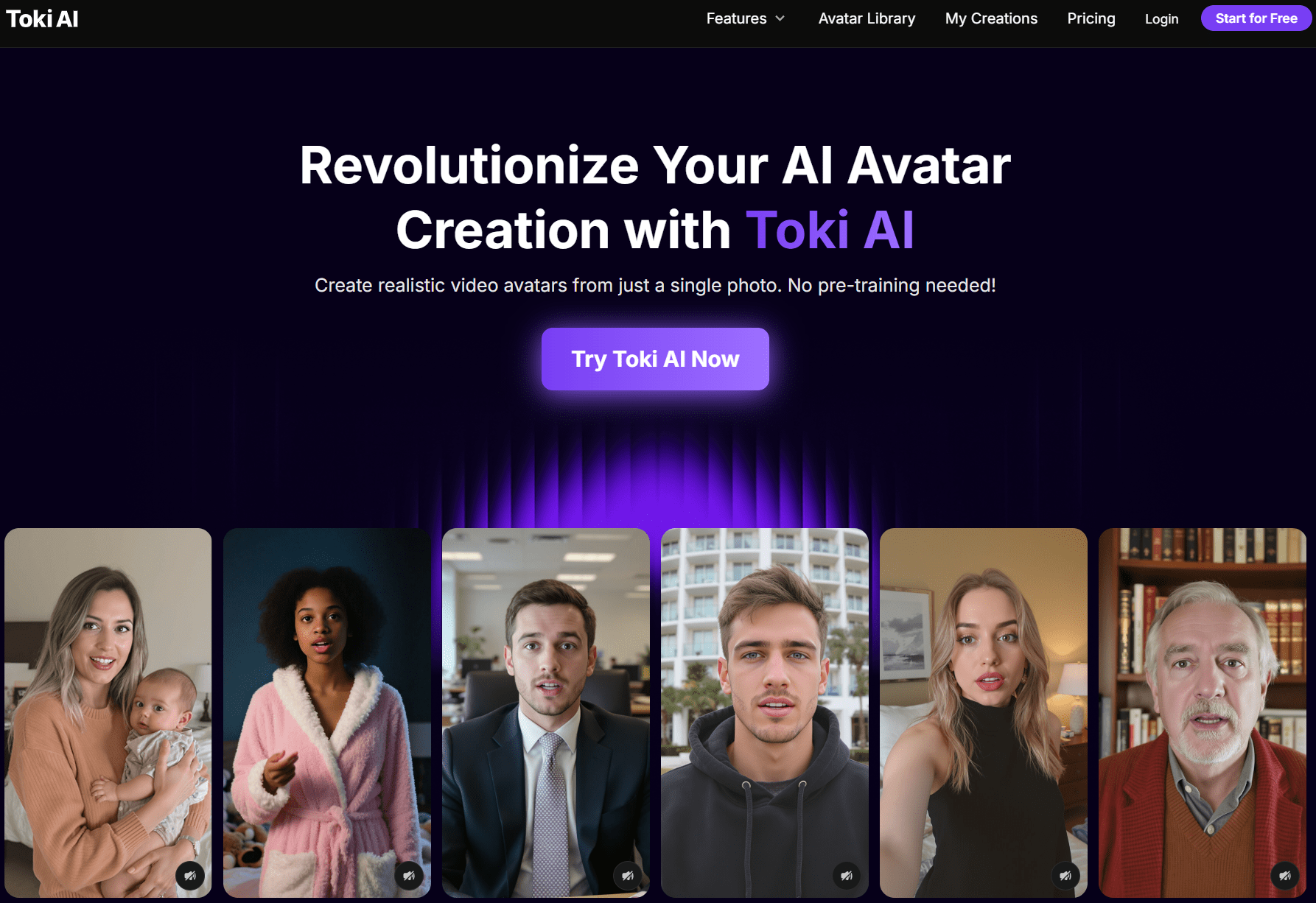
| AI Avatar Videos | Uses photorealistic talking avatars to deliver multilingual scripts without showing your face. | Online courses, corporate training, and educational explainer videos. |
| Blog Post / Script-to-Video | Automatically converts text from blog posts or AI-assisted scripts into fully edited videos with voiceovers. | Social media marketing videos and faceless YouTube automation channels. |
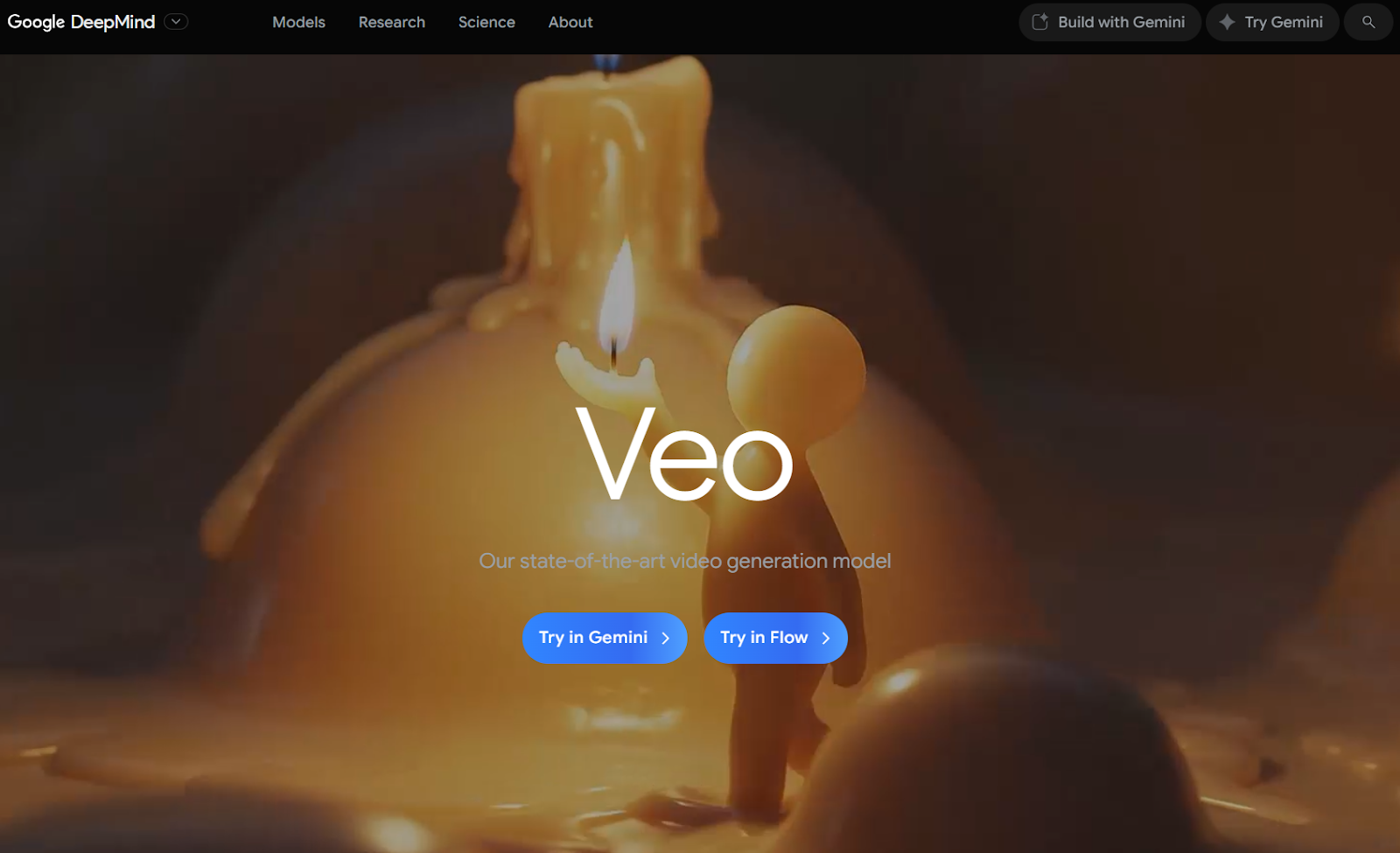
Choosing the "best tool" depends entirely on your project's primary needs. Whether you prioritize visual fidelity, prompt adherence, or automation, matching your target content to the right pathway first saves hours of trial and error.
How to Make AI Videos: My Top Pick Is the HIX AI Video Generator
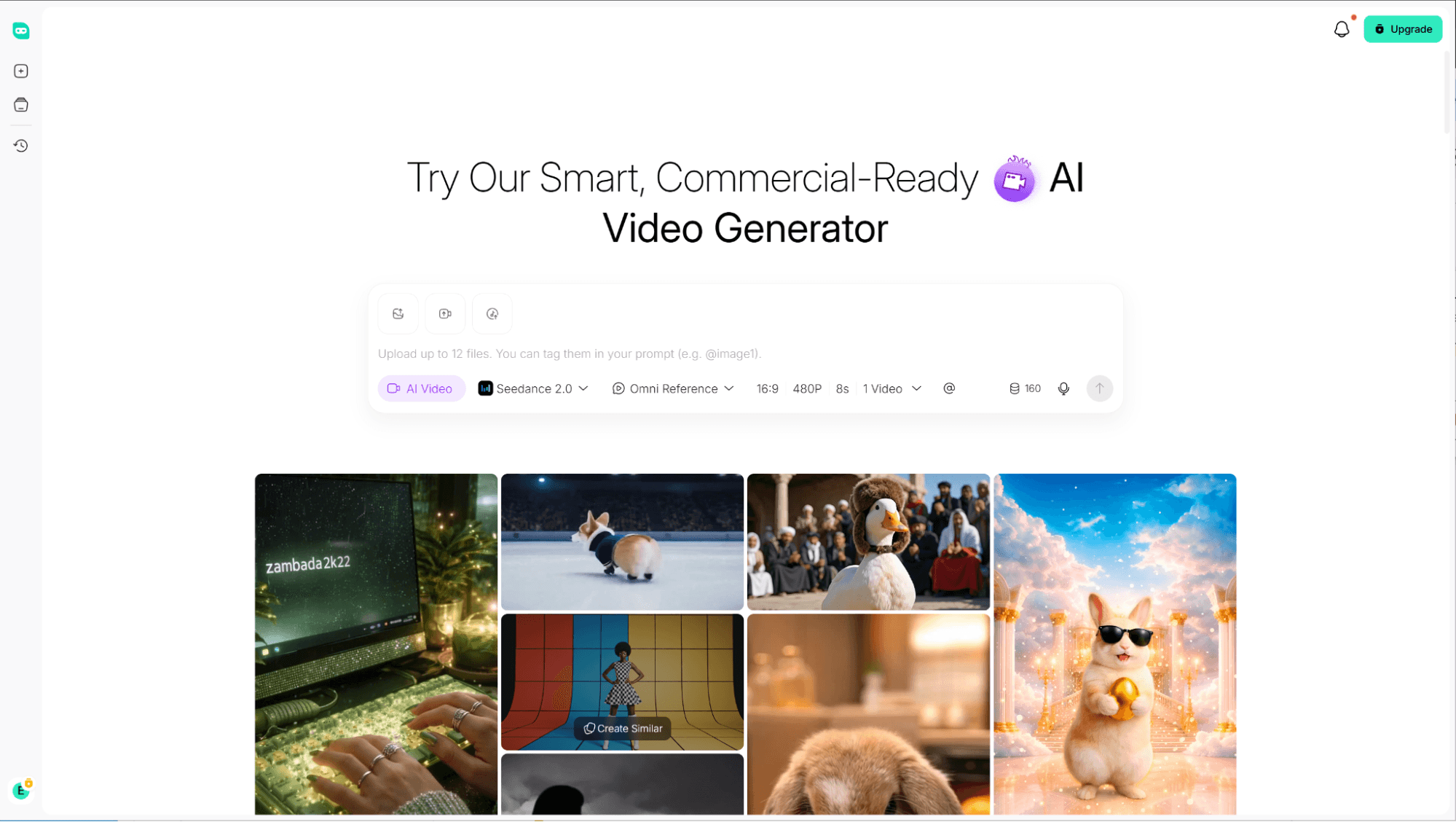
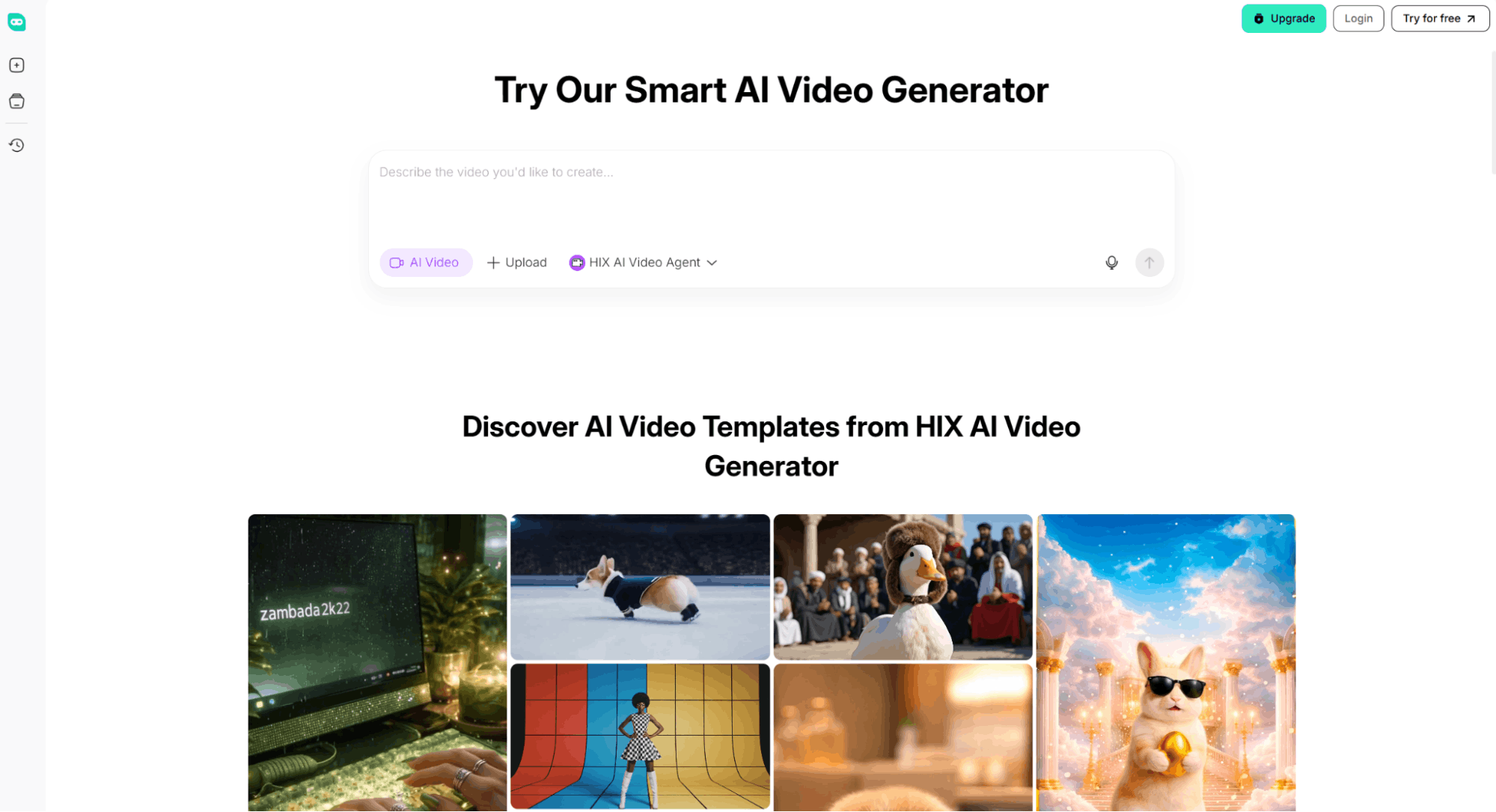
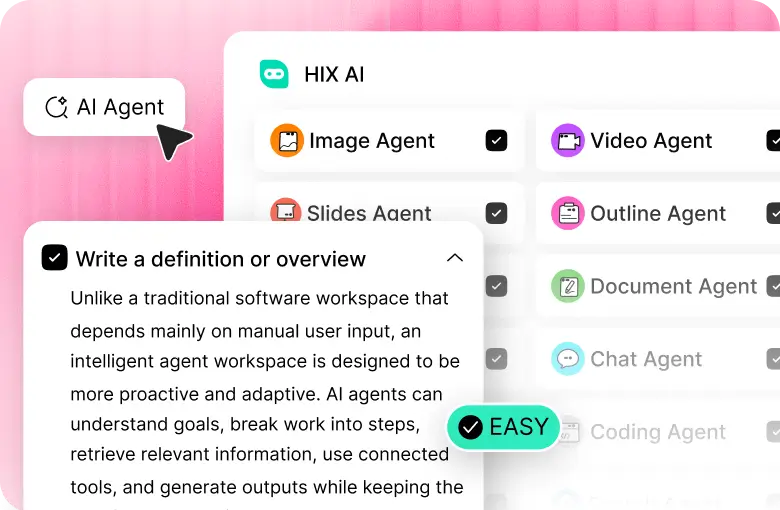
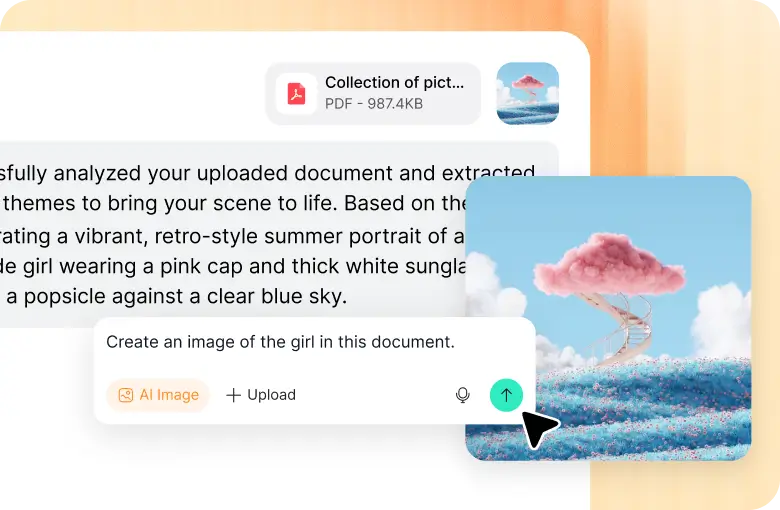
Our HIX AI video agent is the ultimate lifesaver for fast-paced creation. Just feed it text, photos, or audio, and we’ll effortlessly whip them into polished videos for any business scenario, from product demos to viral short dramas.
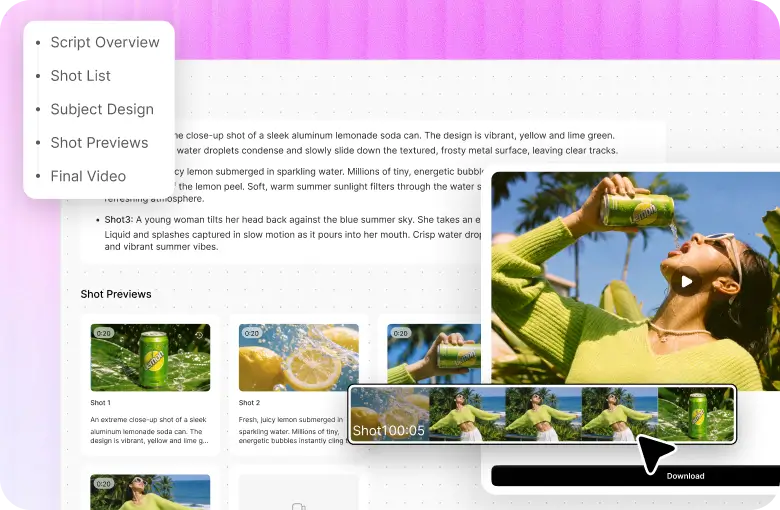
It’s amazing how it lets you go from concept to final video in one seamless flow. The AI agent automatically generates your script, develops multi-view subject designs, crafts every single shot, and even composes original background music, doing all the heavy editing lifting for you.
Additionally, I love how it aggregates the industry's most advanced video models in one place. It makes it incredibly easy to select and switch between top models to perfectly suit your specific needs for various visual styles, motion effects, and cinematic controls.
How to Make an AI Video with HIX AI
I’ve been using the HIX AI video generator to create videos from scratch. Here’s my seamless three-step generation workflow.
Select Your AI Model and Input Creative Assets
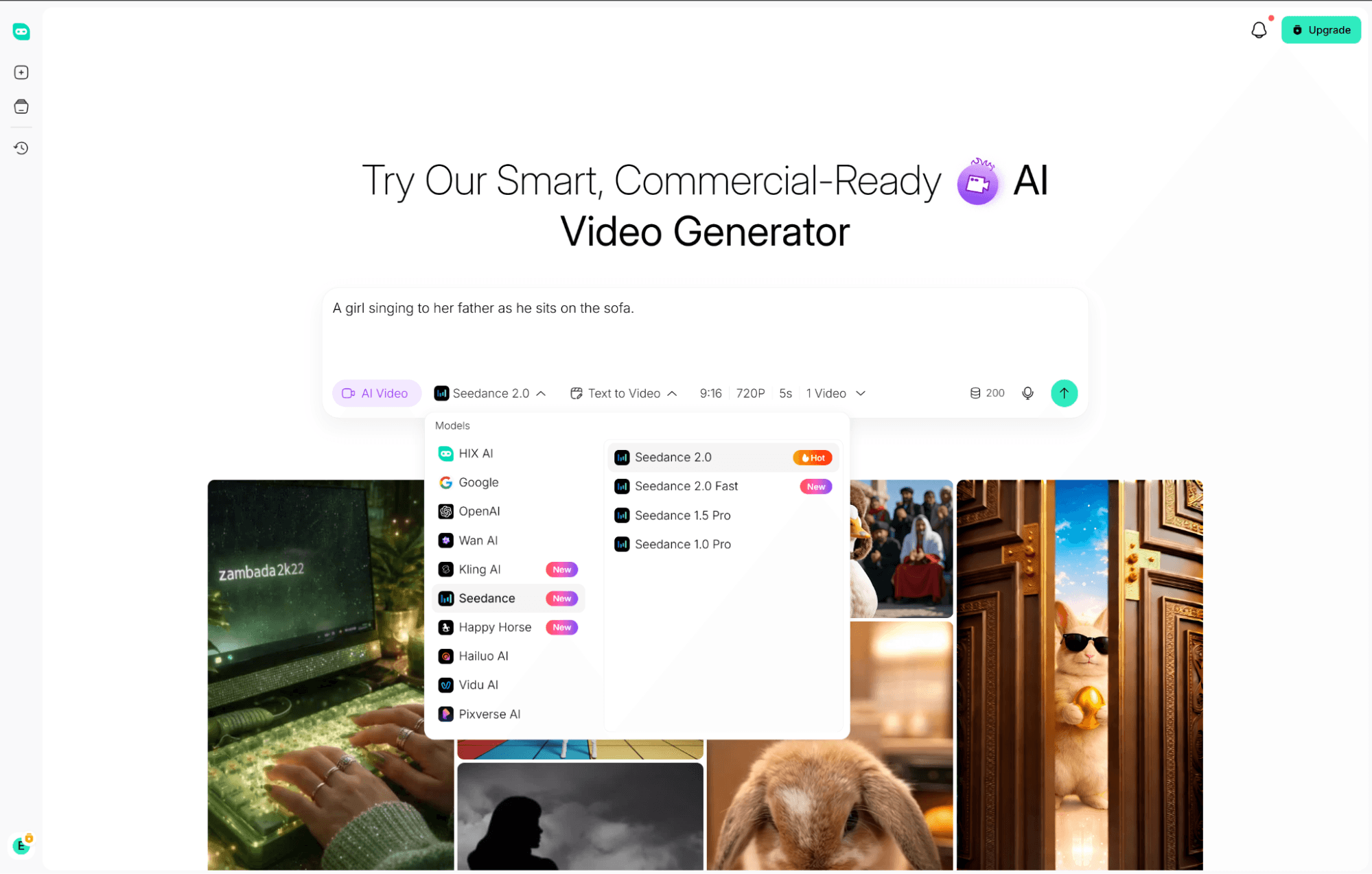
Select an AI video model or agent and input your text prompts, scripts, or reference images. This crucial step instantly translates your abstract ideas into precise visuals, locking in the exact cinematic style and tone for your production.
Configure Output Settings and Launch Generation
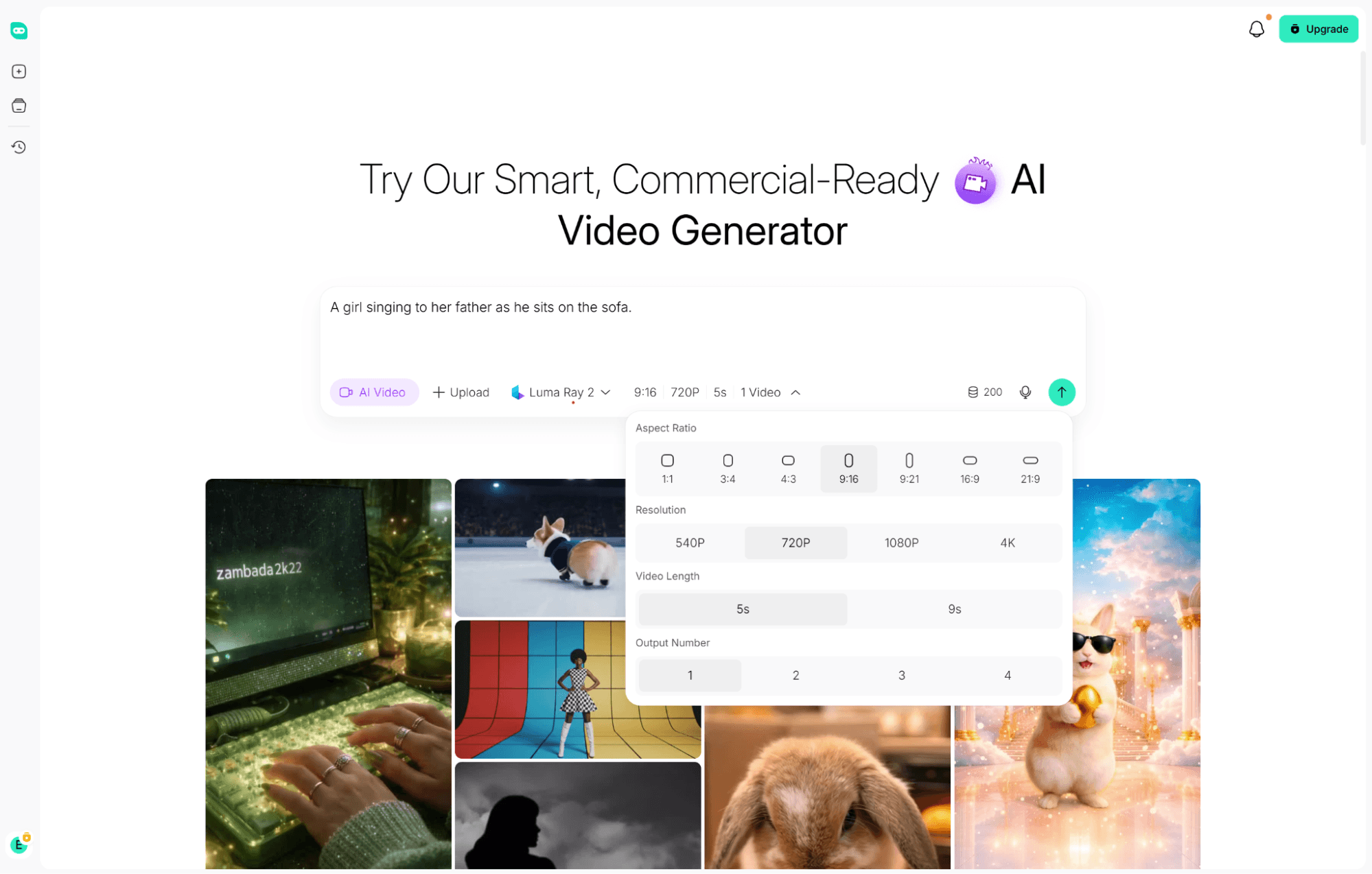
Fine-tune your technical output settings by selecting the ideal resolution, frame rate, and aspect ratio. This ensures your video is perfectly optimized for your chosen platform.
Before launching the generation process, you have total control over their final asset configurations.
The platform supports versatile ratios, like 9:16 for shorts or 3:4 for product showcases. Better yet, adjusting the video length and scaling the resolution up to crisp 4K takes just a few intuitive clicks.
Finally, the HIX AI video generator will process your reference text and images, instantly transforming them into a high-quality, ready-to-publish video clip.
Chat with AI to Refine or Regenerate Clips
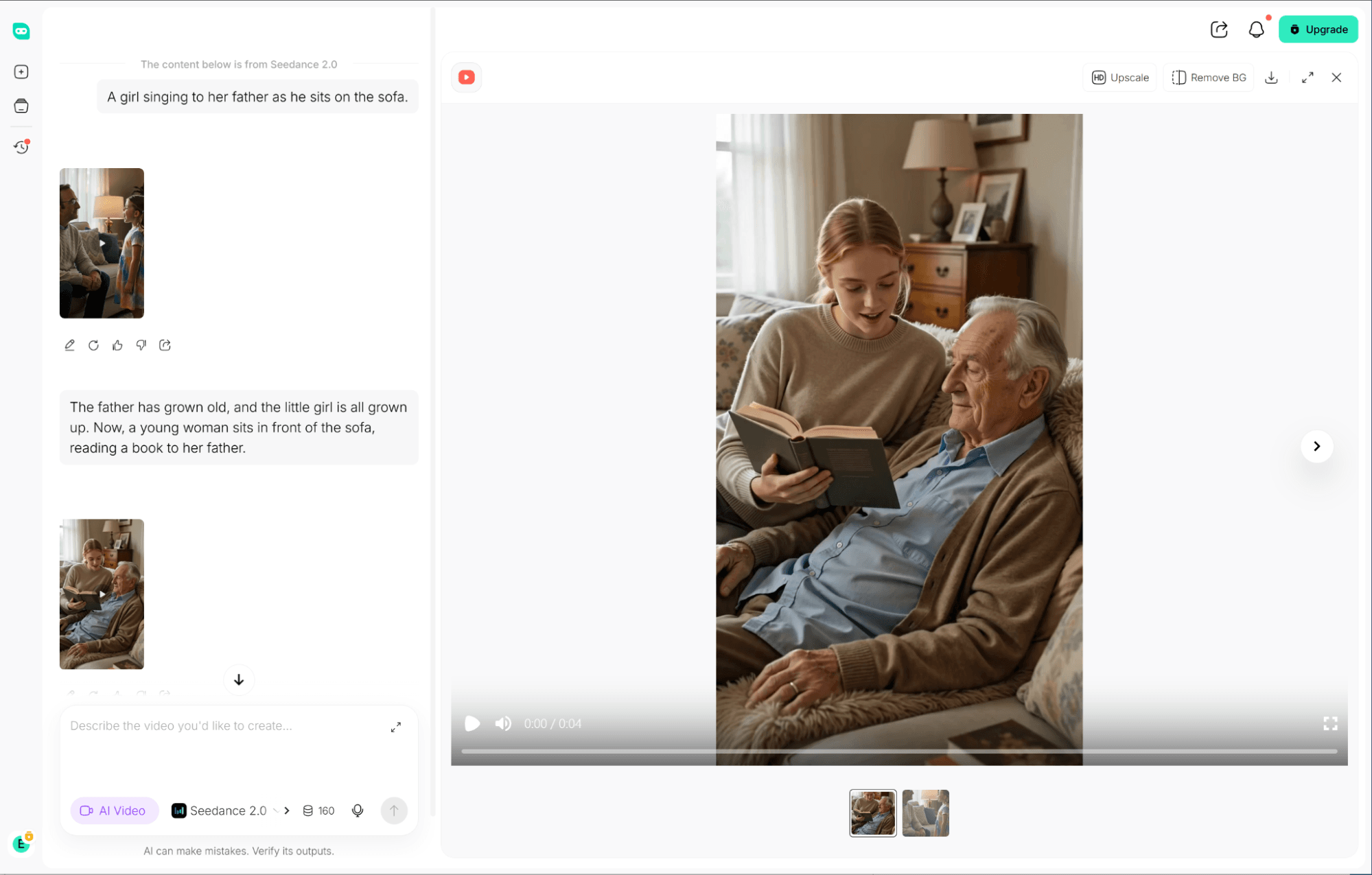
Think of this AI as your tireless assistant. Not quite happy with a specific shot? Just tell it to swap a scene or tweak the lighting right in the chat window. If you need a completely new clip, just prompt it right here to start generating again.
That’s it! This workflow completely eliminates traditional filming, letting you instantly generate high-quality videos straight from your creative ideas.
How to Make AI Videos for All Platforms
For TikTok, Reels, and Shorts, use a vertical 9:16 format optimized for viewing on a phone. Boost retention with a strong 3-second hook, respect safe margins, and include high-contrast subtitles.
Long-form videos for YouTube require structured chapters, engaging B-roll, and clear voiceovers. Maximize click-through rates with high-contrast thumbnails and export in 4K for crisp playback.
Video assets for marketing should highlight product selling points instantly using a UGC style. Ensure text fits within safe zones and always conclude with a high-impact Call-to-Action.
Educational courses and explainers are ideal for generating content without showing your face. Combine photorealistic AI avatars with screen recordings and slides to deliver engaging instructional modules.
How to Make AI Videos Look Realistic, Fix Bad Results, and Stay Legal
Achieving Cinematic Realism
To ensure your videos look realistic, maintain character consistency using reference images and fixed camera angles. Minimize structural distortion by generating short, highly controlled clips with explicit lighting and motion prompts before stitching them together.
Troubleshooting & Quality Checklist
Fix common defects like deformities, hand errors, and unnatural motion by lowering motion intensity or using inpainting. Resolve text gibberish and camera jumps by rendering clean visual plates, then fix audio-visual desync using AI lip-sync tools.
Legal & Compliance Guidelines
To distribute content legally, secure commercial licenses for all assets and music while ensuring brand safety. Avoid unauthorized celebrity or real-person likenesses, and strictly adhere to platform policies regarding mandatory AI content disclosures.
Conclusion
Mastering AI video used to be a guessing game, but HIX AI completely transformed my workflow. I no longer settle for distorted frames or watermarks when I can fully control the final 4K render.
This repeatable pipeline grants true creative freedom for any visual project you pursue. Just tailor your aspect ratios, optimize your settings, and start exporting polished, platform-ready videos today.
🔒Safe • 💳Versatile Plans Offering • 🌟4.8/5 Rating